2D to 3D Converter for TV: Make a 3D File Your TV Plays
How we researched this: written by Owl3D from published sources, all 14 listed at the end.
Short answer
Most 3D TVs and 3D projectors play a file with both eyes' pictures squeezed side by side (or top and bottom) into one 1920×1080 frame: an MP4 or MKV from a USB stick or a player. To get one from a 2D video, convert it with AI software on your computer or online and choose Half side-by-side (Half SBS). The TV's own 2D-to-3D button needs no file, but it simulates depth while the picture plays. Owl3D, the publisher of this guide, makes a 2D-to-3D converter.
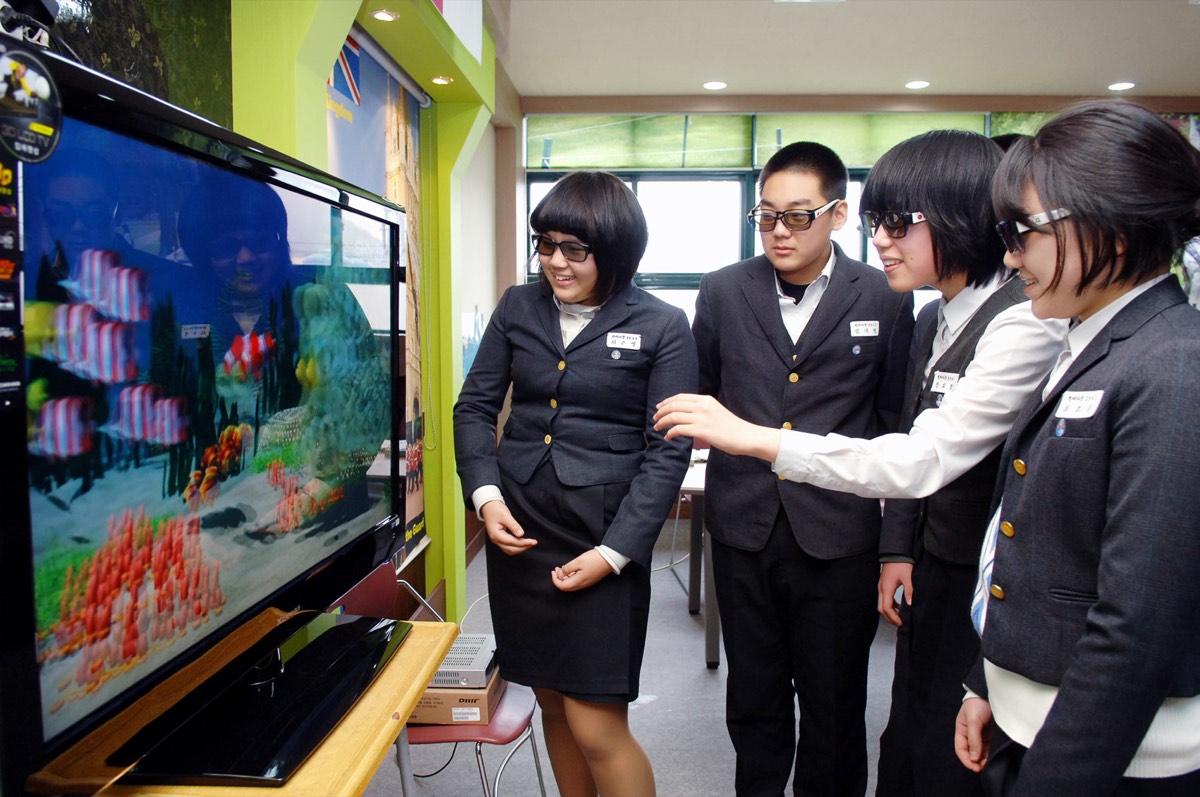
Students in Busan watch an English lesson on an LG 3D TV, 2010. Photo: LGEPR, CC BY 2.0, via Wikimedia Commons.
Key takeaways
- The file most sets take: Half SBS or top-bottom at 1920×1080, as MP4 or MKV. See which file your set needs.
- The TV's 2D-to-3D mode is instant and free, but it is not the same as a converted file: mode or file.
- A full-width side-by-side file (3840×1080) needs one more step for most TVs: Full or Half SBS.
- To make the file, convert it on your computer or online, then play it.
Which file your 3D TV or projector needs
A 3D TV does not work out depth from a 3D file; it needs both eyes' pictures in every frame. In side-by-side mode, Sharp's manual says, "The image is split into a left and right image, and then the images are stretched" [1]. So the set expects each eye's picture squeezed to half width inside a normal 16:9 frame. That is Half SBS. Top-bottom is the same idea with one picture above the other.
| What to check | What most sets take | What the makers say |
|---|---|---|
| Layout | Side-by-side or top-bottom | Sony's 3D menu offers "3D (Side-by-Side)" and "3D (Over-Under)" [2]; Sharp [1] and Panasonic [3] list both |
| Size | 1920×1080 for the whole frame | Sony's 2014 TVs give 1920x1080 as the "Supported Maximum Resolution" for MP4 and MKV files from USB [4] |
| File | MP4 or MKV, H.264 video | Sony's codec list for USB and home network [4] |
| 4K | Not for 3D | On Sony's 4K 3D TVs, "4K 3D signal is not detected." [2] |
| Projectors | Usually side-by-side, top-bottom and frame packing | Epson's Home Cinema 750HD [5] and EH-TW9000W [6]; some BenQ models take only frame sequential and frame packing [7] |
Last checked : Sony, Sharp, Panasonic, Epson and BenQ documents.
On those models' current firmware, "the side by side 3D and Top & Bottom 3D are not supported yet" [7]. Check your own model's manual for its 3D format list; 3D video formats shows what each layout looks like.
Full SBS or Half SBS: the extra step
Full SBS keeps each eye's picture at full width, so a 1920×1080 video becomes a 3840×1080 file. That is wider than the 1920×1080 maximum in Sony's 2014 USB list [4]. Half SBS squeezes both pictures into 1920×1080.
To turn Full SBS into Half SBS, shrink the whole frame to 1920×1080: each eye's picture becomes half width. In the free tool ffmpeg, the scale filter resizes the video [8] and setsar sets "the Sample (aka Pixel) Aspect Ratio" [8], here back to square pixels:
ffmpeg -i film-full-sbs.mp4 -vf "scale=1920:1080,setsar=1" -c:a copy film-half-sbs.mp4
The same command fits a 7680×2160 file made from a 4K video. It re-encodes the picture, which takes a while on a long film. We have not tested the result on a TV. A converter that writes Half SBS directly saves this step; see what owners report.
The TV's own 2D-to-3D mode, and how a converted file differs
Many 3D TVs and some projectors convert as they play. Sony's mode "Displays regular 2D pictures in simulated 3D." [2] Sharp's "Converts normal 2D images into 3D images." [1] Epson's EH-TW9000W has "2D-3D Conversion" [6]. It needs no file and costs nothing.
The makers also set expectations. Sony: "Simulated 3D effect may be less pronounced with some picture sources." [2] Panasonic: "the 3D images appear slightly different from the originals" [3].
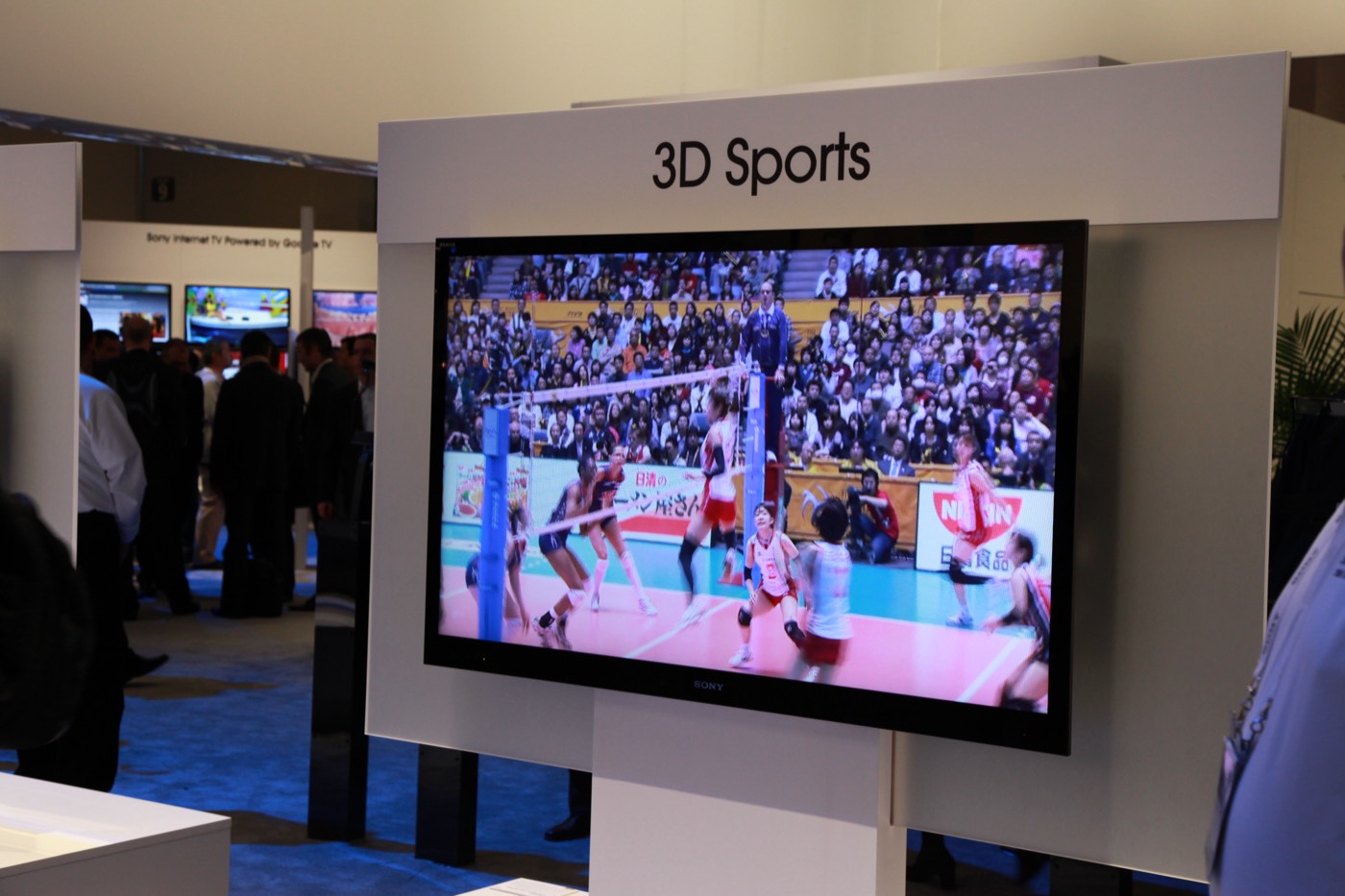
A converted file differs in what you can check yourself:
- It is made before you watch, so you see the result before film night, and it plays the same way every time.
- It needs a side-by-side mode on the set, not a 2D-to-3D button.
- Both are automatic. Wikipedia separates "quality semiautomatic conversion for cinema and high-quality 3DTV, and low-quality automatic conversion for cheap 3DTV" [9]. Neither gives you a studio's own 3D version of a film.
Owners disagree on how good the TV's mode is; see what owners report.
2D-to-3D converter boxes
A box sits between the player and the TV and converts over HDMI. VPI's 2012 press release describes one that "transforms 2D video input sources into 3D format for watching on a 3DTV, 3D DLP projector or 2D HDTV", with "Side-by-Side (SBS) and Amber/Blue (3DRC) 3D output formats in resolutions ranging from 480p to 1080p" [10]. Its product address now leads to VPI's list of converters, which shows no 3D model (checked 2026-10-30) [11]. Like the TV's own mode, a box converts live. We have not tested one.
Convert the file yourself
- Pick the video. Start from a video you have the right to use, such as your own recordings.
- Convert it. Use a 2D-to-3D converter on your computer or online; 2D to 3D video compares the routes.
- Choose the layout. Pick Half SBS at 1920×1080 if the converter offers it, or make Half SBS from Full SBS as above.
- Play it. Copy the file to a USB stick or a media player, start it, and pick side-by-side in the set's 3D menu.
Where Owl3D fits
Owl3D makes two converters. Each turns a 2D video into an AI-converted 3D file, not a studio's 3D version.
- The desktop app, on your own computer. Nothing is uploaded. It writes Half Side-by-Side, the layout most 3D TVs take, as well as full side-by-side and full-height top-bottom. Leave Output resolution on 1080p, even for a 4K video: set higher, Half SBS comes out 3840×2160, not 1920×1080. The free tier converts 60 seconds of video per conversion, with no watermark.
- Owl3D Cloud, in a web browser (beta). Upload the video at app.owl3d.com and Owl3D's servers convert it, so you need no graphics card and no install; it works in Windows, Mac, Android and iPhone browsers. It returns Full SBS only: a 1080p video comes back 3840×1080. For most 3D TVs and projectors, that file needs the extra step. We have not tested a Cloud file on any TV, projector or player. It takes video up to 4K and keeps the sound. The first 3 minutes are free for a new account, with no card. A whole film takes hours; beyond the free minutes you pay per minute of video, see pricing.
Pick Cloud if you have no NVIDIA graphics card, or only a phone, an Intel Mac or a TV box. Pick the desktop app if you have an NVIDIA RTX card or an Apple silicon Mac, since it writes Half SBS directly.
From Owl3DOwl3D converterA desktop app for Windows and Mac that turns 2D videos and photos into 3D.What owners report
These are people's own posts in forums and on GitHub; we have not tested what they describe.
- Full SBS on a projector. The owner of a 1080p projector said a converted film looked "stretched VERY thin", then wrote the next day: "I had been converting using Full SBS, but my projector does support Half SBS and that was the way to go." (January 2026) [12]
- Top-bottom on a passive TV. An owner of a passive 1080p LG 3D TV wrote that "TopBottom format is essential for getting 1920x540 instead of 960x540 in SBS format" (June 2024) [13].
- The TV's own mode, both ways. On the Doom9 forum in June 2012, one member wrote that LG's 2D-to-3D option "actually works surprisingly well"; another, who had seen it, found that "The 3D can be very jarring at times" [14].
Playing it on your TV or projector
Copy the file to a USB stick or play it from a computer or media player, then switch the set to side-by-side: how to play 3D files on a 3D TV or projector goes through each route, and when a 3D TV or projector will not switch helps if you see two pictures.
Frequently asked questions
Can I convert a YouTube or Netflix video for my 3D TV?
Owl3D Cloud takes video files only, not streaming or YouTube links; convert a video you have the right to use. A TV's own 2D-to-3D mode works on what the set shows; Panasonic's works "from photo and all video sources except the PC input" [3].
Will a converted 3D file play on an ordinary TV?
Not in 3D. A 2D TV shows the two pictures next to each other. See 3D on a regular TV.
Why does my TV show two pictures instead of 3D?
The set is not in its side-by-side mode, or the file's layout does not match. See when a 3D TV or projector will not switch.
Sources (14)
- Sharp, "LC-52LE925UN, LC-60LE925UN Operation Manual" (3D display method table). https://files.sharpusa.com/Downloads/ForHome/HomeEntertainment/LCDTVs/Manuals/tel_man_LC52_60LE925UN.pdf (opened 2026-10-11)
- Sony, BRAVIA i-Manual (2014, 4K models with passive 3D), page on watching 3D. https://helpguide.sony.net/gbmig/14HA2671/v1/uen/3dcont_passive_4k.html (opened 2026-10-11)
- Panasonic, eHELP for the ET5 series (TC-L42ET5, TC-L47ET5, TC-L55ET5), 3D settings. https://help.na.panasonic.com/wp-content/uploads/2023/02/TCL42ET5_L47ET5_L55ET5_EHELP_ENG.pdf (opened 2026-10-11)
- Sony, BRAVIA i-Manual (2014 models), "Codec List" for USB and home network; the same list sits under the KDL-32W700B and XBR-55X905B manuals. https://helpguide.sony.net/gbmig/14HE2161/v1/eng/codeclist.html and https://helpguide.sony.net/gbmig/C7021001/v1/uen/codeclist.html (opened 2026-10-30)
- Epson, PowerLite Home Cinema 750HD User's Guide, "Projector Features". https://files.support.epson.com/htmldocs/plhc750/plhc750ug/Source/Product_Info/Concepts/projector_features_plhc750hd.html (opened 2026-10-30)
- Epson Australia, "Epson EH-TW9000W" specifications (back catalogue). https://www.epson.com.au/products/projector/EH-TW9000W_Specs.asp (opened 2026-10-30)
- BenQ, "Does the projector support 3D effects or modes?" (FAQ). https://www.benq.com/en-au/support/downloads-faq/faq/pre-sales/specifications/projector-support-3d-effects-or-modes.html (opened 2026-10-30)
- FFmpeg, "FFmpeg Filters Documentation" (scale; setdar, setsar). https://ffmpeg.org/ffmpeg-filters.html (opened 2026-10-30)
- Wikipedia, "2D to 3D conversion". https://en.wikipedia.org/wiki/2D_to_3D_conversion (opened 2026-10-18)
- VPI, "VPI Announces the Addition of a 2D to 3D Converter" (press release, November 12, 2012). https://www.vpi.us/press-room/2d-3d-converter-adapter-hdtv-3dtv-3d-dlp-hdmi-1080p-563 (opened 2026-10-30)
- VPI, former product address https://www.vpi.us/av-converters/2d-3d-converter-1653, which now leads to https://www.vpi.us/c/av-converters-120 (opened 2026-10-30)
- Users' reports: GitHub, nagadomi/nunif issue #608, "Thin result on 1080p source", January 23–24, 2026. https://github.com/nagadomi/nunif/issues/608 (opened 2026-10-30)
- Users' reports: GitHub, nagadomi/nunif issue #163, "TopBottom stereo format please ( + monovision depthmap video)", June 28, 2024. https://github.com/nagadomi/nunif/issues/163 (opened 2026-10-30)
- Users' reports: Doom9's Forum, "What is a good 2D to 3D conversion program?", replies of June 28, 2012. https://forum.doom9.org/archive/index.php/t-165237.html (opened 2026-10-30)