Can You Play a 3D Blu-ray on a PC in 2026?
How we researched this: written by Owl3D from published sources, all 14 listed at the end.
Short answer
Not by any licensed route we found. On October 10, 2026, we read CyberLink's and Corel's pages and found no current program listed as playing Blu-ray 3D discs. CyberLink PowerDVD used to play them [8]; CyberLink ended Blu-ray 3D playback in version 20 and in updates released after April 2020 for version 19 and below [1][2]. CyberLink's specification and comparison pages for PowerDVD 24, read on October 10, 2026, do not list 3D [3][4]. The drive is not the obstacle; the player software is. A standalone player still does it: Panasonic's manual for the DP-UB820 says 3D plays when the player is connected to a 3D compatible TV [12].
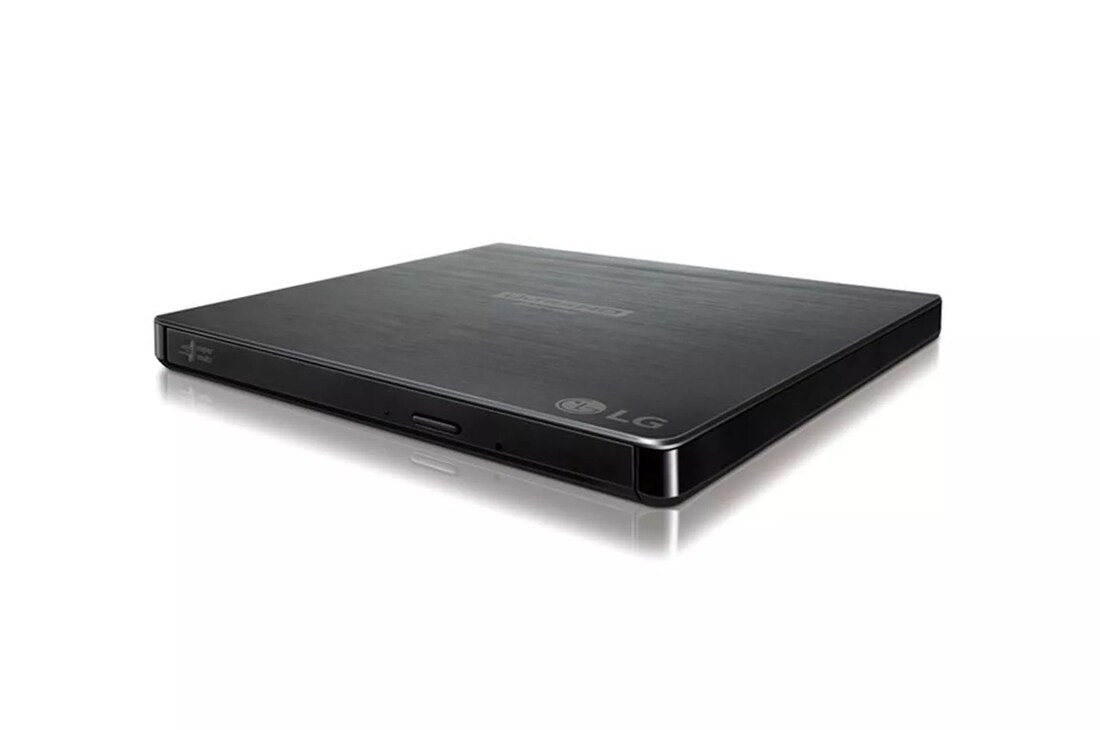
LG's BP60NB10 external drive. LG's US page has "3D Blu-ray Disc Playback" in its title and, on October 10, 2026, showed the drive as "DISCONTINUED" [5]. Image: LG.
Key takeaways
- About to buy PowerDVD for your 3D discs? CyberLink's pages for version 24 do not list 3D: see what CyberLink says.
- Already have a Blu-ray drive? It is not the missing part: see the drive.
- Still running a PowerDVD installed before April 2020? CyberLink says not to update it, the operating system or the graphics driver: see an older PowerDVD.
- Discs you own still play in 3D on a standalone player with a 3D TV: see what works.
The three parts, and the one we could not find
CyberLink's requirements for Blu-ray 3D, from when PowerDVD played it, name three things besides the computer: a Blu-ray drive, the player software, and a 3D display with 3D glasses [8].
| Part | What the makers say | Where it stands |
|---|---|---|
| Blu-ray drive | LG and ASUS (its Hong Kong page) name 3D Blu-ray on their drives' pages [5][6][7] | Not the obstacle |
| Player software | CyberLink: Blu-ray 3D playback "is NO longer supported in the new version of PowerDVD 20 (or above)" [2] | Not listed on the CyberLink and Corel pages we read |
| 3D screen and glasses | CyberLink: "3D display and 3D glasses are required" [8] | Needed as well |
The software: what CyberLink says today
PowerDVD was CyberLink's program for this [8]. CyberLink's support page now reads: "The 3D media playback features, including 3D video file playback, TrueTheater 3D, 3D-DVD, Blu-ray 3D, etc. will be no longer be supported in new versions of CyberLink PowerDVD (released after Apr. 2020)" [1]. The decision covers "the latest version 20 and any future patch-updated versions released after April 2020 (new patches applied to versions 19 and below)" [1]. So, by CyberLink's statement, version 19 or an earlier one loses 3D too once it takes an update released after April 2020.
CyberLink's site now shows PowerDVD 24. Its specification and comparison pages for PowerDVD 24, read on October 10, 2026, do not list 3D; the comparison page lists "Blu-ray disc, BD Live" for the Ultra and 365 editions [3][4]. Those pages do not say what version 24 does with a 3D disc.
WinDVD is not on Corel's product list, read the same day [9].
This page covers licensed playback only. The U.S. Copyright Office writes that section 1201 of title 17, United States Code, "prohibits the circumvention of technological measures employed by or on behalf of copyright owners to protect access to their works" [10].
The drive
CyberLink's requirements asked for the same thing for Blu-ray 3D as for ordinary Blu-ray: a "Blu-ray Disc drive", with a link to its list of supported drives [8]. Drive makers name 3D on their pages all the same: LG's BU20N page says "Supports 3D Blu-ray Disc Playback" [6], its BP60NB10 page has "3D Blu-ray Disc Playback" in the title [5], and ASUS's Hong Kong page for the BW-16D1HT PRO speaks of "full HD 3D Blu-ray content" [7]. On October 10, 2026, LG's US site showed both drives as "DISCONTINUED" [5][6].
So the drive is not what stops you, and buying a new one does not solve the software problem.
The screen and the connection
CyberLink's requirements for Blu-ray 3D, written for PowerDVD 10, said "3D display and 3D glasses are required" and listed: "NVIDIA 3D Vision*, 3D Ready HDTV, Micro-polarizer LCD and Anaglyph Red/Cyan Glasses", plus an "HDCP compliant display for digital output" [8]. For 3D TVs and projectors today, see 3D TVs in 2026 and 3D projectors.
NVIDIA has ended driver support for 3D Vision. Its support page says: "Following the posting of the final driver from Release 418 in April 2019, GeForce Game Ready Drivers will no longer support NVIDIA 3D Vision" [11].
If you still have an older PowerDVD
A copy installed before April 2020 and never updated is the case CyberLink's page leaves open. CyberLink's advice: "please stay with your current version (released before April 2020) by not updating the program. You should also not update your operating system and graphics driver versions that are currently compatible with 3D media playback" [1].
That means a computer kept as it is for this one job, with a 3D screen attached.
What owners report
These are three people's own accounts; we have not tested them.
- An owner on Blu-ray Forum, January 2021: "Nvidia also dropped 3D Vision in its drivers over a year ago." And: "So I had to drag out my old Win7 PC to play 3D Blu-rays." [13]
- A buyer in the same thread, June 2020: "I would have never wasted the time or money to downgrade from PowerDVD 19 Ultra to PowerDVD 20 Ultra if I would have known this was going to happen" [13].
- A member of the Photo-3d mailing list, April 2020: "I bought PowerDVD20, thinking it had some really nice features like HDR and playing ISO bluray files. Then I discovered it wouldn't play 3D files...ugh." [14]
What works for the discs you own
A standalone player and a 3D TV. Panasonic's manual for the DP-UB820 says: "3D videos and 3D still pictures can be played back when this unit is connected to a 3D compatible TV using a High Speed HDMI Cable" [12]. Which players and consoles play 3D discs, new and used, is in 3D Blu-ray players.
No 3D screen at all. Then the disc is not the way in. Some services stream studio 3D films, each only on a headset: see which streaming services have 3D.
Frequently asked questions
Can I watch a 3D Blu-ray in a VR headset through my PC?
Not by a licensed route we found. The missing part is the same one: software that plays the disc in 3D. For what a headset does play, see watching movies in VR.
Can I play a 3D Blu-ray on a Mac?
Not by a licensed route we found. CyberLink's requirements for PowerDVD 24 list "Microsoft Windows 11, 10 (64 bit OS only)" [3], and its Blu-ray 3D requirements listed only Windows [8].
Will the disc at least play in 2D on a computer?
The CyberLink pages we read for PowerDVD 24 do not say [3][4]. On standalone players, not every 3D disc plays in 2D: see does a 3D Blu-ray play in 2D.
Sources (14)
- CyberLink Support, "The 3D media playback feature is no longer supported in new versions of PowerDVD released after April 2020." https://support.cyberlink.com/faq/3d-playback-no-longer-supported-powerdvd (opened 2026-10-10)
- CyberLink Support, "Why is 3D media playback NOT supported in CyberLink PowerDVD 20 or later versions, and PowerPlayer 365." https://support.cyberlink.com/faq/3d-playback-not-supported-powerdvd-20 (opened 2026-10-10)
- CyberLink, "PowerDVD 24: Minimum System Requirements". https://www.cyberlink.com/products/powerdvd-ultra/spec_en_US.html (opened 2026-10-10)
- CyberLink, "PowerDVD 24: Compare Editions". https://www.cyberlink.com/products/powerdvd-ultra/comparison_en_US.html (opened 2026-10-10)
- LG USA, "Slim Portable Blu-ray / DVD Writer & 3D Blu-ray Disc Playback & DVD M-DISC Support" (BP60NB10). https://www.lg.com/us/burners-drives/lg-bp60nb10-external-blu-ray-dvd-drive (opened 2026-10-10)
- LG USA, "3D Blu-ray Disc Playback & M-DISC Support" (BU20N). https://www.lg.com/us/burners-drives/lg-bu20n-internal-blu-ray-dvd-drive (opened 2026-10-10)
- ASUS Hong Kong, "BW-16D1HT PRO". https://www.asus.com/hk/Optical-Drives-Storage/BW16D1HT_PRO/ (opened 2026-10-10)
- CyberLink, "System Requirement" (Blu-ray Disc support pages; Blu-ray 3D requirements for PowerDVD 10 Ultra Mark II). https://www.cyberlink.com/stat/bd-support/enu/system-requirement.jsp (opened 2026-10-10)
- Corel, "Our Products". https://www.corel.com/en/all-products/ (opened 2026-10-10)
- U.S. Copyright Office, "Section 1201 Study". https://www.copyright.gov/policy/1201/ (opened 2026-10-10)
- NVIDIA Support, "Support Plan for 3DVision Products" (updated 09/29/2021). https://nvidia.custhelp.com/app/answers/detail/a_id/4781 (opened 2026-10-10)
- Panasonic, "Owner's Manual, Blu-ray Disc Player, Model No. DP-UB820" (TQBS0258). https://help.na.panasonic.com/wp-content/uploads/2023/02/DPUB820_TQBS0258_ENG_ESP.pdf (opened 2026-10-09)
- Users' reports: Blu-ray Forum, "PowerDVD 20 Ultra is a downgrade when compared to PowerDVD 19 Ultra (user review)" (posts of June 30, 2020 and January 28, 2021). https://forum.blu-ray.com/showthread.php?t=329797 (opened 2026-10-10)
- Users' reports: Photo-3d list on groups.io, "Bad News: CyberLink is dropping support of 3D Blu-rays and 3D Files" (April 19, 2020). https://photo-3d.groups.io/g/main/topic/bad_news_cyberlink_is/73120909 (opened 2026-10-10)