Convert Video to VR: Turn Any Video Into 3D for Your Headset
How we researched this: written by Owl3D from published sources, all 10 listed at the end.
Short answer
You cannot turn a normal video into a true 360-degree VR video: the camera never filmed what was behind it. What you can do is convert it to 3D side by side, so in a headset it plays on a big screen with depth. That is what most "VR video converters" make: a "stereo pair" built from the 2D picture [10]. Tools can also stretch the picture over a 180 or 360 degree sphere, but nothing new appears when you turn your head [1]. On a Meta Quest you may not need to convert at all: since version 2.5 (June 2026), its Gallery opens photos and videos in 3D by itself [3]. Owl3D, the publisher of this guide, makes a 2D-to-3D converter and Owl3D Link; every other tool is described from its maker's own pages.

What a "VR video" made from a normal video looks like when you open it on a computer: side by side, one picture for each eye. Your headset's player puts them back together as one 3D picture. A frame of Big Buck Bunny 3D. Image: © Blender Foundation, bigbuckbunny.org, CC BY 3.0.
Key takeaways
- "VR" here almost always means 3D side by side on a virtual screen, not 360: what you can make.
- Quest only, no PC? Try the Gallery's built-in 3D first; with a PC, convert the file or stream it live: pick your route.
- Free routes: iw3 on your own computer, the Quest's Gallery, and Owl3D's free plan (60 seconds of video per conversion): step by step.
- Two pictures, warped, or flat in the headset? It is a player setting, not a broken file: fixes.
What "VR video" can mean, and what a normal video can become
| You want | What you get from a normal video | Conversion needed? |
|---|---|---|
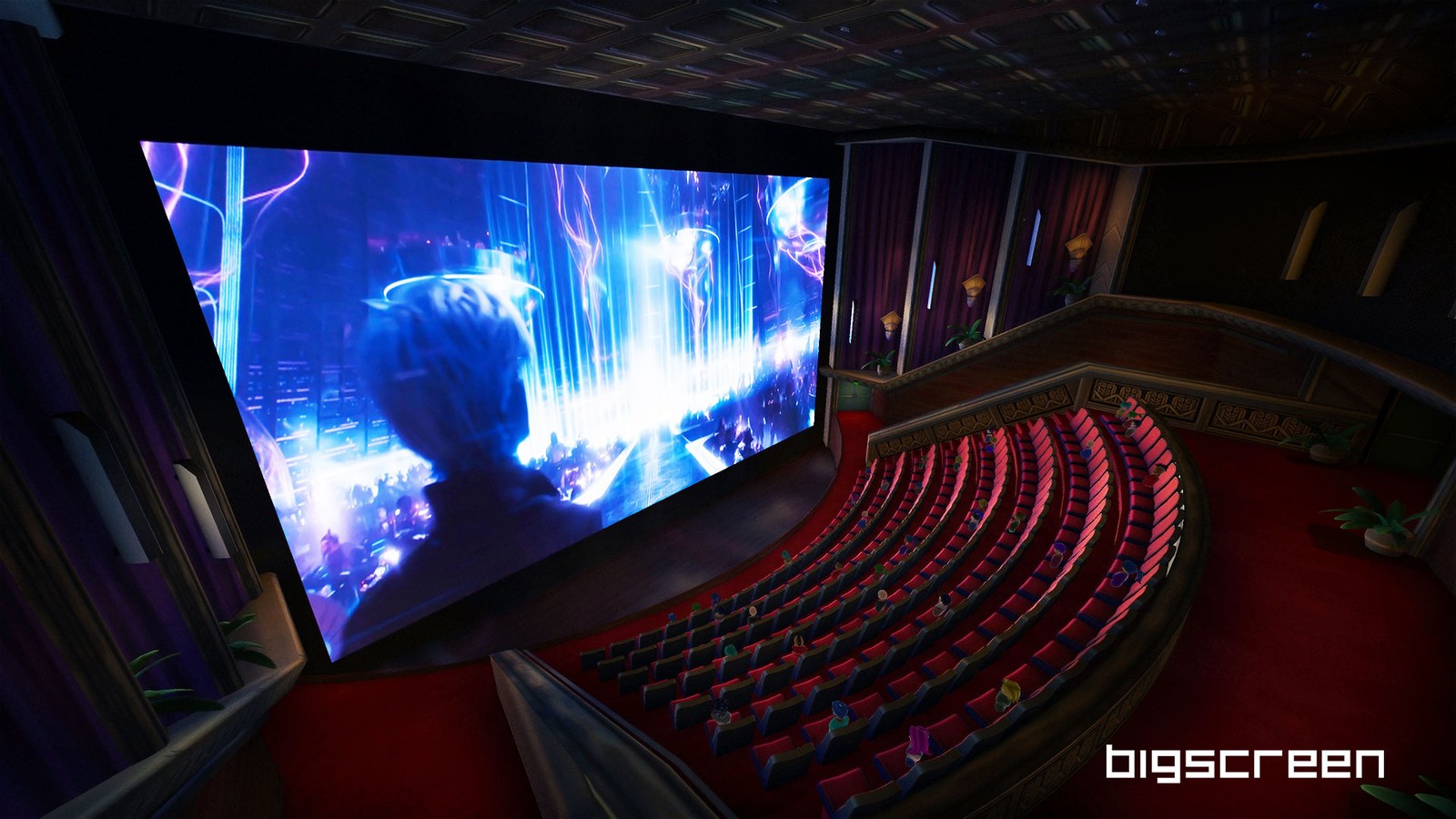
| A big screen in the headset | The video, flat, on a cinema-size screen | No: any VR video player does it |
| 3D, things with depth | A side-by-side 3D file; depth estimated by AI | Yes, a 2D-to-3D converter, or a player that converts as it plays |
| 180 or 360, look around | The same picture stretched over a half or full sphere; no new view behind you | Yes, and its makers warn about the result |
A real 360 video is filmed with a multi-lens camera or a rig [1]. For films made that way, see VR movies.
Which route fits what you own
- A Meta Quest, no PC. Try the headset's Gallery first. Meta's notes for version 2.5 say "Photos and videos in Gallery now open in 3D automatically", and you can switch back to 2D [3]. Nothing to install. We have not tested which of your own files Gallery shows.
- A Windows PC or a Mac. Convert the file to 3D side by side (steps below), or stream your screen to a Quest converted live (no converting).
- Only a phone. Phone apps show a video split for a phone headset; see the Android question.
- Apple Vision Pro. You need a spatial video, not side by side: see making a spatial video from a 2D video.
Step by step: from a video file to 3D in your headset
- Pick a converter. On your own computer: iw3, free and open source, was written by its author because "I want to watch any 2D video as 3D video on my VR device" [2]; Owl3D's converter (below). Online: you upload the file, and most sites charge, for example MakeVR, which sells credit packs for side-by-side output [8][9].
- Choose full side by side. Half side by side is "subsampled at half resolution"; iw3's author notes that "Older VR devices may only support this format" [2]. Leave 180 and 360 off.
- Name the file so the player knows. Players read the format from the file name. iw3 adds
_LRF_Full_SBSto the name; its author lists Pigasus, Skybox and DeoVR and writes: "I confirmed that _LRF_Full_SBS works with all of the above software." [2] Skybox also readsLR_ScreenandFull_SBS[4]. - Copy it to the headset. By USB cable from a Windows PC, a USB drive, Wi-Fi or a phone: see moving films to a Quest.
- Play it and check the setting. In Skybox, the Stereo Mode panel has the 3D side-by-side choice and an Auto button [4]. Pick the flat screen, not 180 or 360.
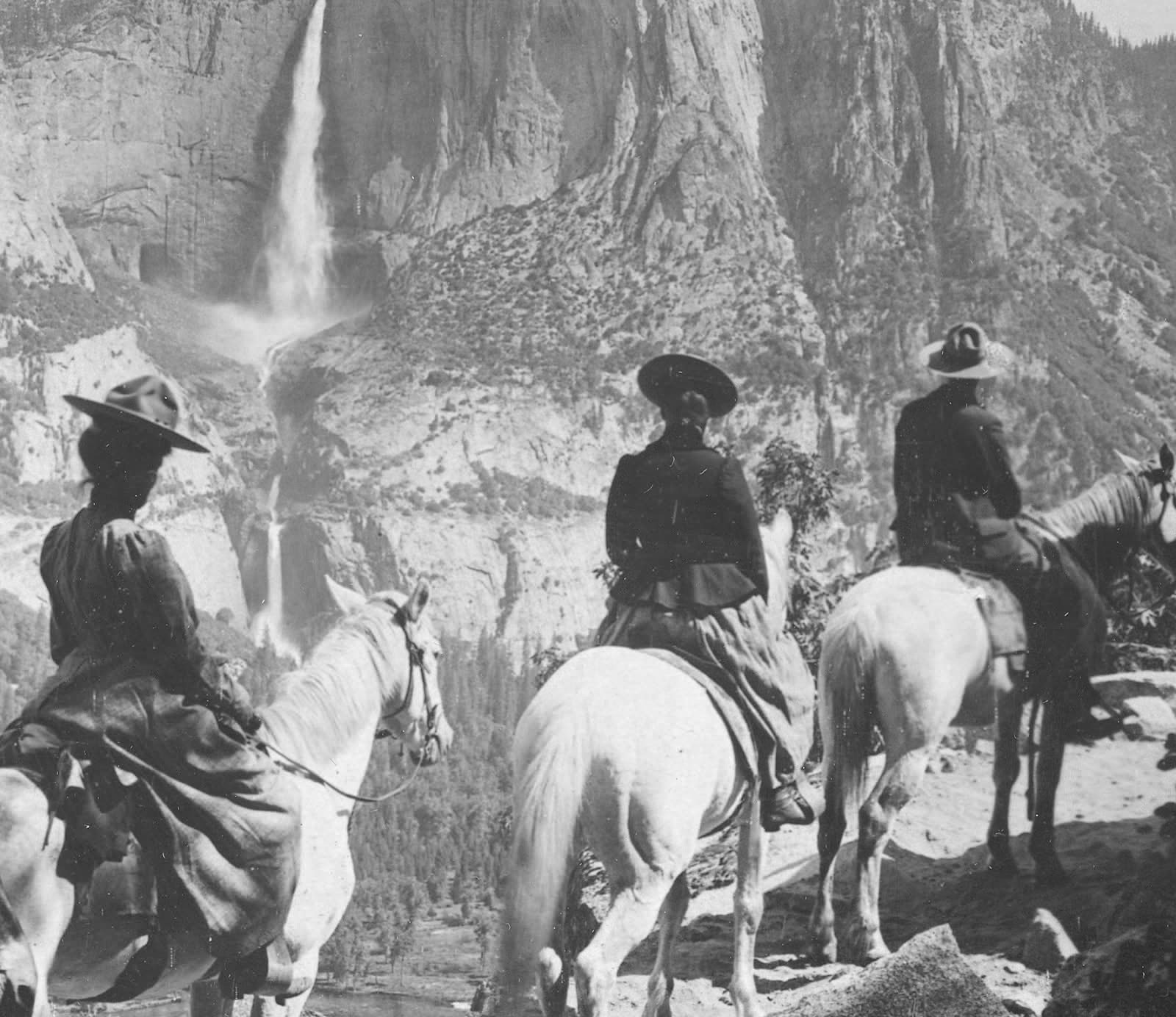
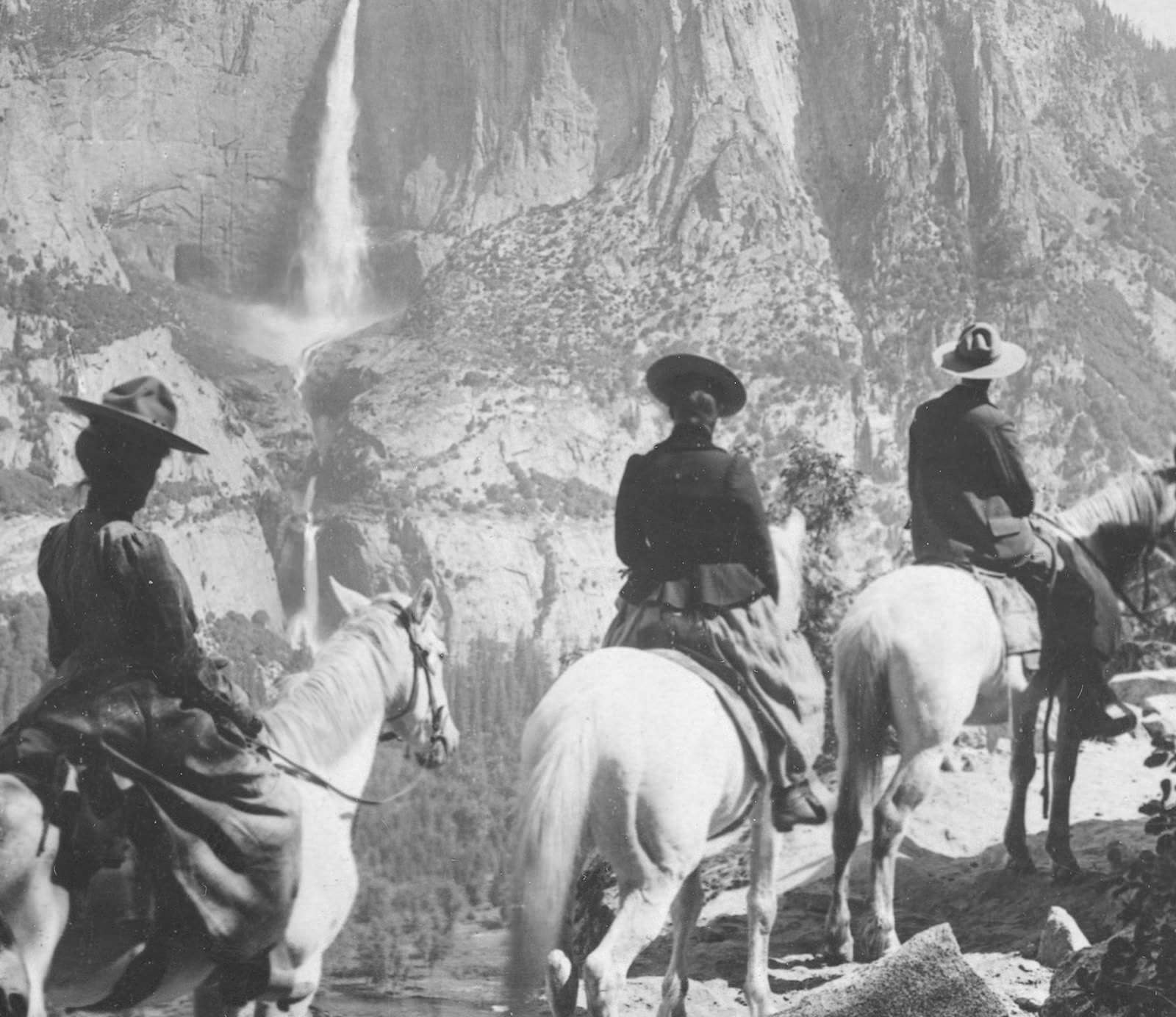
One 3D picture, four ways to pack it
Can a normal video become 180 or 360 VR?
It can be put into that shape; it cannot gain what the camera did not film. Wondershare, which sells a converter, says so on its own page: "Converting a flat 2D clip into “360” has hard limits. It can improve immersion, but it cannot recreate what was never captured." [1] It adds that "pixels often “move with you” instead of exposing new detail", which "in fast scenes, may feel uncomfortable" [1].
The tools that do it:
- iw3 has a VR180 option. Its author writes: "This is usually not recommended because of poor usability during playback." It helps when a player cannot show full side by side, or for posting to YouTube [2].
- BuildVR converts "normal 2D videos into immersive 360° equirectangular VR format using AI" [6]. Its pricing page lists paid monthly plans; the smallest converts up to 60 seconds of video [7]. We have not tested what fills the rest of the sphere.
For most films, side by side on a flat screen is what looks right.
Watch in 3D without converting
- Meta Quest Gallery. The built-in 3D view, for videos already on the headset [3].
- Owl3D Link, live from a Windows PC: see below. It works on whatever plays on the PC, including a web browser, so there is no file to prepare.
Where Owl3D fits
Owl3D's converter turns a video file you have the right to use into side by side, half side by side or top-bottom 3D, for a headset; on a Mac it can also export Spatial Video for Apple Vision Pro. It runs on your own Windows PC (NVIDIA, AMD or Intel graphics) or Mac. It is not instant, and it makes a flat 3D film, not a 180 or 360 video. The free plan converts up to 60 seconds of video at a time, with no watermark; for longer videos, see the plans. It is an AI conversion, not a studio's own 3D version.
To skip the file, Owl3D Link is free to use; on the free plan a session lasts 15 minutes and the picture carries a watermark. With the Owl3D app on a Windows PC with an NVIDIA RTX 3060 or better, it converts what is on the PC instantly and streams it to a Meta Quest.
From Owl3DOwl3D converterA desktop app for Windows and Mac that turns 2D videos and photos into 3D.When it looks wrong in the headset
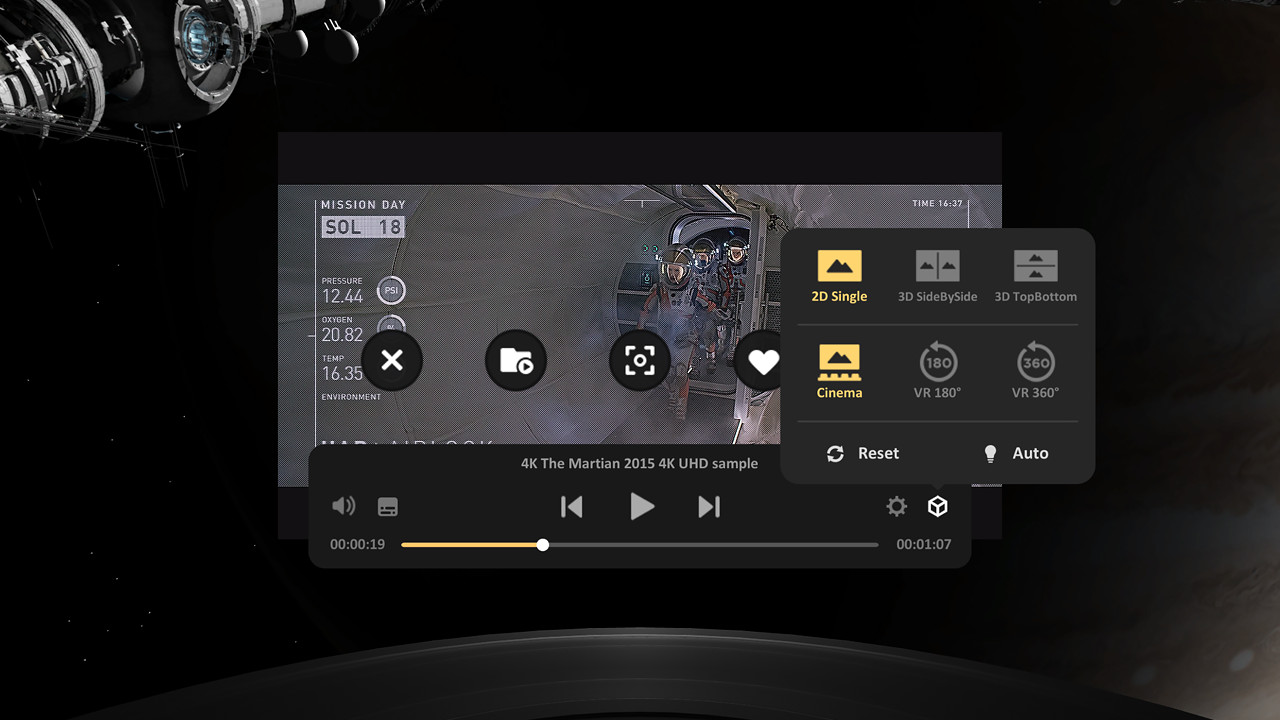
- Two pictures next to each other. The player thinks the file is 2D. Choose 3D side by side, or rename the file [4].
- Bent round you, stretched, or huge. The player chose 180 or 360. Choose the flat screen.
- Flat, no depth. You are watching the original, or one eye of the pair. On a computer, iw3's author notes that "Some software, such as Windows Photo, shows only one side of side-by-side layout" [2].
More fixes: VR video player settings.
Frequently asked questions
Can I convert a video to VR online for free?
For a short test, yes; for a whole film, not from the sites we opened. Wondershare's page has a free browser converter with a 50 MB file limit, and it showed "3 times left" when we opened it [1]; we have not tested what it makes. BuildVR and MakeVR sell plans or credit packs [7][9]. The free routes for longer videos run on your own devices: iw3 [2] and the Quest's Gallery [3]; Owl3D's free plan converts up to 60 seconds of video at a time.
Can I convert a video to VR on Android?
Phone apps exist, but read what they do. The first result on Google, AppexSoft's "VR Video Converter & VR Player", describes a "Cinematic side-by-side (SBS) mode" for videos on your phone [5]; its description does not say it adds depth. It had 2.9 stars from 2.42K reviews when we looked [5].
Can I turn a YouTube video into VR?
If it is your own video, convert the original file. To watch a video playing in a browser in 3D as it plays, use a live route such as Owl3D Link from a Windows PC.
Is a converted video the same as a real VR video?
No. Real 3D comes from "two slightly different views for your left and right eyes"; a 2D video has one, so software has to guess the depth [1]. Even accurate depth "causes artifacts at foreground and background edges", says iw3's author [2].
Sources (10)
- Wondershare, "Video to VR Converter Online/PC: Convert Normal Video to 360 VR": the browser converter at the top and the section "The Limits of Converting 2D to 360 VR". https://videoconverter.wondershare.com/vr/convert-video-to-360-vr.html (opened 2026-10-17)
- nagadomi, "iw3" README, GitHub. https://github.com/nagadomi/nunif/blob/master/iw3/README.md (opened 2026-10-17)
- Meta, "Meta Quest release notes", Meta Horizon OS version 2.5, week of June 22, 2026. https://www.meta.com/help/quest/172903867975450/ (opened 2026-10-17)
- Skybox (Source Technology), "How to Adjust 2D/3D/VR Video Formats". https://skybox.xyz/support/How-to-Adjust-2D&3D&VR-Video-Formats (opened 2026-10-17)
- Google Play, "VR Video Converter & VR Player" (AppexSoft), US English listing. https://play.google.com/store/apps/details?id=com.appex.vr.sbs.video.converter.player&hl=en_US (opened 2026-10-17)
- BuildVR, home page. https://buildvr.ai/ (opened 2026-10-17)
- BuildVR, "Pricing Plans". https://buildvr.ai/pricing (opened 2026-10-17)
- MakeVR, home page. https://makevr.video/ (opened 2026-10-17)
- MakeVR, "Pricing". https://makevr.video/pricing (opened 2026-10-17)
- VideoProc, "Best 6 VR Converters: Convert Normal Video to VR Video". https://www.videoproc.com/media-converter/vr-video-converter.htm (opened 2026-10-17)