GoPro 3D HERO System: Which Cameras Fit, How to Join the Clips and How to Watch in 3D
How we researched this: written by Owl3D from published sources, all 3 listed at the end.
Short answer
The GoPro 3D HERO System (2011) is a housing for two HD HERO or two HD HERO2 cameras, joined by a sync cable so both record at the same moment [1][3]. Each camera saves its own clip, one for each eye [1]. GoPro's free CineForm Studio joined them into one 3D video, and a reader under a 2012 review of the kit wrote that they could not find a copy [1]. You do not need it: one free ffmpeg command joins the two clips into a side-by-side 3D file that plays on a VR headset, a 3D TV or a 3D monitor.
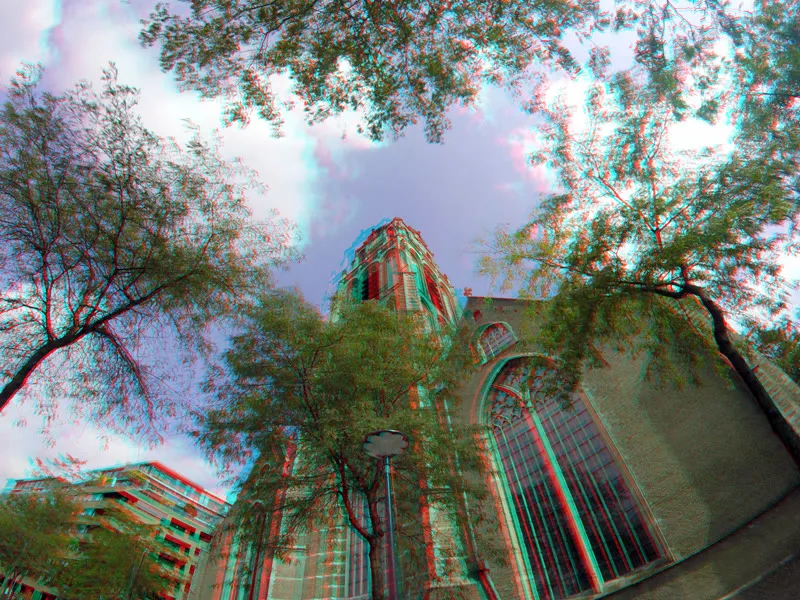
A stereo photo saved as red-cyan anaglyph: "Laurenskerk Rotterdam 3D GoPro", 2017. Photo: Wim Hoppenbrouwers on Wikimedia Commons, public domain. Wear red-cyan glasses to see the depth.
Key takeaways
- The 3D HERO housing takes two identical HD HERO or HD HERO2 cameras; for two HERO3+ Black cameras GoPro made the Dual HERO. See which cameras fit.
- Keep the card folders as they are, and join each left and right clip side by side: the command.
- A side-by-side file plays in a VR headset, on a 3D TV or on a glasses-free 3D screen; red-cyan glasses work on any screen. See how to watch.
- One ordinary GoPro and no rig: an AI conversion can make a 3D file from its clip. See 3D from one GoPro.
Which GoPro cameras fit the 3D HERO System and the Dual HERO?
The two kits take different cameras. Both need two cameras of the same model, set to the same frame rate and resolution [1][2].
| Kit | Year | Cameras it takes | How it was sold |
|---|---|---|---|
| 3D HERO System | 2011 [3] | Two HD HERO (original) or two HD HERO2 [1][3] | Housing, sync cable, 3 pairs of red-cyan glasses, free CineForm Studio download [1] |
| Dual HERO System | 2014 [3] | Two HERO3+ Black Edition [2][3] | Housing for both cameras, sync cable, 2 pairs of red-cyan glasses [2] |
The 3D HERO System does not work with the HERO 960 or standard-definition GoPros [1]. No other camera is on either list, not a HERO3 and not a HERO4, so check the model printed on both cameras before you buy a used kit.
In both kits the left camera sits upside down, which puts the two lenses as close together as possible [1][2][3]. With the 3D HERO, the left camera turns its picture the right way up by itself once the sync cable is plugged in [1]. If the cable is in the wrong way round, or the two cameras have different settings, at least one camera's screen stays blank [1].
How do I turn the left and right clips into one 3D video?
CineForm Studio found the pair for you: you picked one clip and it added the matching clip from the other camera's folder [1]. It then saved one file with both views, which you could export as side-by-side or red-cyan anaglyph [1]. Without it, the job is three steps.
- Copy both cards without renaming anything. Keep each camera's folder as it was on the card [1]. Pair each left clip with the right clip of the same take: both show the same scene.
- Join them side by side. Install ffmpeg (free) and run this, with the left camera's clip first:
ffmpeg -i LEFT.MP4 -i RIGHT.MP4 -filter_complex "[0:v][1:v]hstack=inputs=2[v]" -map "[v]" -map 0:a -c:v libx264 -crf 18 -c:a copy gopro-3d-sbs.mp4Two 1080p clips become one 3840 x 1080 full side-by-side file with the left camera's sound. - Make a half side-by-side copy for a 3D TV. A 3D TV's 1080p modes take half side-by-side: 1920 x 1080, each view squeezed to half width. For 1080p clips, add
scale=960:1080to each view:ffmpeg -i LEFT.MP4 -i RIGHT.MP4 -filter_complex "[0:v]scale=960:1080,setsar=1[l];[1:v]scale=960:1080,setsar=1[r];[l][r]hstack=inputs=2[v]" -map "[v]" -map 0:a -c:v libx264 -crf 18 -c:a copy gopro-3d-half-sbs.mp4
We ran both commands on two 1080p test clips on November 21, 2026 (ffmpeg 6.1): the first gave 3840 x 1080, the second 1920 x 1080. We have not run them on files from a 3D HERO card.
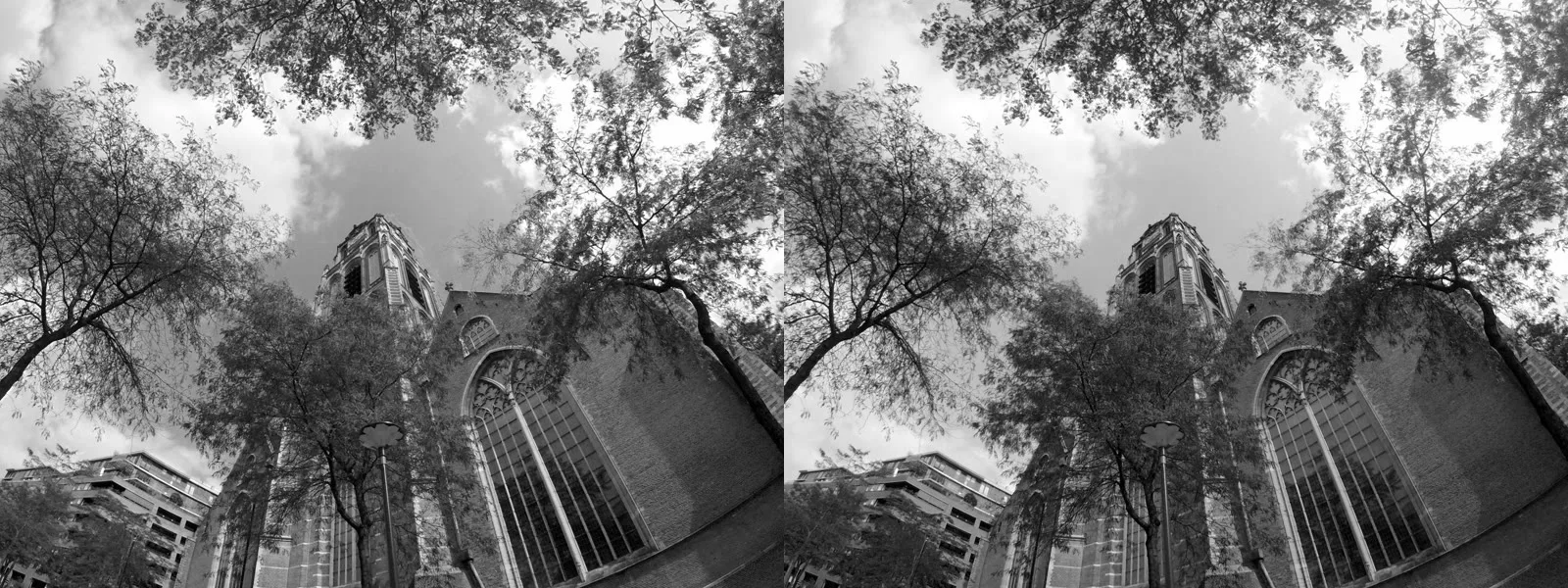
CineForm Studio also let you adjust the vertical and horizontal alignment of the two views, and made its own best guess first [1]. For the Dual HERO, GoPro told the reviewer that its software corrected vertical offset and rotation by itself [2]. The commands above do not correct either. The reviewer of the Dual HERO preferred Adobe After Effects, with its 3D Glasses effect on the clips and side-by-side, over-under or anaglyph as the output [2].
How do I watch GoPro 3D video?
Pick the screen first, because each wants a different file.
| Screen | File to give it |
|---|---|
| VR headset (Meta Quest and others) | Full side-by-side, in a video player app that has a 3D SBS setting (players) |
| 3D TV or projector | Half side-by-side, then the TV's 3D button set to side-by-side (how) |
| Any screen, with red-cyan glasses | Red-cyan anaglyph, the format GoPro's kit shipped glasses for [1][2] (anaglyph) |
| Owl3D Shift, glasses-free | Full or half side-by-side (below) |
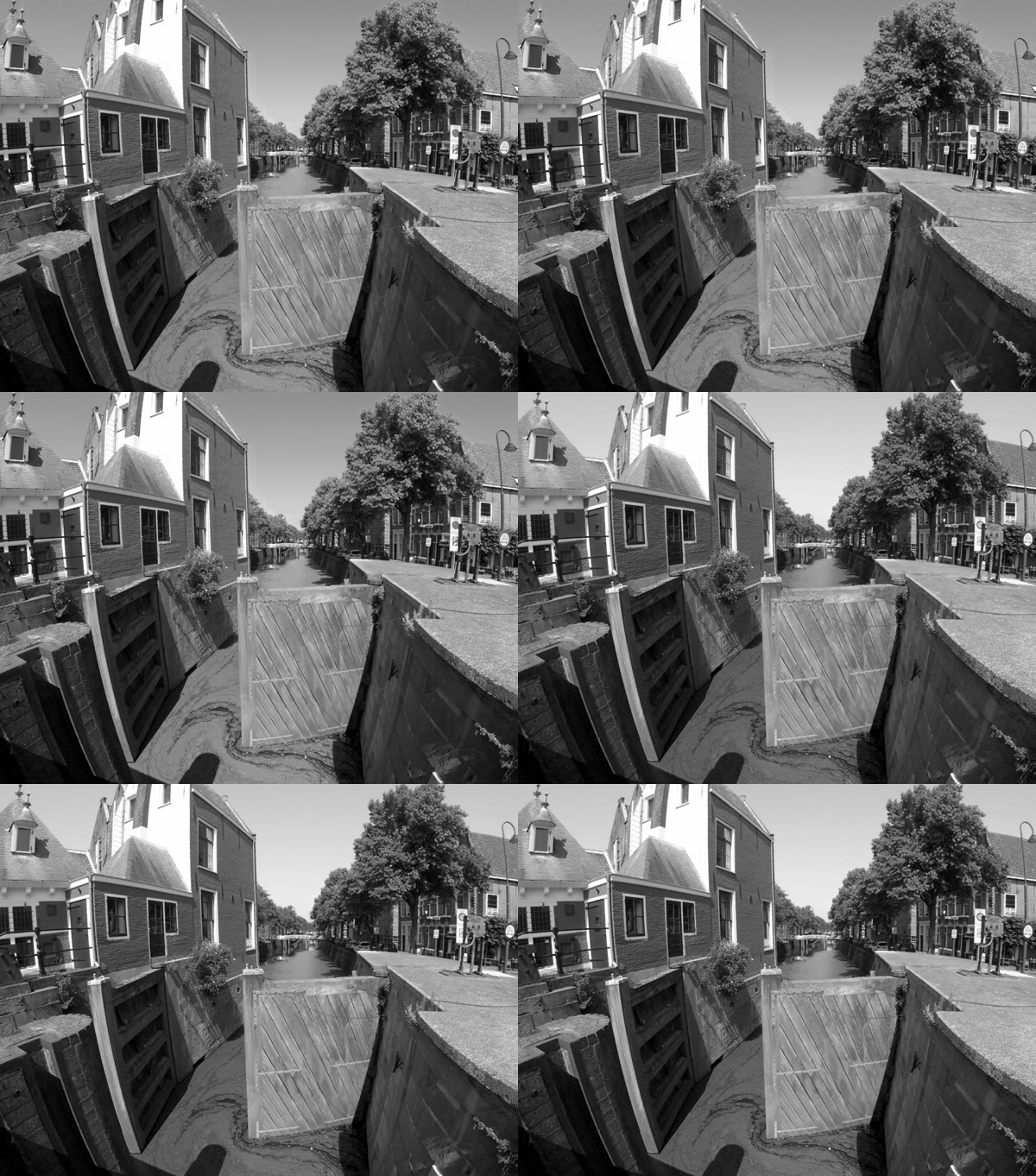
For photos, our free Stereo Photo Maker opens a left and right picture in a browser and saves side-by-side, red-cyan or a wiggle GIF. A wiggle GIF needs no glasses at all:
On the Owl3D Shift, a 14-inch glasses-free 3D display used beside a computer, SBS Mode shows Half-SBS, Full-SBS and Top-Bottom files in 3D. The Shift needs a computer running the Owl3D app, and it shows 3D to one viewer at a time. Owl3D makes the Shift and publishes this guide.
Frequently asked questions
Can I make 3D video with one GoPro?
Not as true stereo: that needs two views from two lenses, and GoPro's kits held two cameras for it [1][2]. For cameras with two lenses built in, see 3D cameras.
You can make a 3D file from one clip with an AI conversion. The Owl3D app takes an .mp4 video you have the right to use and saves full side-by-side 3D for VR headsets. It is not instant, and it is an AI conversion, not a second camera: the depth is an estimate from one picture. More in how to convert a 2D video to 3D.
Is a used 3D HERO kit worth buying?
Buy one if you already own two matching HD HERO or HD HERO2 cameras, or the kit comes with them. Check three things:
- both cameras are the same model, and their firmware is current, which the 2012 review advised [1];
- the sync cable is in the box, because it is what keeps both cameras in step [1];
- the depth suits you: the lenses sit closer together than human eyes, and in the Dual HERO review most things beyond 20 to 30 feet looked almost flat [2]. A GoPro engineer told the reviewer the spacing was chosen for action sports with the subject close in front, such as surfing or motocross [2].
Plan for sound too. A reader under the 2012 review wrote that the dual case is made for use under water, so both microphones are closed in, and asked how to record proper sound [1].
Sources (3)
- Jeff Foster, "Stereo 3D Video Production with GoPro: Using the GoPro HD Hero2 and the 3D Hero System with CineForm Software", ProVideo Coalition, January 29, 2012, with reader comments. https://www.provideocoalition.com/stereo-3d-with-the-gopro-hero2/ (opened 2026-11-21)
- Jeff Foster, "GoPro Dual HERO System for Stereoscopic 3D", ProVideo Coalition, June 24, 2014. https://www.provideocoalition.com/gopro-dual-hero-3d/ (opened 2026-11-21)
- Wikipedia, "GoPro", section "3D HERO and Dual HERO". https://en.wikipedia.org/wiki/GoPro (opened 2026-11-21)