ASUS Spatial Vision: 3D OLED Laptops, Apps and 3D Movies
How we researched this: written by Owl3D from published sources, all 9 listed at the end.
Short answer
ASUS Spatial Vision is ASUS's glasses-free 3D screen. It is a 16-inch OLED panel with a lens layer on top and two cameras that track your eyes [1][2]. ASUS put it in two laptops, shown at CES in January 2023: the ProArt Studiobook 16 3D OLED and the Vivobook Pro 16X 3D OLED [3]. Its Spatial Vision Hub software has a Player for "3D movies or other 3D videos, in any format" [1]. ASUS gave no price at launch [3][6] and asks buyers to contact their local ASUS representative [3].
Owl3D, the publisher of this guide, makes the Owl3D app and the Shift, a 3D monitor named once below. Everything here about ASUS comes from ASUS's own pages and the press reports of the launch.

Key takeaways
- No glasses: a lenticular lens sends a different picture to each eye, and dual cameras follow your eyes; see how it works.
- Two laptops, both 16-inch, 3200 x 2000, 120Hz: ProArt Studiobook 16 3D OLED (H7604) [9] and Vivobook Pro 16X 3D OLED (K6604); see models.
- Movies: the Hub's Player plays 3D video, and ASUS lists MP4, AVI and SBS among its file formats; see watch 3D.
- Your own 2D videos: convert them to an SBS file first; see make 3D from 2D.
- Price: none announced at launch; see price.
How Spatial Vision shows 3D without glasses
ASUS bonds extra optical layers onto the OLED panel. In ASUS's words, it is "a lenticular lens layer that directs the stereo images separately to each eye, and a switchable liquid crystal layer that lets you turn the 3D effect on and off" [1].
The tracking does the rest. "The dual cameras continuously detect the precise position of each of your eyes," and the software redraws the picture "as you move your head around" [1]. In 2D mode the screen is a normal OLED screen [3][7]. In 3D mode the 3200 x 2000 resolution is split between your eyes [7].
It works for one person at a time. Engadget wrote after its demo: "Spatial Vision only supports one viewer at a time" [6]. ASUS notes that, based on its internal tests, the 3D effect "might vary between different users", and that some users may feel dizziness or see crosstalk [1].
Which laptops have Spatial Vision
ASUS calls the two CES 2023 models the "World's first 3D OLED laptops" [5], based on its own market analysis as of November 15, 2022 [1]. Both have a 16-inch, 16:10, 3200 x 2000, 120Hz screen [3][7].
| Model | Screen | Up to (CPU, GPU, memory) | Notes |
|---|---|---|---|
| ProArt Studiobook 16 3D OLED (H7604) [9] | 16 in, 16:10, 3.2K (3200 x 2000), 120Hz [3][7] | Intel Core i9-13980HX, NVIDIA GeForce RTX 4070 Laptop GPU, 64GB DDR5, 8TB storage [3] | ASUS Dial; the lid opens 180° [4] |
| Vivobook Pro 16X 3D OLED (K6604) | 16 in, 16:10, 3200 x 2000, 120Hz, 0.2 ms [2] | Intel Core i9-13980HX, NVIDIA GeForce RTX 4070 Laptop GPU, 64GB DDR5 [2] | ASUS DialPad; 90 Wh battery [2] |
Watch the name when you buy. The Vivobook Pro 16X OLED without "3D" in its name has a 2D screen only [7]. On November 21, 2026, ASUS's global Vivobook Pro 16X 3D OLED page still opened [2].
Last checked : ASUS product pages.
How to watch 3D movies on it
ASUS names four apps in its Spatial Vision Hub: Model Viewer, Player, Photo Viewer and Connector [1].
| You want to see in 3D | What ASUS says |
|---|---|
| A 3D movie file | Player: "Enjoy amazingly smooth visual experiences while watching 3D movies or other 3D videos, in any format." [1] |
| 3D photos | Photo Viewer converts "side-by-side stereo photos (shot with a 180° camera)" into 3D [1] |
| 3D models | Model Viewer shows your 3D project [1]. ASUS's page also lists OBJ, FBX, glTF, GLB, STL and 3DS among its file formats, without saying which app opens them [1] |
| 3D apps and games | Connector is a plug-in for 3D apps [1]. ASUS names Unreal Engine, Unity, SteamVR, NVIDIA CloudXR and OpenXR [1][3] |
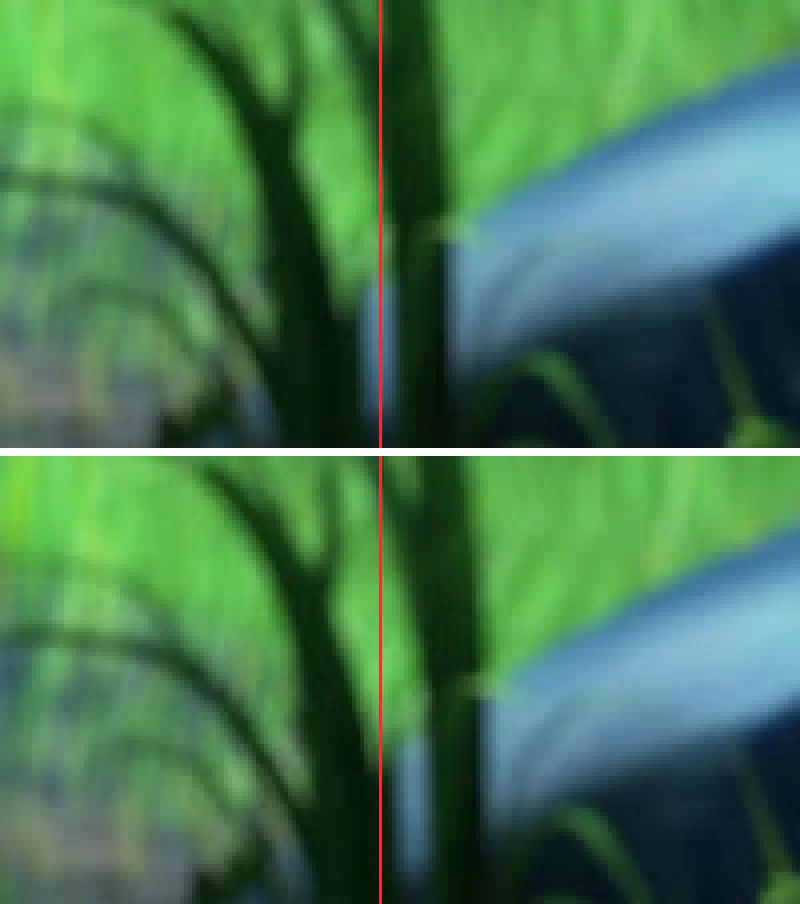
The video formats in that list are MP4, AVI and SBS [1]. SBS means the two views sit side by side in one frame, as in the picture at the top. None of the four Hub apps is described as a 2D-to-3D video converter [1].
At the launch, Engadget watched the Avatar: The Way of Water trailer and saw "3D cinema-like depth" [6].
Make 3D from your own 2D videos
ASUS describes the Player for 3D movies and other 3D videos [1]. A normal 2D video has only one view. To get a second view, the Owl3D app converts a 2D video into a full or half side-by-side 3D file on your computer. The app runs on Windows with NVIDIA, AMD or Intel graphics. It is an AI conversion, not a studio's 3D version. The free plan converts the first 60 seconds of a video.
Then open the SBS file in the Hub's Player. We have not tested an Owl3D file on an ASUS 3D laptop.

What it costs
ASUS gave no price at the launch. Tom's Guide wrote: "Asus hasn't yet said much about when the ProArt Studiobook 16 3D OLED will launch or how much it will cost," with a release planned "sometime in the second quarter of 2023" [8]. ASUS's own launch article says: "For more information on the pricing and availability … in your region, please contact your local ASUS representative." [3] Prices of shops change, so this guide gives none.
Spatial Vision and other glasses-free 3D screens
Other makers have their own glasses-free 3D screens. Engadget compared Spatial Vision with Acer's SpatialLabs [6]. Samsung makes the Odyssey 3D monitor, and Sony the Spatial Reality Display. The glasses-free 3D monitor comparison sets them side by side. Light field displays explains how these differ from screens that show many views at once.
If you want a separate glasses-free 3D screen for a laptop you already own, Owl3D makes the Shift, a 14-inch 4K monitor.
Questions people ask
Is ASUS Spatial Vision 3D without glasses?
Yes. ASUS: "Experience stereoscopic 3D images without wearing a headset or glasses." [1]
Can I turn the 3D off?
Yes. A liquid crystal layer turns the 3D effect on and off [1]. In 2D mode it works as a normal OLED screen [3][7].
Can two people watch at once?
No. Engadget: "Spatial Vision only supports one viewer at a time" [6].
Can I watch normal 2D movies in 3D?
None of the four Hub apps is described as a 2D-to-3D video converter [1]. You can convert the video into an SBS 3D file first, as shown above.
Sources (9)
- ASUS Philippines, "ASUS Spatial Vision technology": how it works, eye tracking, the Spatial Vision Hub apps, supported apps and file formats, footnotes. https://www.asus.com/ph/content/asus-spatial-vision-technology/ (opened 2026-11-21)
- ASUS Global, "Vivobook Pro 16X 3D OLED (K6604)" product page. https://www.asus.com/laptops/for-creators/vivobook/vivobook-pro-16x-3d-oled-k6604/ (opened 2026-11-21)
- ASUS Edge Up, "Glasses-free ASUS Spatial Vision 3D OLED displays debut in new ProArt Studiobook and Vivobook laptops", January 4, 2023. https://edgeup.asus.com/2023/glasses-free-asus-spatial-vision-3d-oled-displays-debut-in-new-proart-studiobook-and-vivobook-laptops/ (opened 2026-11-21)
- ASUS Edge Up, "Visualize creative work like never before with the ProArt Studiobook 16 3D OLED", January 4, 2023. https://edgeup.asus.com/2023/visualize-creative-work-like-never-before-with-the-proart-studiobook-16-3d-oled/ (opened 2026-11-21)
- ASUS, "Experience 3D Immersion via ASUS Spatial Vision Technology", January 5, 2023. https://www.asus.com/content/experience-3d-immersion-via-asus-spatial-vision-technology/ (opened 2026-11-21)
- Engadget, "ASUS dives into glasses-free 3D with the ProArt StudioBook 16", January 4, 2023. https://www.engadget.com/asus-spatial-vision-glasses-free-3d-proart-studiobook-190053398.html (opened 2026-11-21)
- Tom's Hardware, "Asus' 2023 Creativity Laptops Include Glasses-Free 3D, OLED", January 4, 2023. https://www.tomshardware.com/news/asus-pro-art-studiobook-16-3d-oled-zenbooks-specs (opened 2026-11-21)
- Tom's Guide, "Asus ProArt Studiobook 16 3D OLED laptop hands-on review: 3D that actually works", January 4, 2023. https://www.tomsguide.com/reviews/asus-proart-studiobook-16-3d-oled-laptop-hands-on-review-3d-that-actually-works (opened 2026-11-21)
- ASUS Serbia, "ProArt Studiobook 16 3D OLED (H7604)" product page. https://www.asus.com/rs-en/laptops/for-creators/proart/proart-studiobook-16-3d-oled-h7604/ (opened 2026-11-21)