Samsung Odyssey 3D: Price, Games and What Your PC Needs
How we researched this: written by Owl3D from published sources, all 12 listed at the end.
Short answer
The Samsung Odyssey 3D (model G90XF) is Samsung's glasses-free 3D monitor: a 27-inch 4K gaming monitor that shows 3D to one viewer at a time, through Samsung's Odyssey 3D Hub software on a Windows PC. In 3D it plays the games on Samsung's list and video converted from 2D in full screen. Samsung's US store listed it at $1,399.99 on October 11, 2026, with "Notify me" where a buy button would be when we opened the page from outside the US [1]. Owl3D, the publisher of this guide, makes the Shift. It is one of the other screens listed below. Everything here about Samsung, Acer and Sony comes from their own pages and one named store; we give no opinion on how any of these screens looks.
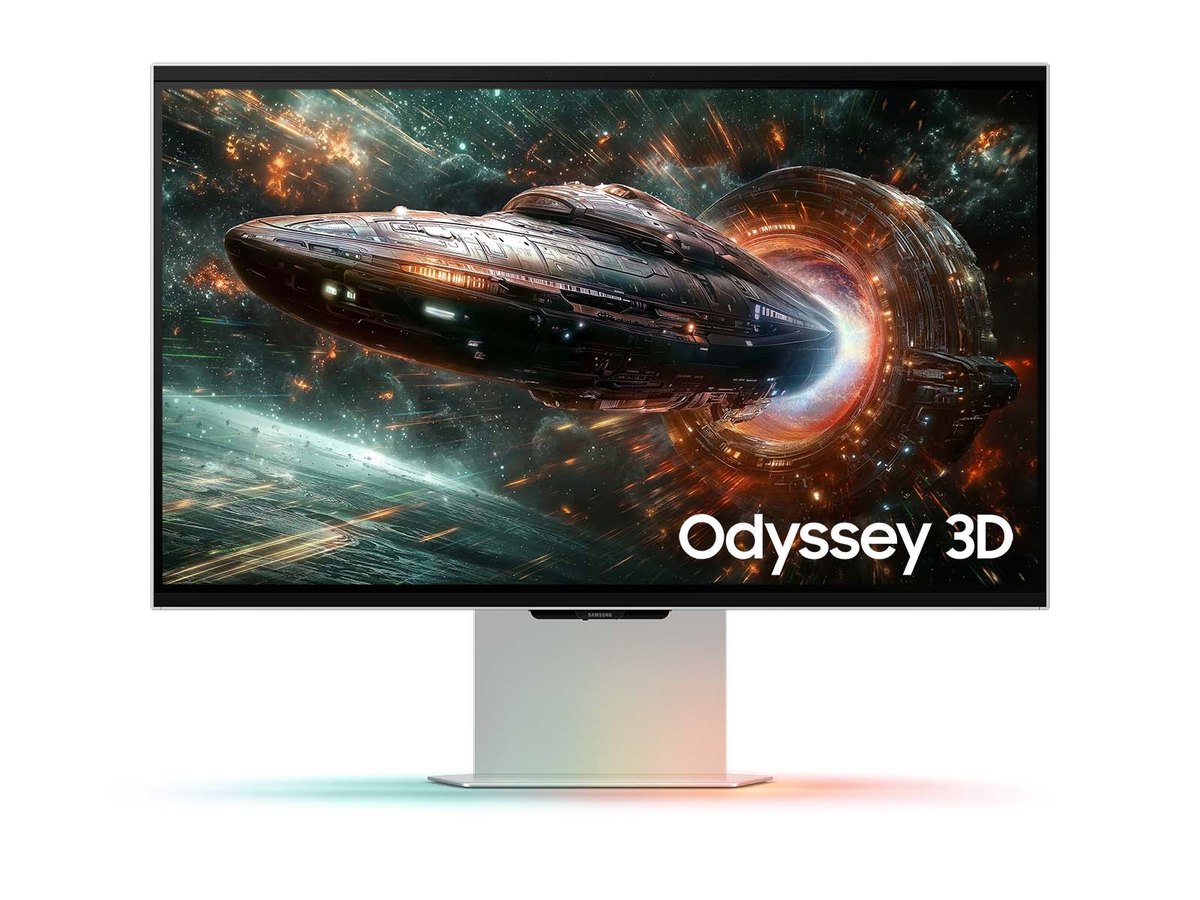
Samsung's own product picture of the Odyssey 3D G90XF. Image: Samsung. Samsung has no part in this guide.
Key takeaways
- 3D games are the ones on Samsung's list: 61 titles in the file on its support page. Other games run in 2D; see what it plays.
- No Mac, and no 3D from a game console. Converting video to 3D needs an NVIDIA RTX card; see what your PC needs.
- $1,399.99 on samsung.com on October 11, 2026, with "Notify me" in place of a buy button as seen from outside the US; see price and where it is sold.
- Three other 3D screens also need a computer; see the others.
What the Odyssey 3D is
Samsung lists it as a flat 27-inch IPS monitor: 3,840 x 2,160, up to 165Hz, 1ms response (GtG), 350 cd/m² typical brightness, HDR10+, one DisplayPort 1.4 and two HDMI 2.1 inputs, and two 5W speakers [1].
Samsung says the 3D works "thanks to eye-tracking technology and view mapping algorithms" [1]. The manual sets the terms [2]:
- "3D experience is limited to one person at a time."
- The recommended viewing distance is 55 to 95 cm, and the optimal viewing angle is "25 degrees to the left and right of the front of the screen".
- 3D does not work with the screen turned upright (pivot mode).
What it plays in 3D
Everything in 3D goes through one program. The manual: "Odyssey 3D monitors can achieve normal 3D effects through Odyssey 3D Hub software only" [2].
| You want to see in 3D | What Samsung says |
|---|---|
| PC games | "Users can only view games that are compatible with Samsung Odyssey 3D Hub" [2]. You pick a game in the Hub, which opens its Steam page [2]. |
| YouTube and other 2D video | Converted to 3D by AI when the Hub is running and the video is in full screen [1][2]. |
| Side-by-side 3D video | The Hub has a side-by-side mode, also in full screen [2][3]. |
| DRM-protected video (Samsung names no service) | "3D conversion is not available for DRM content" [1]. |
| A game console such as a PlayStation, Xbox or Switch | "3D conversion is not available on non-PC gaming consoles" [1]. |
| 3D Blu-ray discs | Not mentioned on the Samsung pages we read [1][2]. |
The game list. Samsung publishes it as a file on the monitor's support page. The file there on October 11, 2026 (file name dated 260115) names 61 games, among them Hogwarts Legacy, Black Myth: Wukong, Palworld, Stray, Lies of P, Tekken 8 and Silent Hill 2, with the note "The game list is subject to change without prior notice" [4]. Samsung says game compatibility "can be seen in Odyssey 3D Hub" [1].
Video conversion has conditions. It "may not work with games", "Some video players may not support 3D conversion", and it is off when HDR is on [1].
For discs, see how to play a 3D Blu-ray on a PC; for five monitors side by side, what each glasses-free 3D monitor plays.
What your PC needs
The Hub installs on Windows 10 (64-bit, version 22H2) or Windows 11, and the monitor connects with the USB cable in the box as well as HDMI or DisplayPort [2][5]. Samsung's "Minimum and Recommended System Requirements and Compatibility" table, a picture on the product page, reads [3]:
| For | Graphics card |
|---|---|
| 2D to 3D video conversion | NVIDIA RTX 3080, RTX 4070, RTX 5060 or above; AMD "Not Supported" |
| Side-by-side video | The NVIDIA cards above, or AMD RX 6900XT or RX 7900 or above |
| 3D games | "Game Dependent": the PC must meet each game's own minimum, and Samsung recommends the video specifications for games too |
The table marks Mac and "Intel/Integrated" graphics "Not Supported" on every row. For video it also lists an Intel i7 or AMD Ryzen 1700X or later, DDR5 memory (32GB minimum, 64GB recommended) and PCIe 5.0 or later [3].
Samsung's manual differs in places: it gives the minimum video card as "RTX Series", prints the AMD cards as "RTX 6900 XT" and "RTX 7900", and marks "Intel (PC)" as "Support" for side-by-side video and games, with "Intel Notebook Graphic Card" and Mac as "Not support" [2]. This page follows the product-page table.
The manual adds: set the screen to 3840 x 2160, turn HDR off in Windows, and make this the primary monitor if you use several [2].
Price and where it is sold
We opened Samsung's US pages from outside the United States on October 11, 2026; a US visitor may see something else. That day samsung.com listed the Odyssey 3D (LS27FG900XNXZA) at $1,399.99. Where a buy button would be, it showed "Notify me" with the line "Sign up to learn when more are on the way", and delivery for ZIP code 10001 as "Not Available" [1]. Samsung's "Where to buy" page for the model said: "We couldn't find any online sellers for this product" [6].
Last checked : Samsung's US price and what its pages showed.
Three other 3D screens that need a computer
These three 3D screens also work from a computer: Sony's is viewed "without special glasses or headsets" [10], Acer calls SpatialLabs "an eye-tracking solution, a stereoscopic 3D display" [9], and the Shift is glasses-free. Alphabetical by maker, each by its maker's own description.
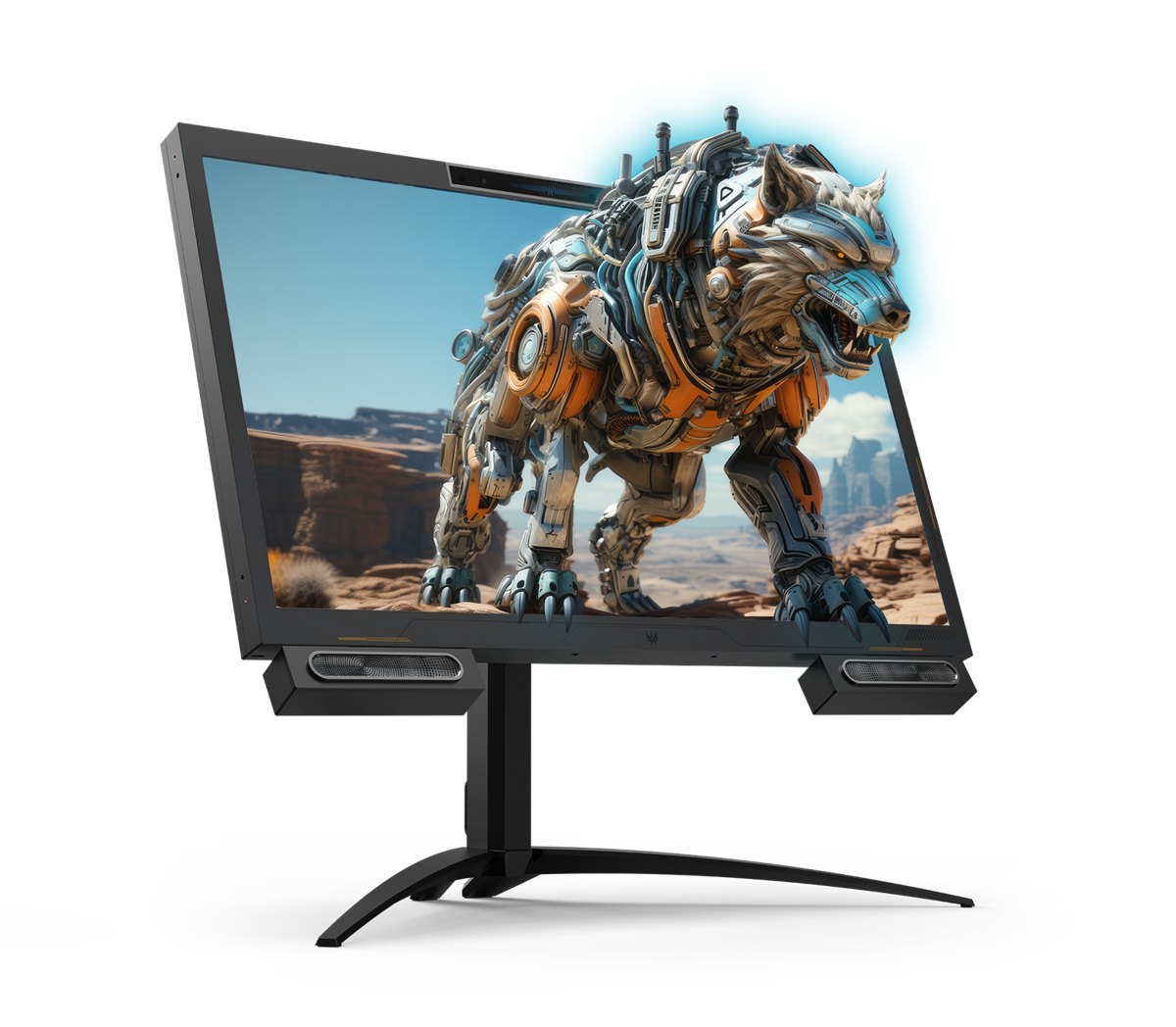
Acer Predator SpatialLabs View 27
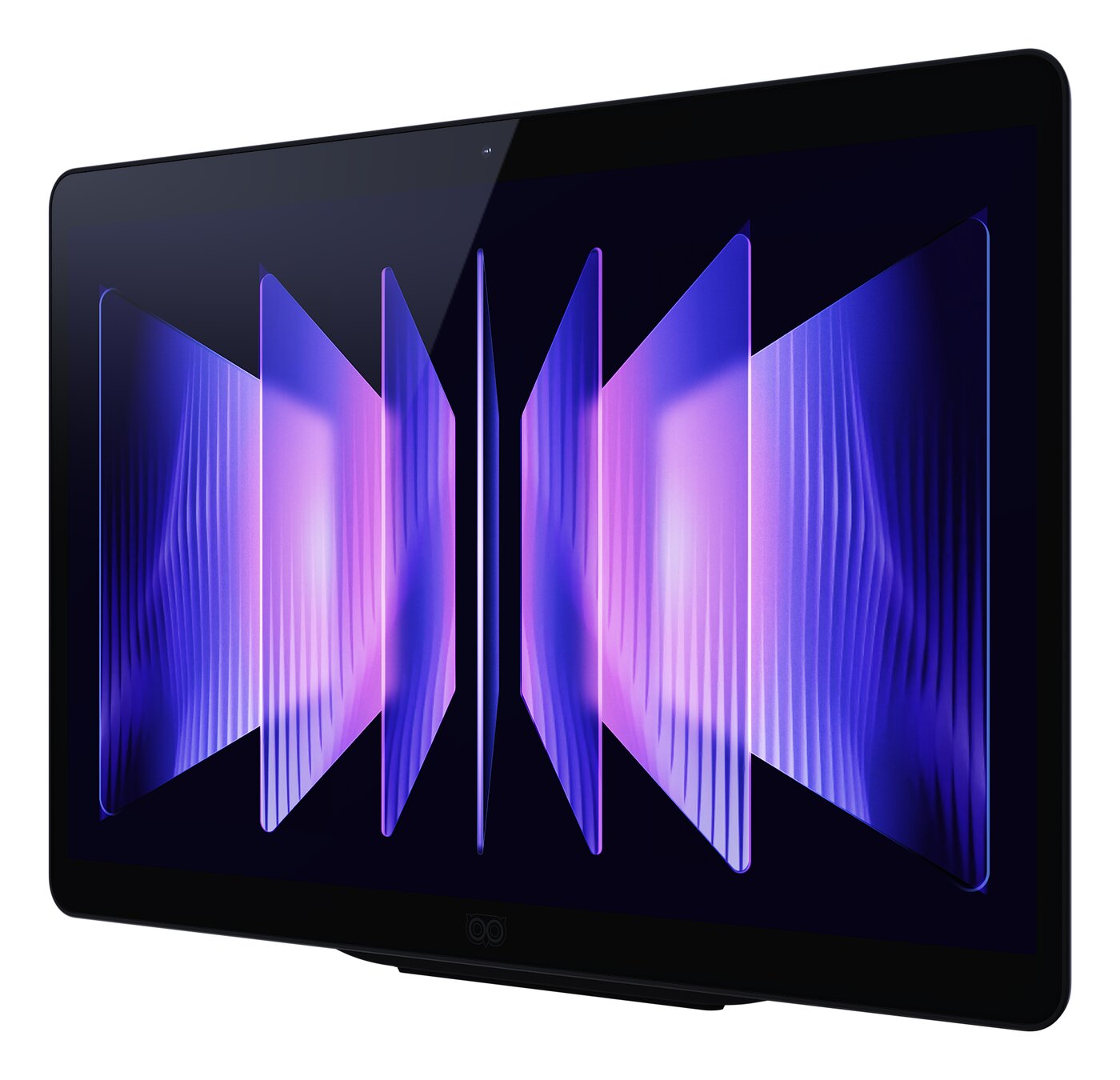
Owl3D Shift
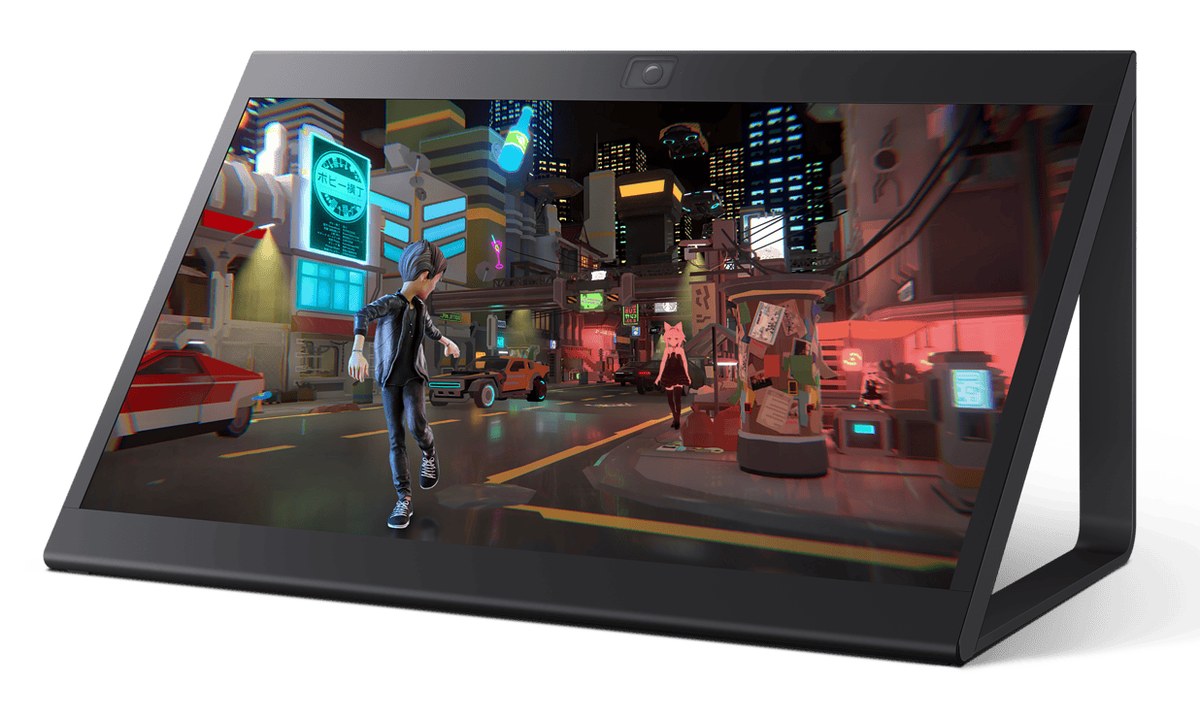
Sony Spatial Reality Display ELF-SR2
Images: Acer; Owl3D; Sony, as carried by Sports Video Group.
| Screen | Size and refresh rate | Shows in 3D | Computer it needs | US price |
|---|---|---|---|---|
| Acer Predator SpatialLabs View 27 | 27 in, 4K, 160Hz [7] | Games with a TrueGame profile, "new game profiles added monthly" [8]; side-by-side 3D and 2D video through SpatialLabs Go [9] | A PC; no card named; requirements "are usually comparable to those needed to play the game at 4K resolution in 2D" [8] | Announced "starting at USD 1,999", January 2024 [7]; no current US price read |
| Owl3D Shift | 14 in, 4K, 60Hz | No game list: an AI conversion of the 2D picture in any window as it plays, not 3D from a game's own geometry, and not games that block screen capture; side-by-side and top-bottom 3D already on screen | Windows PC with an NVIDIA RTX 30 series card or newer (AMD cards not supported for conversion), or a Mac with Apple Silicon (M1 Pro or better recommended), macOS 15.5 or later | See its product page |
| Samsung Odyssey 3D G90XF | 27 in, 4K, up to 165Hz [1] | Games on Samsung's list; 2D video converted in full screen; side-by-side video [1][2] | Windows PC; NVIDIA RTX 3080, 4070, 5060 or above for video conversion; no Mac [3] | $1,399.99 on samsung.com, October 11, 2026 [1]; see price |
| Sony Spatial Reality Display ELF-SR2 | 27 in by CDW's listing [11]; 4K60P [12] | Applications built with game engines and graphics libraries [10] | Sony recommends a Windows 11 PC with an NVIDIA GeForce RTX 2070 SUPER or AMD Radeon RX 5700 XT or higher [12] | $4,750.00 listed at CDW, a reseller, October 11, 2026; in stock in 4 to 6 weeks by CDW [11] |
Last checked : makers' pages and the CDW listing.
The Owl3D Shift: a different kind of product
The Owl3D Shift is our own product, and it is not a 27-inch gaming monitor. It is a 14-inch display that sits beside your main screen as a second monitor and shows 3D without glasses to one viewer at a time. Drag a window onto it (a video, a game, a browser) and the Owl3D app converts the picture from 2D to 3D as it plays. That is an AI conversion of a 2D picture, not 3D rendered from a game's own geometry and not a film's 3D version, and games that block screen capture, as multiplayer and anti-cheat games often do, cannot be converted.
Its limits: it runs at 60Hz; in 3D each eye gets 1920 x 2160, half the panel's width; it does nothing in 3D without a computer running the Owl3D app; and at 14 inches it is a desk display, not a main monitor.
From Owl3DOwl3D ShiftA 14-inch glasses-free 3D display that sits beside your computer.More glasses-free monitors, with prices: glasses-free 3D monitors compared.
Frequently asked questions
Does it work with a Mac or a laptop with Intel graphics?
Not with a Mac: Samsung's table and manual both say so [2][3]. For a laptop with Intel graphics, the table says "Not Supported" and the manual "Not support" [2][3]. They differ on desktop Intel graphics; see what your PC needs.
Sources (12)
- Samsung US, "27 Inch Odyssey 3D G9 G90XF" product page (LS27FG900XNXZA): price, the "Notify me" message, specifications, and the notes under "Glasses-free 3D Experience", "AI 3D Video Conversion" and "Odyssey 3D Hub". https://www.samsung.com/us/monitors/gaming/27-inch-odyssey-3d-g90xf-4k-165hz-gaming-monitor-sku-ls27fg900xnxza/ (opened 2026-10-11, from outside the United States)
- Samsung, user manual for its 2025 gaming monitors including the S27FG90*X, PDF BN81-28255B-01 (version of April 30, 2026), "Using the 3D Monitor" and "Recommended computer specifications", pages 29 to 32; linked from Samsung US support for model LS27FG900XNXZA. https://www.samsung.com/us/support/downloads/?model=N0002912&modelCode=LS27FG900XNXZA (opened 2026-10-11)
- Samsung US, "Minimum and Recommended System Requirements and Compatibility", the table shown as a picture on the product page in [1]. https://images.samsung.com/is/image/samsung/p6pim/us/feature/167093316/us-feature-gaming-552008773 (opened 2026-10-11)
- Samsung, "List of 3D-Supported Games", PDF 03_G90XF_3D_Game_List_WW_L35_260115.0, linked under Software on the support page in [2]. https://www.samsung.com/us/support/downloads/?model=N0002912&modelCode=LS27FG900XNXZA (opened 2026-10-11)
- Microsoft Store, "Samsung Odyssey 3D Hub", published by Samsung Electronics Co. Ltd. https://apps.microsoft.com/detail/xp8lx6slrzb813?hl=en-US&gl=US (opened 2026-10-11)
- Samsung US, "Where to buy" page for LS27FG900XNXZA. https://www.samsung.com/us/monitors/gaming/where-to-buy/27-inch-odyssey-3d-g90xf-4k-165hz-gaming-monitor-sku-ls27fg900xnxza/ls27fg900xnxza (opened 2026-10-11, from outside the United States)
- Acer, "Acer Expands SpatialLabs Stereoscopic 3D Portfolio with New Laptop and Gaming Monitor", press release, January 7, 2024. https://news.acer.com/acer-expands-spatiallabs-stereoscopic-3d-portfolio-with-new-laptop-and-gaming-monitor (opened 2026-10-11)
- Acer United States, "Predator SpatialLabs View 27" product page. https://www.acer.com/us-en/predator/monitors/spatiallabs-view-27 (opened 2026-10-11)
- Acer United States, "Acer SpatialLabs Stereoscopic 3D Solutions". https://www.acer.com/us-en/spatiallabs (opened 2026-10-11)
- Sony, Spatial Reality Display developer site. https://xyn.sony.net/en/developer/spatial-reality-display (opened 2026-10-11)
- CDW, "Sony Spatial Reality Display ELF-SR2" listing. https://www.cdw.com/product/sony-spatial-reality-display-elf-sr2-led-monitor-4k-27/7579958 (opened 2026-10-11)
- Sony, Spatial Reality Display user guide, "Recommended PC Specs". https://www.sony.co.jp/en/Products/Developer-Spatial-Reality-display/manual/en-us/recommended-pc-specs/ (opened 2026-10-11)