嗨 GB,謝謝你的回饋!聽起來你的 Shift 沒有正確校正,這會造成你看到的摩爾紋/閃爍效果。有些使用者也遇到同樣的問題,校正之後大幅改善。
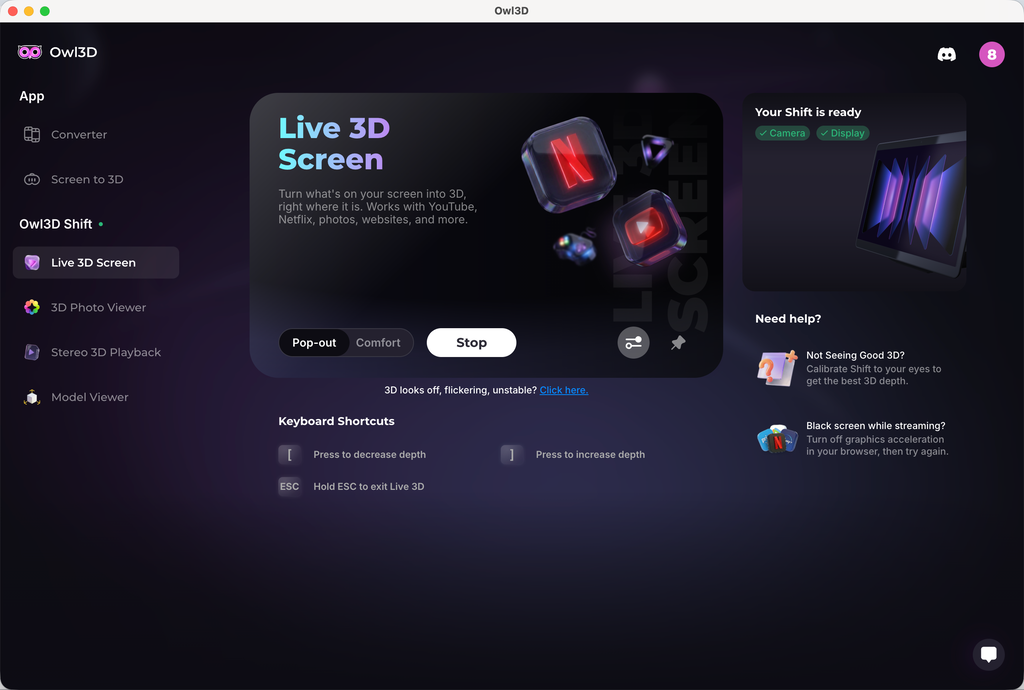
要校正的話,請到 Live 3D Screen,在右側你會看到一個「Not Seeing Good 3D?」區塊。點下去就會進入校正程式。程式裡有一個滑桿,可以用來調整 3D 偏移值。一般來說,你的校正值應該在 0 左右。試著找出 3D 效果最好、閃爍最少的數值。如果你確定校正得沒錯,卻還是看到嚴重閃爍,請告訴我。我們會再深入研究。
至於你的另一個需求,也就是觀看全寬左右並排的圖片或影片,我們很快就會加入一個支援全寬左右並排媒體的原生媒體播放器。
Hi GB, thanks for the feedback! It sounds like your Shift wasn't calibrated correctly, which will cause the moiré patterns/shimmering effect you're seeing. Some users had the same issue and saw great improvement after calibration.
To calibrate, go to Live 3D Screen, and on the right-hand side, you'll see a section "Not Seeing Good 3D?" Click that, and you'll enter a calibration program. Within the program, there will be a slider you can use to adjust the 3D offset. Normally speaking, your calibration value should be around 0. Try to find a value that has the best 3D and less shimmering. If you believe you've done the calibration correctly and are still seeing bad shimmering, let me know. We'll dig deeper.
To your other request, viewing full side-by-side image or video, we're gonna add a native media player soon that supports full side-by-side media.


 Shift 了。
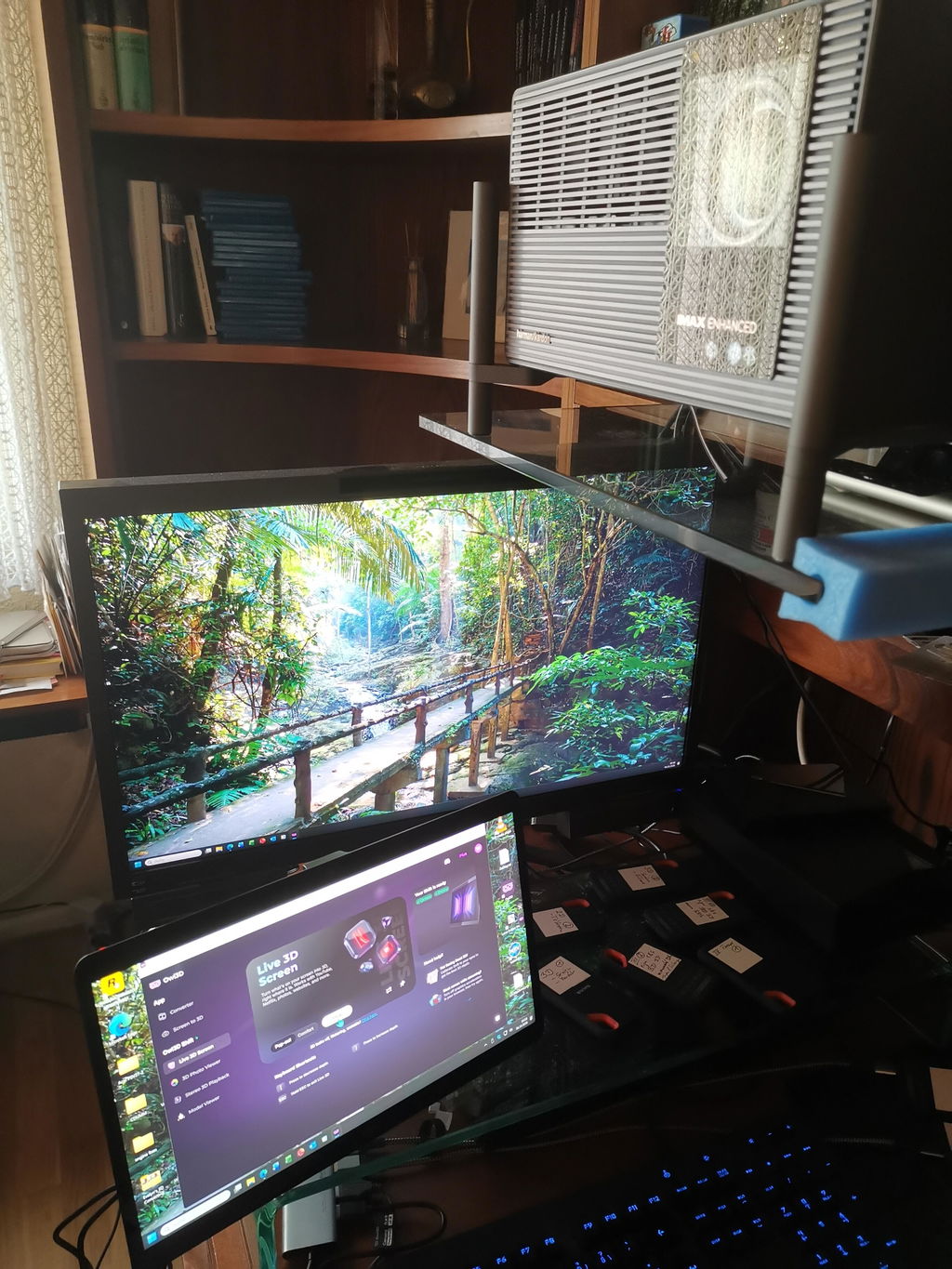
我用新版本 2.4.0 在 MacBook Pro M1 pro(16 Go Ram)上測試。
運作得非常好,用我 rip 的 Blu-ray 3D 4K 10 bit 片源效果很驚豔。
之後我會再用 Mac mini M4 Pro 和 PC Windows 測試(等我有時間的時候)。
非常感謝你們的努力,讓我們更能享受沉浸式 3D,而且也不用眼鏡。💯
這個最新版本帶來了沉浸感。
Shift 了。
我用新版本 2.4.0 在 MacBook Pro M1 pro(16 Go Ram)上測試。
運作得非常好,用我 rip 的 Blu-ray 3D 4K 10 bit 片源效果很驚豔。
之後我會再用 Mac mini M4 Pro 和 PC Windows 測試(等我有時間的時候)。
非常感謝你們的努力,讓我們更能享受沉浸式 3D,而且也不用眼鏡。💯
這個最新版本帶來了沉浸感。