你好 GB,谢谢你的反馈!听起来你的 Shift 没有校准正确,这会导致你看到的摩尔纹/闪烁效果。有些用户遇到过同样的问题,校准之后有了很大改善。
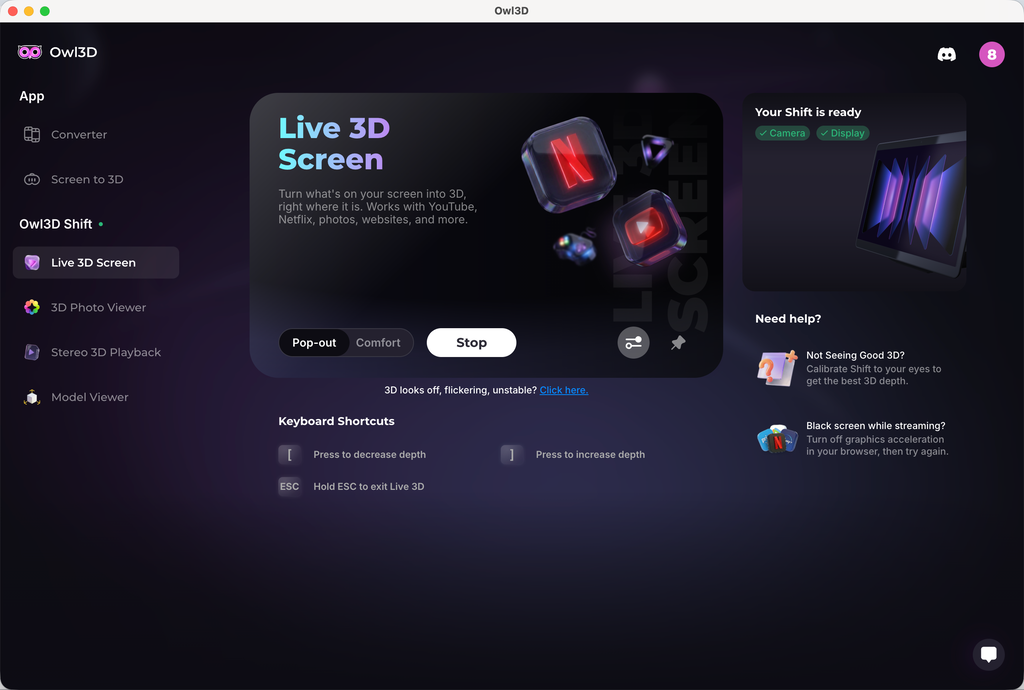
要校准的话,进入 Live 3D Screen,在右侧你会看到一个“Not Seeing Good 3D?”区域。点击它,就会进入校准程序。在程序里有一个滑块,你可以用来调整 3D 偏移量。一般来说,你的校准值应该在 0 左右。试着找一个 3D 效果最好、闪烁最少的值。如果你确信校准做对了,但闪烁仍然很严重,告诉我。我们会深入排查。
至于你的另一个需求,观看全宽左右并排的图片或视频,我们很快会加入一个支持全宽左右并排媒体的原生媒体播放器。
Hi GB, thanks for the feedback! It sounds like your Shift wasn't calibrated correctly, which will cause the moiré patterns/shimmering effect you're seeing. Some users had the same issue and saw great improvement after calibration.
To calibrate, go to Live 3D Screen, and on the right-hand side, you'll see a section "Not Seeing Good 3D?" Click that, and you'll enter a calibration program. Within the program, there will be a slider you can use to adjust the 3D offset. Normally speaking, your calibration value should be around 0. Try to find a value that has the best 3D and less shimmering. If you believe you've done the calibration correctly and are still seeing bad shimmering, let me know. We'll dig deeper.
To your other request, viewing full side-by-side image or video, we're gonna add a native media player soon that supports full side-by-side media.


 Shift。
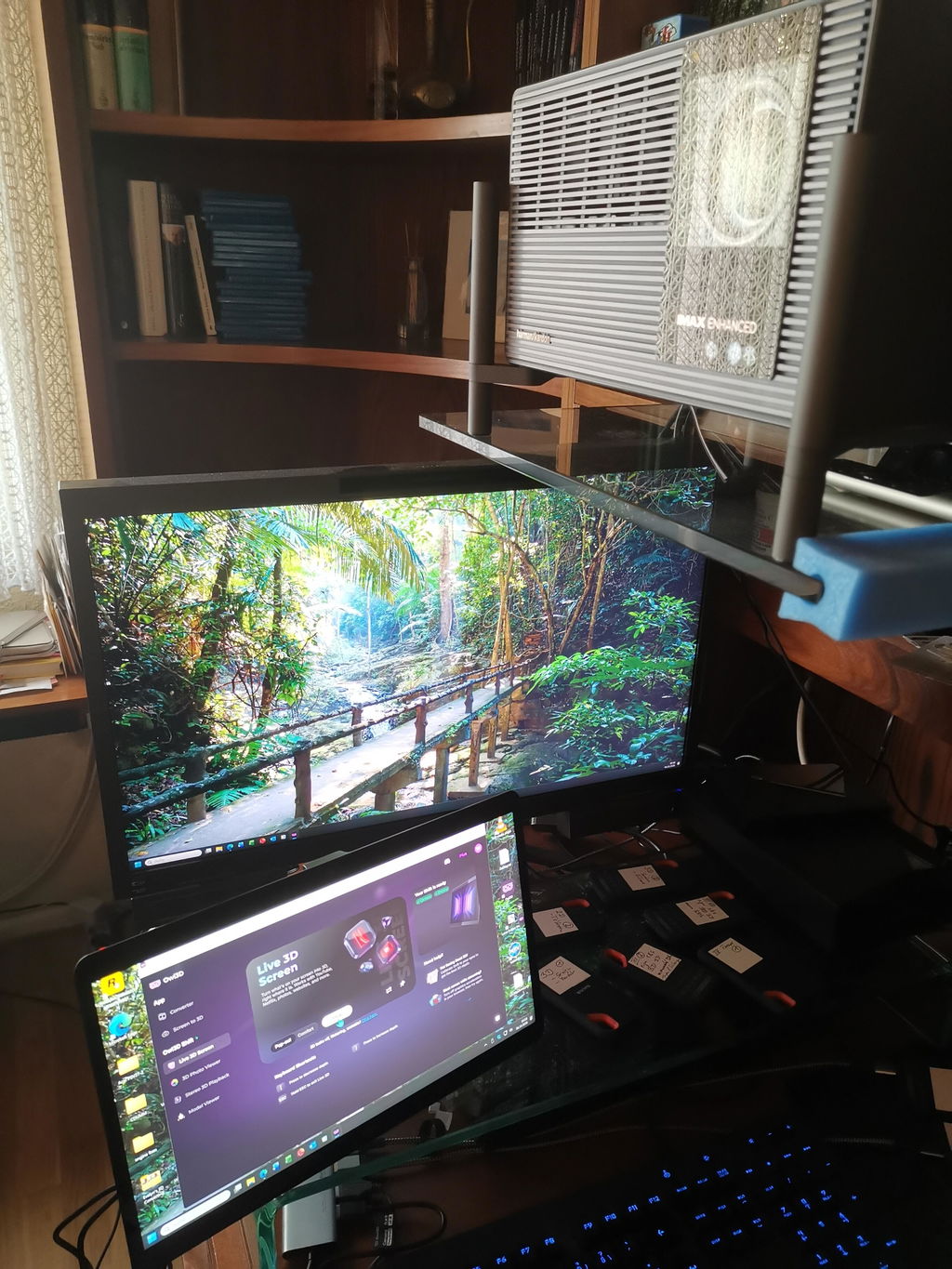
我在 MacBook Pro M1 pro(16 Go Ram)上用新版本 2.4.0 测试了。
运行得很好,用我 rip 的 Blu-ray 3D 4K 10 bit 片子,效果让人惊艳。
之后我会再用 Mac mini M4 Pro 以及 Windows PC 测试(等我有时间的时候)。
太感谢你们的工作了,伙计们,也谢谢你们帮我们更好地享受沉浸式 3D,而且不用戴眼镜。💯
最新这个版本带来了沉浸感。
Shift。
我在 MacBook Pro M1 pro(16 Go Ram)上用新版本 2.4.0 测试了。
运行得很好,用我 rip 的 Blu-ray 3D 4K 10 bit 片子,效果让人惊艳。
之后我会再用 Mac mini M4 Pro 以及 Windows PC 测试(等我有时间的时候)。
太感谢你们的工作了,伙计们,也谢谢你们帮我们更好地享受沉浸式 3D,而且不用戴眼镜。💯
最新这个版本带来了沉浸感。