안녕하세요 GB님, 피드백 감사합니다! Shift 보정이 제대로 되지 않은 것 같아요. 그러면 지금 보고 계신 모아레 무늬/반짝임 현상이 생깁니다. 같은 문제를 겪은 사용자분들도 보정 후에 크게 개선되었어요.
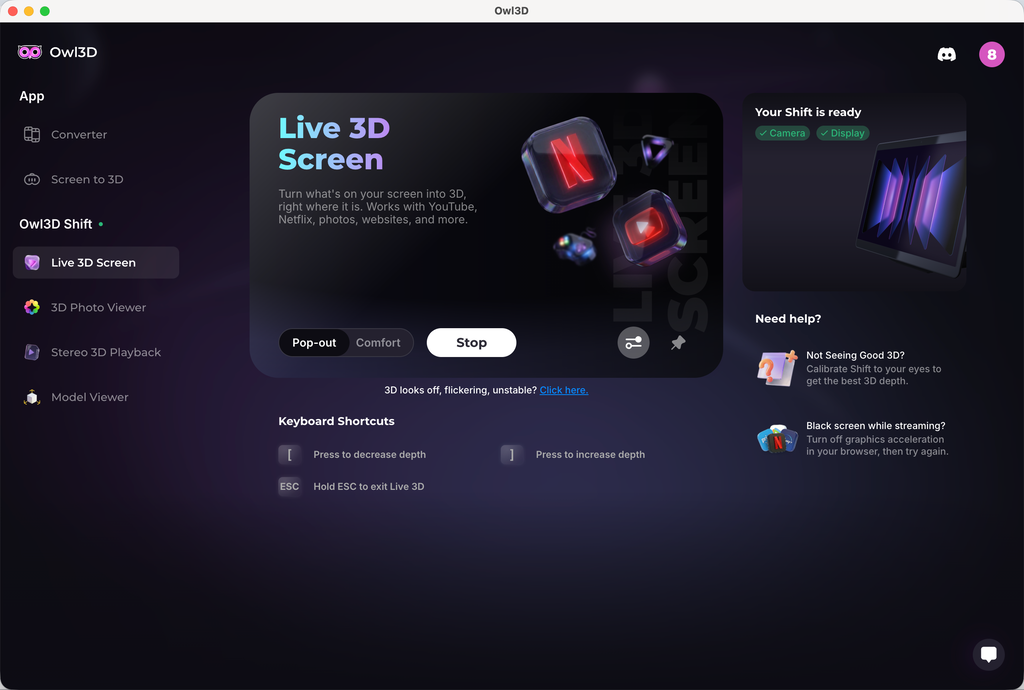
보정하려면 Live 3D Screen으로 가세요. 오른쪽에 "Not Seeing Good 3D?" 섹션이 보일 거예요. 그걸 클릭하면 보정 프로그램으로 들어갑니다. 프로그램 안에 3D 오프셋을 조정할 수 있는 슬라이더가 있어요. 일반적으로 보정 값은 0 근처여야 합니다. 3D가 가장 좋고 반짝임이 덜한 값을 찾아보세요. 보정을 제대로 했는데도 반짝임이 여전히 심하다면 알려 주세요. 더 깊이 살펴볼게요.
다른 요청하신 풀 사이드 바이 사이드 이미지나 영상 보기는, 풀 사이드 바이 사이드 미디어를 지원하는 네이티브 미디어 플레이어를 곧 추가할 예정이에요.
Hi GB, thanks for the feedback! It sounds like your Shift wasn't calibrated correctly, which will cause the moiré patterns/shimmering effect you're seeing. Some users had the same issue and saw great improvement after calibration.
To calibrate, go to Live 3D Screen, and on the right-hand side, you'll see a section "Not Seeing Good 3D?" Click that, and you'll enter a calibration program. Within the program, there will be a slider you can use to adjust the 3D offset. Normally speaking, your calibration value should be around 0. Try to find a value that has the best 3D and less shimmering. If you believe you've done the calibration correctly and are still seeing bad shimmering, let me know. We'll dig deeper.
To your other request, viewing full side-by-side image or video, we're gonna add a native media player soon that supports full side-by-side media.
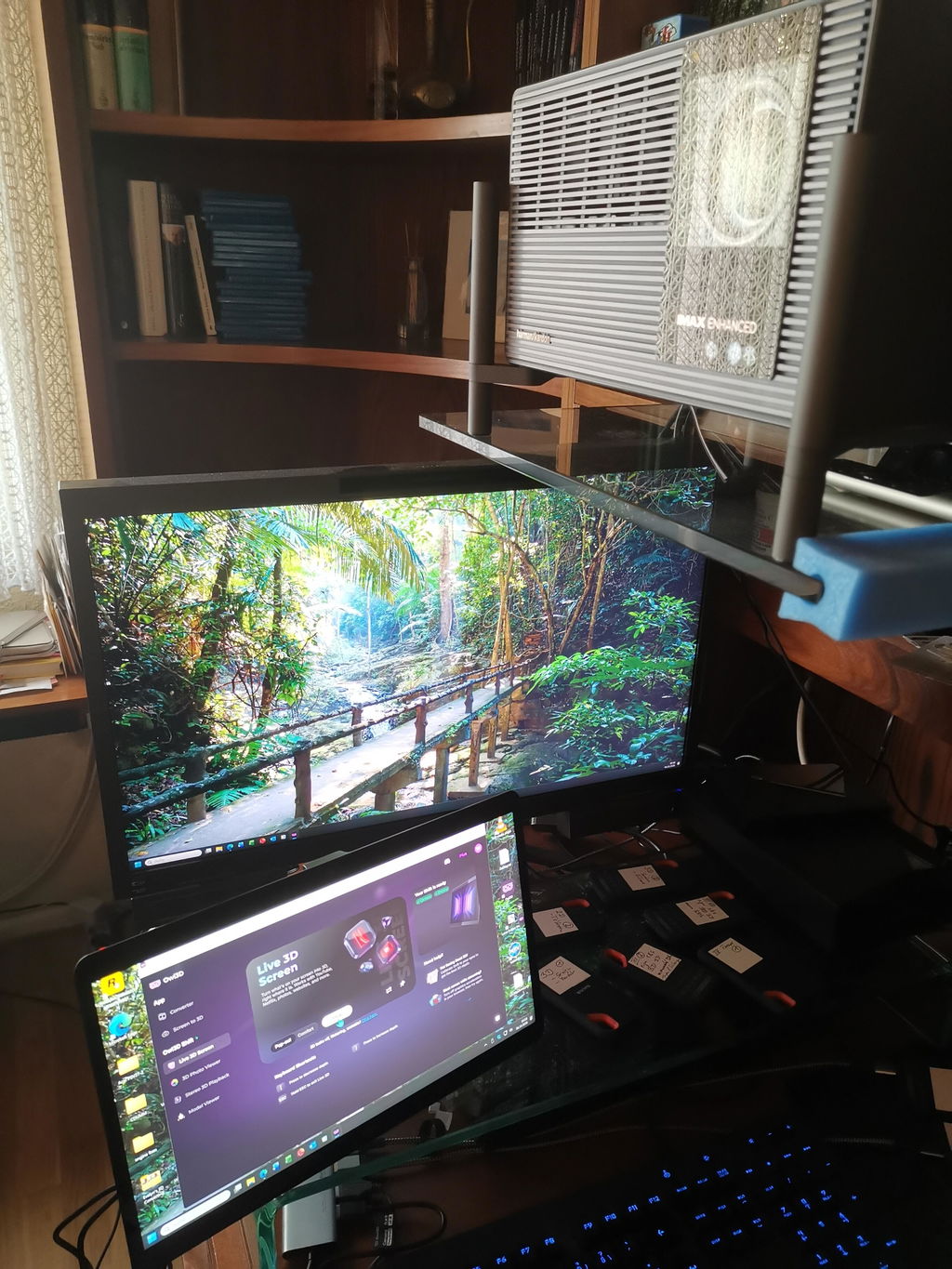


 Shift를 받았어요.
MacBook Pro M1 pro(16 Go Ram)에서 새 버전 2.4.0으로 테스트해요.
아주 잘 작동하고, 제가 리핑한 Blu-ray 3D 4K 10 bit로 보니 감동이에요.
나중에 Mac mini M4 Pro랑 PC Windows로도 테스트할게요(시간 날 때).
여러분의 작업에 정말 고마워요, 그리고 안경 없이도 3D 몰입감을 더 즐길 수 있게 해 줘서요.💯
이번 최신 버전은 몰입감을 줘요.
Shift를 받았어요.
MacBook Pro M1 pro(16 Go Ram)에서 새 버전 2.4.0으로 테스트해요.
아주 잘 작동하고, 제가 리핑한 Blu-ray 3D 4K 10 bit로 보니 감동이에요.
나중에 Mac mini M4 Pro랑 PC Windows로도 테스트할게요(시간 날 때).
여러분의 작업에 정말 고마워요, 그리고 안경 없이도 3D 몰입감을 더 즐길 수 있게 해 줘서요.💯
이번 최신 버전은 몰입감을 줘요.