Best XR Glasses: Which XREAL, VITURE or RayNeo Pair for Films, Games, Work and 3D
How we researched this: written by Owl3D from published sources, all 24 listed at the end.
Short answer
For films, the VITURE Beast: 58° field of view, up to 1250 nits, head tracking built into the glasses and a prescription frame in the box. For games, the ROG XREAL R1, the only pair here that goes up to 240 Hz (by image scaling). For work, the XREAL 1 Pro+: up to 1200 nits in Follow mode, a screen that stays put when you turn your head, and ultrawide layouts. If you are nearsighted and do not want inserts, the VITURE Luma has a dial up to -6.0D. For 3D files, an XREAL pair such as the 1 Pro+: XREAL lists both Full and Half side-by-side, while VITURE glasses take Full side-by-side only. Owl3D, the publisher of this guide, makes a 2D-to-3D video converter, described in one passage below. The comparison is meant to be fair: what each pair does comes from its maker's own pages, and owners' reports are marked as theirs.
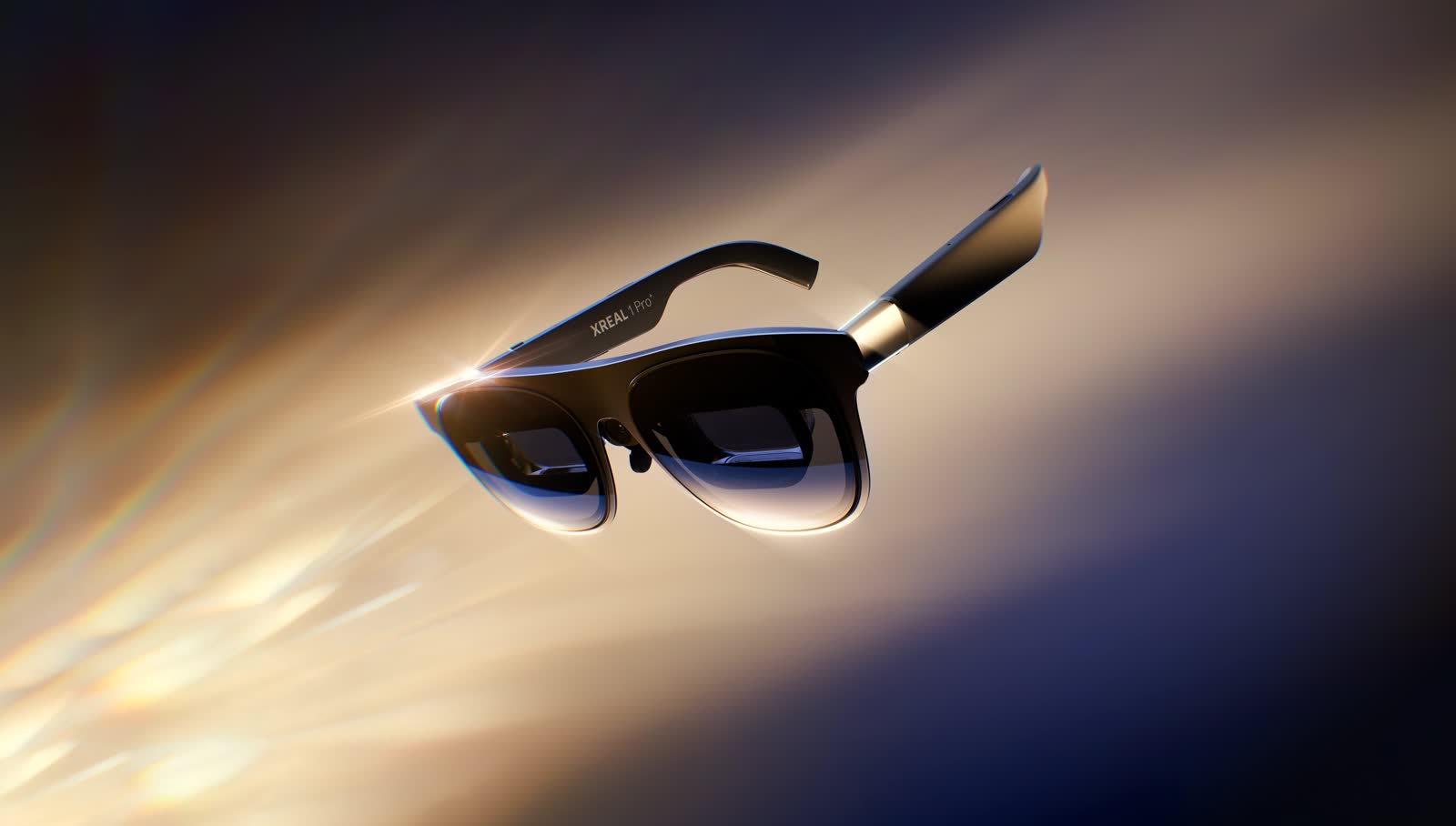
The XREAL 1 Pro+: 57° field of view, up to 120 Hz, and "REAL 3D", full SBS and half SBS [7]. Image: XREAL.
Key takeaways
- Pick by use in the quick picks; the deciding numbers are in one table.
- Head tracking (3DoF) keeps the screen still when you move your head. The RayNeo Air 4 Pro lists only "Follow Mode" [15].
- Every pair needs a device that sends video over USB-C (DisplayPort Alt Mode), or an adapter [2][13][18]. Connection.
- Owners report blurry patches and corners, and one says it feels "like holding a tablet". What owners report.
- Your own 2D videos can be turned into the Full side-by-side format these 3D modes take, by AI conversion in the Owl3D app.
Quick picks by use
Quick picks
- FilmsVITURE Beast: 58°, a "174-inch cinematic canvas at 4 meters", up to 1250 nits [12]
- GamesROG XREAL R1: up to 240 Hz, and a dock with 2 × HDMI 2.0 and 1 × DisplayPort 1.4 [10][11]
- WorkXREAL 1 Pro+: up to 1200 nits in "Follow" mode, 3DoF "Anchor", and 21:9, 32:9 and 16:18 ultrawide [7]
- 3D filesXREAL 1 Pro+: "REAL 3D", full SBS and half SBS [7]
- Nearsighted, no insertsVITURE Luma: dial up to -6.0D [13][14]
The numbers that decide it
Only what changes a choice is here. All figures are the makers' own, word for word.
| Glasses | Field of view | Brightness | Refresh | Tracking | Connection | 3D side-by-side | Vision correction |
|---|---|---|---|---|---|---|---|
| XREAL One Pro | 57° [1] | 700 Nits [1] | 120 Hz [1] | "3 DoF Supported (powered by glasses)" [1] | "USB-C DP port" on your device [2] | Half SBS, Full SBS, REAL 3D [4] | Prescription lenses or inserts [5] |
| XREAL 1 Pro+ | 57° [7] | 1200 nits perceived (with conditions) [7] | 90 Hz; up to 120 Hz [7] | 3DoF "Anchor"; 6DoF with an optional accessory [7] | USB-C with DisplayPort output [9] | "REAL 3D", full SBS, half SBS [7] | Prescription lens frame, not included [7] |
| XREAL 1S | 52° [1] | 700 nits [1] | Fixed 90Hz, up to 120Hz [1] | "Stable 3DoF" [3] | "Plug Into Any Device*" (asterisk note not shown) [3] | Half SBS, Full SBS, REAL 3D [4] | Uses One prescription lenses [5] |
| ROG XREAL R1 | 57° [11] | 700 nits [11] | Up to 240 Hz [11] | Native 3DoF [11] | USB-C; dock with HDMI and DisplayPort [10][11] | Full, Half-width SBS, Instant 3D [11] | Diopter not supported; lens insert in the box [11][10] |
| VITURE Beast | 58° [12] | Up to 1250 nits [12] | Up to 120Hz [12] | Built-in 3DoF [12] | "a single USB-C cable" [12] | Full SBS only [13] | No myopia dial; prescription frame included [12] |
| VITURE Luma Pro | 52° [13] | 1000 nits (perceived) [13] | Up to 120Hz [13] | 3DoF "via SpaceWalker" [13] | Magnetic cable to USB-C, DP Alt Mode [13] | Full SBS only [13] | Up to -4.0D dial [13] |
| RayNeo Air 4 Pro | 46° [15] | 1,200 nits [15] | Up to 120Hz [15] | "Follow Mode" [15] | USB-C; HDMI by adapter [15] | Native 3D, AI 2D-to-3D [15] | Inserts from Lensology [15] |
| RayNeo GT Max | 59° [17] | 1,200 nits; 336 nits pinned [17] | 2D 120Hz, 3D 60Hz [17] | Native 3DoF [17] | USB-C DisplayPort [17] | Side-by-Side 3D [17] | Inserts from Lensology [17] |
Last checked : each maker's product and specification pages.
The XREAL 1 Pro+ figure of 1200 nits holds in "Follow" mode with "Stabilizer" off and "AI HDR" on [7]. The VITURE Luma (not Pro) has a 146" screen and the larger -6.0D dial [13]. The RayNeo GT has a 46° field of view and the same 336-nit limit in Pinned Mode [16].
What each one cannot do
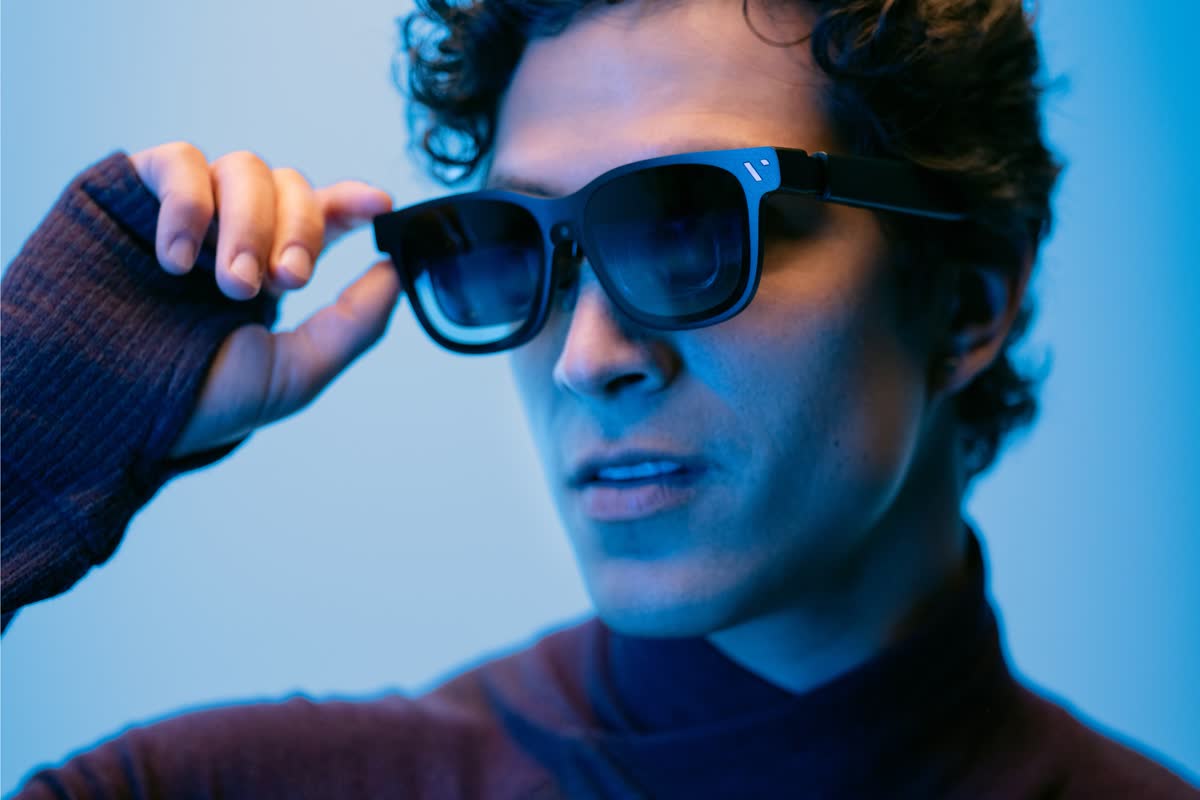
- XREAL 1 Pro+: "「3D Mode」, 「UltraWide Mode」, and 「Side View」 are mutually exclusive" [8]. 6DoF needs XREAL Eye, "sold separately" [6].
- ROG XREAL R1: 240 Hz "achieves FHD 240Hz through image scaling. Visual sharpness may be slightly reduced" [10]. No diopter adjustment [11].
- VITURE Beast: myopia adjustments are "Not supported"; VITURE says the prescription lens frame is "required for nearsightedness or astigmatism" [12]. The HDMI XR Adapter "does not support VITURE Beast XR Glasses" [12].
- VITURE Luma series: only Full SBS 3D. Some phones cannot switch to 3D Mode at all; VITURE names the Google Pixel 8 and 9 series [13]. 6DoF on the Luma Ultra needs the Pro Neckband, "sold separately" [13].
- RayNeo Air 4 Pro: the maker lists "Follow Mode" as its spatial tracking [15]; the native 3DoF is on the GT series [16][17].
- RayNeo GT and GT Max: 3D runs at 60Hz, and Pinned Mode drops brightness to 336 nits [16][17].
What owners report
Three owners on Hacker News, quoted as they wrote. These are their reports, not our tests.
- XREAL One Pro, May 2026: "there are imperfections in the lenses resulting in blurry areas of the screen, very visible as you move your head around." The same owner says they "are great for watching video" [21].
- RayNeo Air 4 Pro, September 2026: "they don't do 3DoF tracking, so the screen just follows where you're looking, you can't change screen size, and no multimonitor setup." [22]
- VITURE Luma Pro, November 2026: "the quality is great apart from blurriness in the corners, but the perception is more like holding a tablet inches from your face rather than sitting in a cinema" [23]
For laptops, virtual screens and long work sessions, see AR glasses for work. For consoles, docks and lag, see XR glasses for gaming.
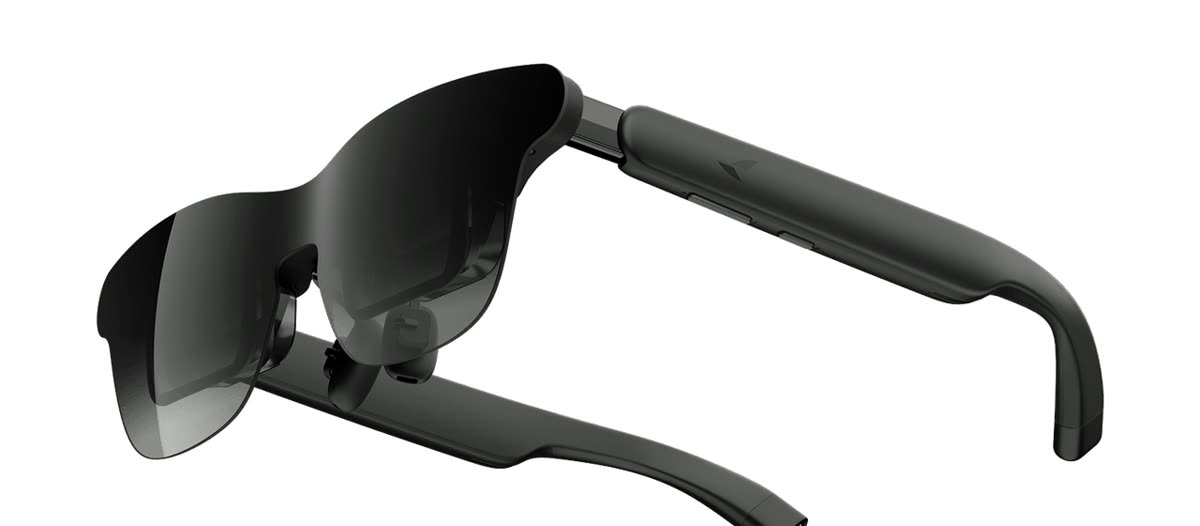
Not the same thing: camera and AI glasses
Camera and AI glasses such as Ray-Ban Meta are not this kind of screen. Meta describes its Meta Ray-Ban Display as Ray-Ban Meta features "with the addition of a display", and says that display "is placed off to the side" and that "it's designed for short interactions" [20].
3D on these glasses, and your own videos
Every pair in the table has a 3D mode for side-by-side (SBS) video: each half of the frame goes to one eye. XREAL lists Full SBS as "3840×1080 (No Horizontal Squeeze)" [4]; VITURE and RayNeo both support native Full SBS at 3840×1080 [13][19]. How to start each mode, and fix a black or doubled picture, is in 3D movies on video glasses.
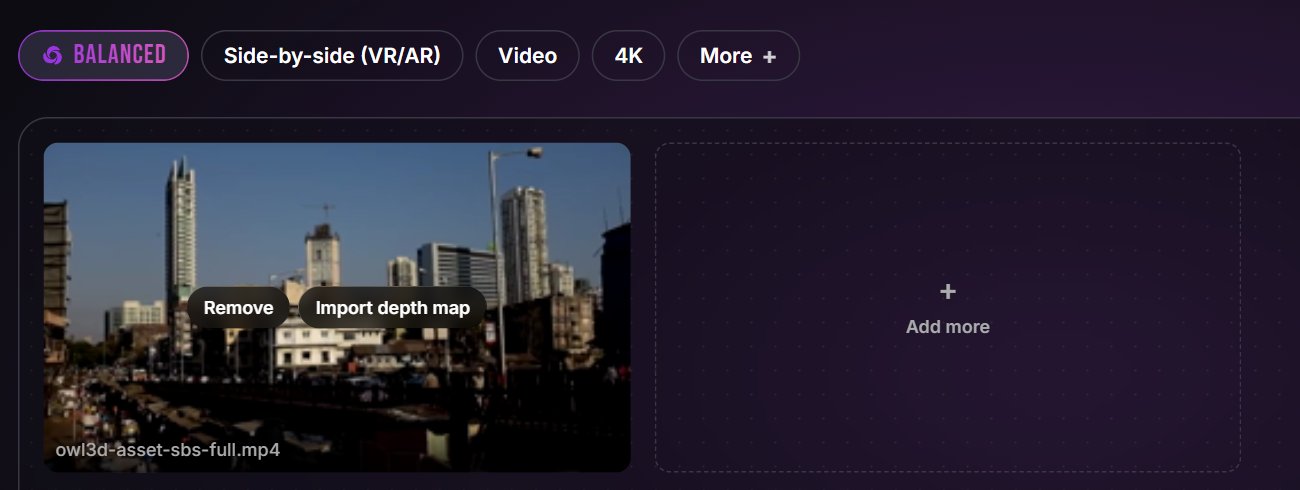
If the films you want in 3D are your own 2D videos, the Owl3D desktop app, for Windows and Mac, converts 2D videos you have the right to use into Full side-by-side 3D, the format these 3D modes take. It is an AI conversion, not the studio's 3D version, and it is not instant: the file is converted on your computer before you watch.

The glasses also have their own live 2D-to-3D: XREAL "REAL 3D" [8], VITURE "Immersive 3D" [13] and RayNeo "AI 2D-to-3D Conversion" [15]. The makers say these convert as you watch; we have not tested them.
From Owl3DOwl3D converterA desktop app for Windows and Mac that turns 2D videos and photos into 3D.Frequently asked questions
Which VITURE XR glasses are the best?
It depends on your eyes. VITURE calls the Beast "our largest, sharpest, and brightest display to date": 58°, up to 1250 nits, with 3DoF built in, but no myopia dial [12]. If you are nearsighted and want no inserts, the Luma has a dial up to -6.0D and the Luma Pro up to -4.0D [13].
Are AR glasses and XR glasses the same thing?
For these products, yes: both names are used for the same kind of display glasses. XREAL calls the R1 "gaming AR glasses" [10], VITURE sells "XR Glasses" [13], and RayNeo calls the GT "AR Glasses" [16].
Sources (24)
- XREAL Tutorials, "XREAL One/One Pro/1S Specifications". https://tutorials.xreal.com/docs/glasses/one-series/spec/ (opened 2026-11-16)
- XREAL, "XREAL One Pro". https://www.xreal.com/one-pro/ (opened 2026-11-16)
- XREAL, "XREAL 1S". https://www.xreal.com/1s (opened 2026-11-16)
- XREAL Tutorials, "3D Mode" (One Series). https://tutorials.xreal.com/docs/glasses/one-series/osd/3d-mode/ (opened 2026-11-16)
- XREAL Tutorials, "FAQ" (One Series). https://tutorials.xreal.com/docs/glasses/one-series/faq/ (opened 2026-11-16)
- XREAL, "XREAL 1 Pro+". https://www.xreal.com/1-pro-plus (opened 2026-11-16)
- XREAL Tutorials, "XREAL 1 Pro+ Specifications". https://tutorials.xreal.com/docs/glasses/pro-plus/specifications/ (opened 2026-11-16)
- XREAL Tutorials, "Use REAL 3D and SBS 3D" (1 Pro+). https://tutorials.xreal.com/docs/glasses/pro-plus/spatial-screen/three-d/ (opened 2026-11-16)
- XREAL Tutorials, "XREAL 1 Pro+ User Guide". https://tutorials.xreal.com/docs/glasses/1-pro-plus/ (opened 2026-11-16)
- XREAL, "ROG XREAL R1". https://www.xreal.com/rog-xreal-r1 (opened 2026-11-16)
- XREAL Tutorials, "ROG XREAL R1 Product Specifications". https://tutorials.xreal.com/docs/glasses/r1/spec/ (opened 2026-11-16)
- VITURE Academy, "The Beast XR Glasses". https://www.viture.com/academy/xr-glasses/the-beast (opened 2026-11-16)
- VITURE Academy, "Luma Series XR Glasses". https://www.viture.com/academy/xr-glasses/luma-series (opened 2026-11-16)
- VITURE, "Luma". https://www.viture.com/luma (opened 2026-11-16)
- RayNeo, "RayNeo Air 4 Pro AR Smart Glasses". https://www.rayneo.com/products/rayneo-air-4-pro-ar-smart-glasses (opened 2026-11-16)
- RayNeo, "RayNeo GT AR Glasses". https://www.rayneo.com/products/rayneo-gt-ar-glasses (opened 2026-11-16)
- RayNeo, "RayNeo GT Max AR Glasses". https://www.rayneo.com/products/rayneo-gt-max-ar-glasses (opened 2026-11-16)
- RayNeo, "Product Compatibilities". https://www.rayneo.com/pages/product-compatibilities (opened 2026-11-16)
- RayNeo, "Watch 3D Video". https://www.rayneo.com/pages/watch-3d-video (opened 2026-11-16)
- Meta Newsroom, "Meta Ray-Ban Display: AI Glasses With an EMG Wristband", September 17, 2025. https://about.fb.com/news/2025/09/meta-ray-ban-display-ai-glasses-emg-wristband/ (opened 2026-11-16)
- Hacker News, comment of May 26, 2026 (owner's report). https://news.ycombinator.com/item?id=48276532 (opened 2026-11-16)
- Hacker News, comment of September 24, 2026 (owner's report). https://news.ycombinator.com/item?id=49827820 (opened 2026-11-16)
- Hacker News, comment of November 10, 2026 (owner's report). https://news.ycombinator.com/item?id=50440477 (opened 2026-11-16)
- Wikimedia Commons, "File:Street in Mumbai (video) 01.webm", Nicolas Vigier, CC0 1.0. https://commons.wikimedia.org/wiki/File:Street_in_Mumbai_(video)_01.webm (opened 2026-11-16)