AR and XR Glasses for Gaming: What You Can Plug In, and Which Glasses
How we researched this: written by Owl3D from published sources, all 19 listed at the end.
Short answer
Yes, you can game on AR or XR display glasses from XREAL, VITURE and RayNeo. They work as a large external screen for whatever you plug in. A Steam Deck, ROG Ally, a PC with DisplayPort over USB-C, most iPhone 15 and later models and many Android phones connect with one USB-C cable. A Nintendo Switch, PS5 or Xbox cannot send video to the glasses by USB-C cable, so it needs the maker's dock or HDMI adapter. Refresh rate depends on the device more than on the glasses: XREAL says a Switch and phones are capped at 60 Hz. Owl3D, the publisher of this guide, makes a 2D-to-3D video converter, described in one passage below. It does not convert games. What each pair of glasses supports comes from its maker's own pages; owners' reports are marked as theirs.

Display glasses show the picture of the device they are plugged into, here a game on a controller-driven PC. Image: VITURE.
Key takeaways
- Find your console or handheld in the device table: direct cable, or which dock or adapter.
- Switch, PS5 and Xbox need a dock or HDMI adapter. XREAL says Switch and phones are capped at 60 Hz.
- Lag, blurry edges and Deck battery: what owners report. The makers' "3 ms" and "0.01 ms" are not controller-to-screen lag.
- 3D games: native side-by-side titles and ReShade on a PC, or the glasses' own 2D-to-3D modes. 3D games.
What each device needs to connect
The device must send video out of its USB-C port. VITURE tells you to look for "DisplayPort over USB-C, DP Alt Mode, Alt DP over USB-C, or Thunderbolt 4" in its specifications [4]. RayNeo says the same for all its AR glasses [6]. A device without that needs an adapter.
| Device | Direct USB-C cable? | What the makers say it needs | Refresh to expect |
|---|---|---|---|
| Steam Deck, Steam Deck OLED | Yes. Valve lists "Display port over Type C" [8] | Nothing. VITURE, RayNeo and XREAL list it as a direct device [3][6][2] | VITURE's setting: 1920x1080@120Hz [4] |
| ROG Ally and other PC handhelds | Yes [3][1] | Nothing | ROG XREAL R1: high refresh rates on the Ally [1] |
| Nintendo Switch | No. Its USB-C port is "for charging or for connecting to the Nintendo Switch dock" [9] | A powered dock: XREAL Hub [2], VITURE Mobile Dock Mini, Pro Mobile Dock or Adapter Ultra [3], RayNeo JoyDock [7] | 60Hz [1] |
| Nintendo Switch 2 | No. Video goes out "via HDMI connector in TV mode" [10] | VITURE Mobile Dock Mini, Pro Mobile Dock or Adapter Ultra [3]; RayNeo JoyDock with its Switch 2 bracket [7] | Pro Mobile Dock: 60Hz [4]. Others not stated |
| PS5, PS4 | No (HDMI) | An HDMI adapter: VITURE Pro Mobile Dock [3], RayNeo HDMI adapter [7], or the ROG Control Dock for the R1 [1] | VITURE Pro Mobile Dock: 60Hz [4] |
| Xbox Series X/S, Xbox One | No (HDMI) | Same as PS5 [3][7][1] | Same as PS5 |
| PC or laptop | Yes, if the USB-C port has DP Alt Mode or Thunderbolt 4 [4] | Otherwise an HDMI adapter; RayNeo lists "Laptop with HDMI port" [6] | VITURE on Windows and Mac: 120, 90 or 60 Hz [4] |
| iPhone 15, 16, 17 | Yes, except iPhone 16e and 17e [11]. VITURE also excludes iPhone Air [3] | Nothing | Apple: "up to 4K resolution and 60Hz" [11] |
| iPhone 14 and earlier | No (Lightning) | Apple's Lightning Digital AV Adapter plus the maker's HDMI adapter [4][7] | Not stated |
| Android phone | Only if it has DP Alt Mode [3][6] | No adapter route stated | Phones: "capped at 60Hz" [1] |
Last checked : what each maker's compatibility page says.
Two traps catch new owners. On a Switch, XREAL's R1 needs "external power, so the Nintendo Switch must be used with its Dock", with the dock's HDMI going into the ROG Control Dock [1]. On a Steam Deck with no sound in the glasses, VITURE says to "press the STEAM button, go to Settings > Audio > Output Device, and select 'External device'" [4].
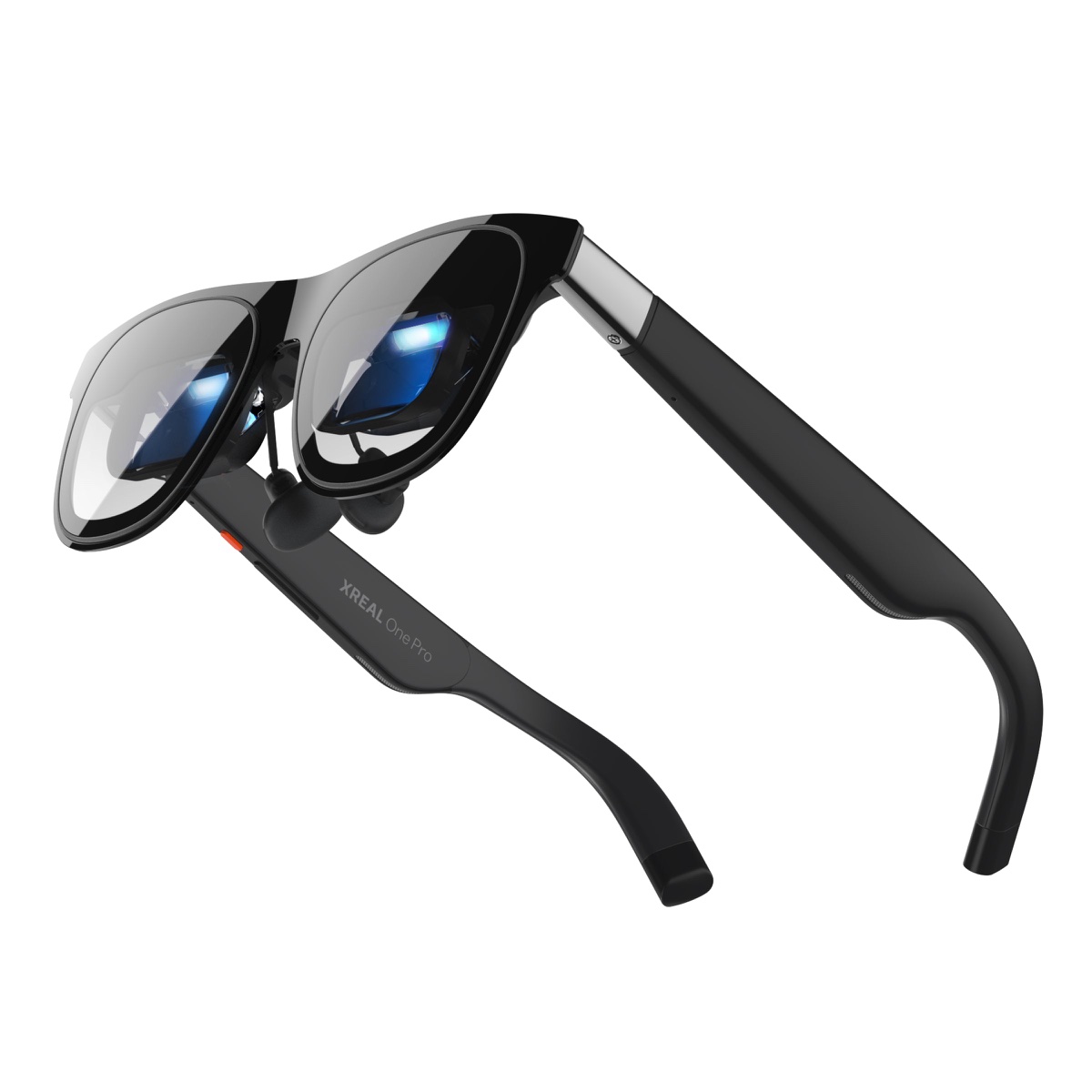
Which glasses fit which device
Every pair here is a screen. So "best for gaming" comes down to the refresh rate your device sends, how you connect it, and your eyesight. The figures are the makers' own.
| Glasses | Refresh | Screen the maker states | Switch, PS5, Xbox | Vision correction |
|---|---|---|---|---|
| ROG XREAL R1 | 240 Hz [1] | 57°, 171 inches at 4 m [1] | ROG Control Dock, HDMI 2.0 or DisplayPort 1.4 [1] | Insert in the box, for an optician [1] |
| XREAL One Pro | 120 Hz [2] | 57°, up to 171 inches [2] | Switch through XREAL Hub [2] | Prescription inserts [14] |
| XREAL 1 Pro+ | 120 Hz [12] | 57° [12] | "handhelds, consoles and PCs" [12] | Prescription inserts [14] |
| VITURE Luma series | Up to 120Hz [4] | 50° to 52°, 146 to 152 inches at 4 m [4] | Pro Mobile Dock (60Hz) [4] | Dial: Luma to −6.0D, Luma Pro to −4.0D [13] |
| VITURE Beast | 120Hz [5] | 58°, 174 inches at 4 m [5] | HDMI by adapter [5]. Not the HDMI XR Adapter [5] | Insert lenses [5] |
| VITURE Pro 2 | 120Hz [3] | 50°, 146 inches [3] | Pro Mobile Dock [3] | Dials to −5.00D per eye [3] |
| RayNeo Air 4 Pro, Air 3s, GT | Not read | Not read | HDMI adapter: PS5, Xbox [7] | Not read |
How to read it:
- Handheld or PC first. All of these connect to a Steam Deck or ROG Ally by cable. A 120 Hz pair matches the Deck's 1920x1080@120Hz setting [4]. The R1 goes to 240 Hz, but XREAL says that mode "may result in a slight reduction in text clarity" [1].
- Switch or PS5 first. The refresh rate of the glasses does not help: XREAL says "the Nintendo Switch and phones" are "capped at 60Hz" [1], and VITURE's Pro Mobile Dock runs at 60Hz only [4]. Choose by which dock or adapter you want to carry.
- You wear glasses. VITURE puts myopia dials in the frame [3][13]. XREAL uses prescription inserts "that an optician can fit to your prescription" [14]. For astigmatism, VITURE points to its Prescription Lens Frame [3].
RayNeo's and Rokid's product pages refused our tools on 2026-11-11, so the RayNeo row shows only what its support pages say and Rokid is not in the table.
What owners report: lag, size, comfort
Five of 67 posts we read in Steam and Hacker News threads. We have not tested them.
- Lag. A plain cable from a Deck gives "lag-free bigscreen gaming", one reply says [15]. A box in the middle adds some: XREAL's Beam "does introduce a little latency", a commenter wrote in 2024 [16].
- Sharpness. A VITURE owner, 2025: "text more blurry towards the edges" [17].
- Battery. In 2023, Nreal glasses on a Deck would "drain the battery in 40-50 mins" without a powered adapter [18]. A VITURE Pro XR owner on a Deck, 2026: "about the same battery life" as the Deck's own screen [15]. For long sessions, one owner uses a hub on the Deck charger whose USB-C port has "video capability" [19].
3D games on the glasses
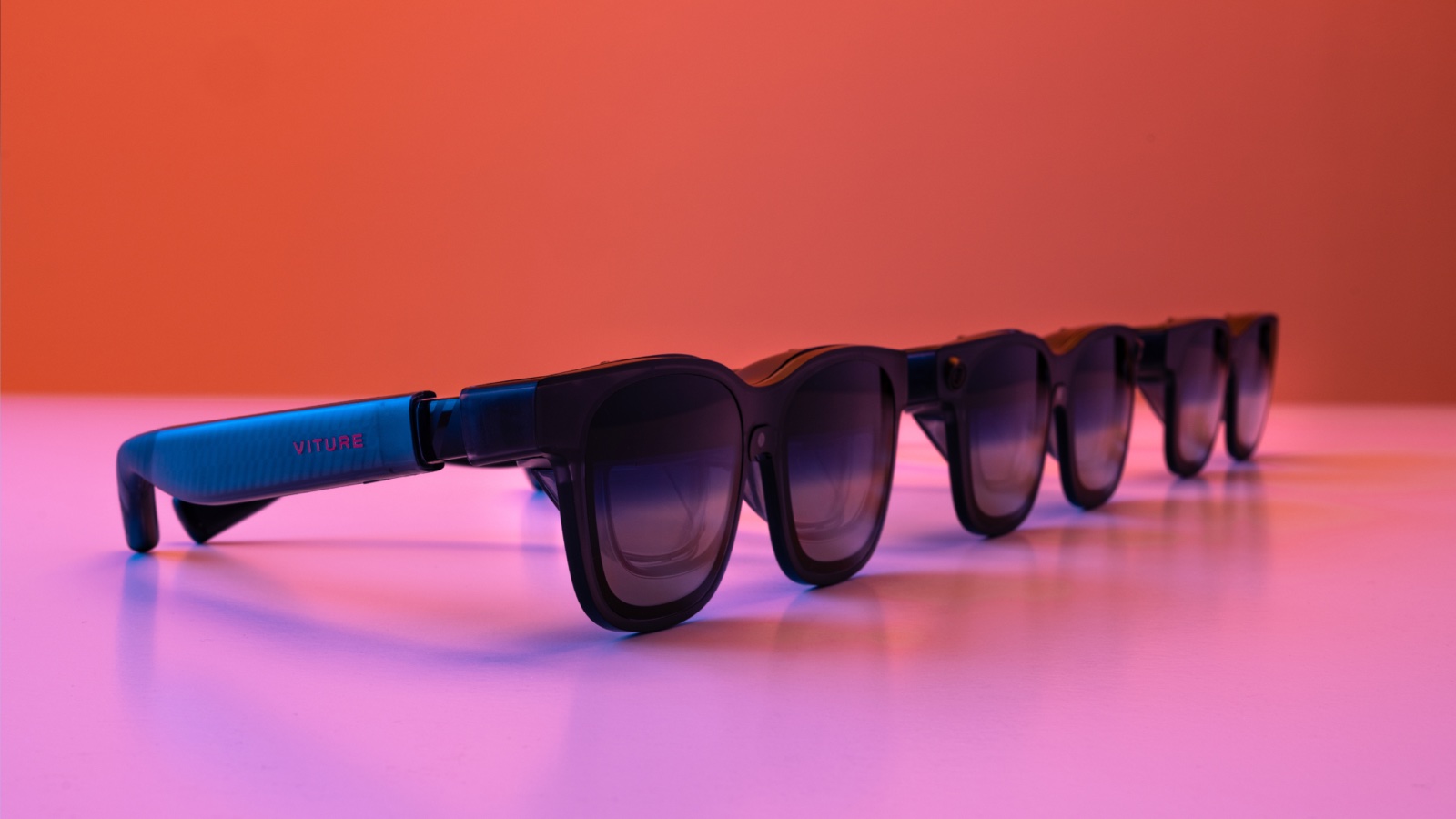
The glasses show a separate picture to each eye, so a game that sends side-by-side 3D plays in 3D. Three routes:
- Games with native SBS output on a PC. VITURE says "You can play native SBS video games by connecting XR Glasses to your PC" and lists titles such as Shadow of the Tomb Raider and Elite Dangerous [4].
- ReShade on a PC. VITURE writes: "If you want more 3D games on your PC, we strongly recommend using Reshade + Depth3D to play 3D games" [4]. The glasses take Full SBS only, so set the graphics card up for Full SBS; VITURE warns that the wrong format "may lead to incorrect output on the glasses" [4].
- The glasses' own 2D-to-3D. XREAL says the 1 Pro+ turns "games into spatial 3D at 60fps — directly on the glasses" [12], and the R1 offers "real-time advanced 2D-to-3D conversion" for games [1]. VITURE's Immersive 3D for Windows also runs with games, but VITURE says it "may reduce gaming performance" and suggests an NVIDIA RTX 4080 or higher [4]. These are the makers' claims; we have not tested them.
For 3D films on the same glasses (which file, which button, why the picture goes black or doubled), see 3D movies on XREAL, VITURE and RayNeo glasses. If you have 2D videos you want in 3D, the Owl3D desktop app, for Windows and Mac, converts 2D video files you have the right to use into stereoscopic 3D using AI on your own computer; its output formats include Side-by-side. It is an AI conversion, not a studio's 3D version, it is not instant, and it does not convert games.
From Owl3DOwl3D converterA desktop app for Windows and Mac that turns 2D videos and photos into 3D.Frequently asked questions
Are AR glasses and XR glasses the same thing?
For gaming, yes: the same kind of display glasses. XREAL calls its glasses "AR glasses" [2], and VITURE calls them "XR Glasses" [3]. XREAL describes the difference from VR like this: VR "replaces your surroundings", while see-through AR keeps "the room, people and objects around you" visible [14].
Do XR glasses work with a PS5?
Yes, through an HDMI adapter or dock, not by plugging the glasses into the console. VITURE names its Pro Mobile Dock for "PlayStation / Xbox" [3]; RayNeo has an HDMI adapter for PS5 and Xbox [7]; XREAL's R1 uses the ROG Control Dock [1].
Sources (19)
- XREAL, "ROG XREAL R1", product page and FAQ. https://www.xreal.com/rog-xreal-r1 (opened 2026-11-11)
- XREAL, "XREAL One Pro". https://www.xreal.com/one-pro/ (opened 2026-11-11)
- VITURE Academy, "Pro 2 XR Glasses". https://www.viture.com/academy/xr-glasses/pro-2 (opened 2026-11-11)
- VITURE Academy, "Luma Series XR Glasses". https://www.viture.com/academy/xr-glasses/luma-series (opened 2026-11-11)
- VITURE Academy, "The Beast XR Glasses". https://www.viture.com/academy/xr-glasses/the-beast (opened 2026-11-11)
- RayNeo, "Product Compatibilities". https://www.rayneo.com/pages/product-compatibilities (opened 2026-11-11)
- RayNeo, "Support". https://www.rayneo.com/pages/support (opened 2026-11-11)
- Valve, "Steam Deck Tech Specs". https://www.steamdeck.com/en/tech (opened 2026-11-11)
- Nintendo, "Nintendo Switch tech specs". https://www.nintendo.com/us/gaming-systems/switch/tech-specs/ (opened 2026-11-11)
- Nintendo, "Nintendo Switch 2 tech specs". https://www.nintendo.com/us/gaming-systems/switch-2/tech-specs/ (opened 2026-11-11)
- Apple Support, "Connect iPhone to a display with USB-C". https://support.apple.com/en-us/105099 (opened 2026-11-11)
- XREAL, "XREAL 1 Pro+". https://www.xreal.com/1-pro-plus (opened 2026-11-11)
- VITURE, "Luma". https://www.viture.com/luma (opened 2026-11-11)
- XREAL, home page. https://www.xreal.com/ (opened 2026-11-11)
- Steam Community, Steam Deck discussion, replies of January 8, 2026 (users' reports). https://steamcommunity.com/app/1675200/discussions/0/686368182958716492/ (opened 2026-11-11)
- Hacker News, comment of October 17, 2024 (user's report). https://news.ycombinator.com/item?id=41859012 (opened 2026-11-11)
- Hacker News, comment of January 26, 2025 (user's report). https://news.ycombinator.com/item?id=42825441 (opened 2026-11-11)
- Steam Community, Steam Deck discussion, reply of June 7, 2023 (user's report). https://steamcommunity.com/app/1675200/discussions/0/3838801919851480410/ (opened 2026-11-11)
- Steam Community, Steam Deck discussion, reply of December 31, 2025 (user's report). https://steamcommunity.com/app/1675200/discussions/0/686367559407390715/ (opened 2026-11-11)