Best VR Glasses in the UK, 2026: Which Kind, Which Model
How we researched this: written by Owl3D from published sources, all 18 listed at the end.
Short answer
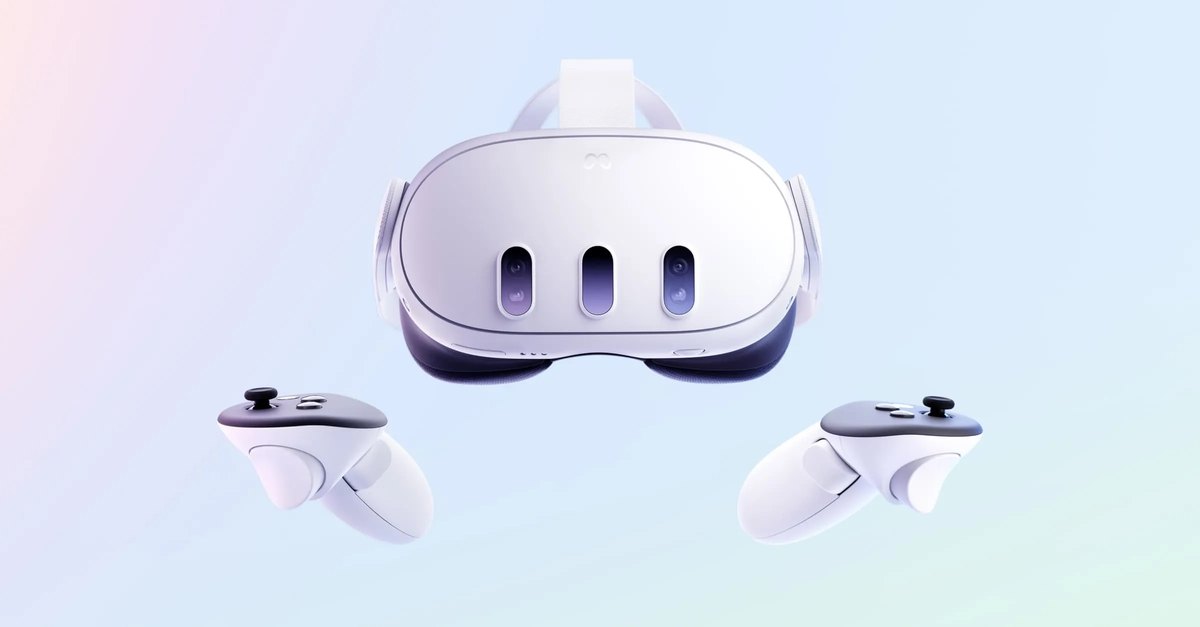
Two different things are sold as "VR glasses" in the UK. A VR headset (Meta Quest 3 or 3S, PlayStation VR2, Steam Frame, Apple Vision Pro) runs games and apps all around you. Display glasses, sold as XR or AR glasses by XREAL, VITURE and RayNeo, plug into a phone, laptop or console. They show its picture as a big flat screen, or in 3D from a side-by-side video [13][15][16][17]. For games, buy a headset. For films on a train or a flight, display glasses and your phone are enough. Most makers' pages were read on 14 November 2026.
Owl3D, the publisher of this guide, makes a 2D-to-3D converter, named in one section below. We sell none of the headsets or glasses here and have tested none of them. The facts come from the makers' own pages and from Engadget, Road to VR and UploadVR.
Key takeaways
- Headset or display glasses? Games and apps in VR need a headset. A big private screen for films needs only display glasses. See the table.
- No PC, no console: the Quest 3 and 3S need nothing else [1]. The PS VR2 needs a PS5 or a PC with Sony's adapter [3][5]. See Oculus or PS5 VR.
- You wear glasses: PS VR2 lets you keep them on [6]. XREAL and VITURE offer prescription lenses instead [13][15]. See glasses wearers.
- Not much to watch in 3D? Your own 2D videos can be converted to 3D for either kind. That is an AI conversion, not a studio 3D release.
The 2026 models: what each one needs
Most headsets here run apps on their own chip. Display glasses show the picture of the device you plug them into [13][15][16].
| Model | Kind | What it needs | If you wear glasses |
|---|---|---|---|
| Meta Quest 3 | Headset | Nothing: an all-in-one headset [1]. A PC is optional, by cable or Air Link [1] | Eye relief adjusts in steps, built in [2] |
| Meta Quest 3S | Headset | Nothing: an all-in-one headset [1] | Eye relief by a spacer in the box [2] |
| PlayStation VR2 | Headset | A PS5 console, "Sold separately" [3]. Or a Windows PC with Sony's PC adapter and a DisplayPort 1.4 cable [5] | "You can keep your glasses on while wearing the VR headset." [6] |
| Steam Frame | Headset | Runs games by itself, or streams them from a gaming PC [8]. A wireless PC adapter is in the box [7] | "Tight fit with glasses", by Engadget's reviewer [8] |
| Apple Vision Pro | Headset | Has its own M5 chip [9]. 3D films can be bought or rented in its Apple TV app [10] | ZEISS Optical Inserts made to your prescription, sold separately [9] |
| PICO 4 Ultra | Headset | Has its own chip and storage [11]. A PC or Mac can stream or mirror to it. Phone mirroring in the PICO mobile app comes "in a future OTA update" [12] | A glasses spacer is in the box [11] |
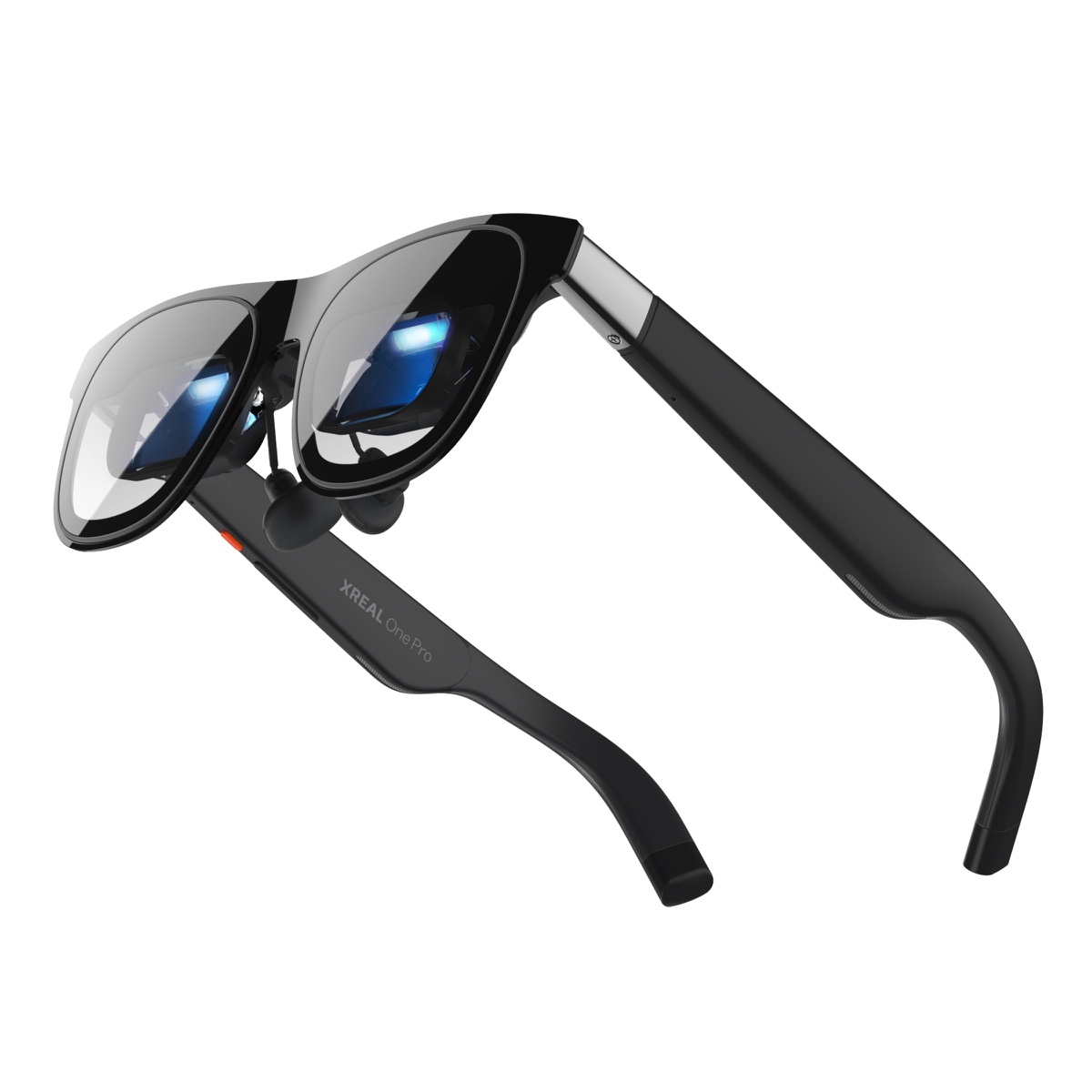
| XREAL One Pro | Display glasses | A device with "a USB-C DP port" that supports DP output [13] | Prescription lens service listed for the UK [13] |
| VITURE Beast | Display glasses | A source with DisplayPort over USB-C, DP Alt Mode or Thunderbolt 4 [15] | No built-in correction for short sight: a prescription lens frame is needed [15] |
| RayNeo Air 2s | Display glasses | A device with DP Alt Mode (DisplayPort over USB-C) [16] | Not stated on the pages we read |
Last checked : what each maker's page says; Steam Frame from Valve's page as read for our Steam Frame guide that day.
Where to buy in the UK. Each maker's UK store shows the current price: Meta Quest, PlayStation VR2, Apple Vision Pro, PICO 4 Ultra, XREAL, VITURE and RayNeo.
Which is the best VR to buy? One pick per use
These picks follow from what each model needs. They are not a test result.
Quick picks
- Games with no PC or consoleMeta Quest 3S, or the Quest 3 for more pixels per eye. Both run on their own
- You own a PS5PlayStation VR2, which plugs into the console
- PC VR gamesSteam Frame, if Valve sells it in the UK; if not, a Quest 3 by cable or Air Link
- Films on a flight or a traindisplay glasses such as the XREAL One Pro or VITURE Beast, plugged into your phone or laptop
Games with no PC or console. The Quest 3 and 3S are all-in-one headsets [1]. The Quest 3 has more pixels per eye: 2064 × 2208 against 1832 × 1920 on the 3S [1]. Differences and owners' views are in Meta Quest 3 or 3S.
PC VR. The Steam Frame plays many Steam VR games by itself, or streams them from your gaming PC [8]. Engadget's reviewer could not recommend it at its price, since the Quest 3S and Quest 3 "can deliver similar VR experiences" [8]. Full comparison: Steam Frame vs Quest 3.
Films on the move. XREAL's One series plays Full SBS and Half SBS 3D video in its 3D Mode [14]. VITURE Beast switches to Full SBS 3D Mode at a double press of R1 [15]. RayNeo says its glasses play "Native Full SBS 3D Video (3840*1080)" [17]. Headsets play films too: see how to watch movies in VR.
Meta has also announced Meta VR Glasses: "a pair of lightweight glasses tethered to a compute puck" [1]. UploadVR reports they ship in spring 2027 [18]. See Meta VR Glasses vs Quest 3.
Oculus or PS5 VR: which is better for you?
It depends on what you already own.
- A Quest needs nothing else. It is an all-in-one headset, and a PC is optional [1].
- A PS VR2 needs a PS5. Sony's UK page says: "PlayStation 5 console required. Sold separately." [3] One USB-C cable connects it to the console [4].
- A PS VR2 can also run on a PC. Sony's PC adapter lets it play VR games on Steam [3]. You also need a DisplayPort 1.4 cable, sold separately [5]. The PC must run 64-bit Windows 10 or 11, with a USB 3.0 port and Bluetooth 4.0 or later [5].
The PS VR2 shows 2000 × 2040 pixels per eye [4], against 2064 × 2208 on the Quest 3 [1]. Setting it up on a PC, step by step, is in PSVR2 on PC.
So: you own a PS5 and no gaming PC, choose the PS VR2. You own neither, choose a Quest.
Should you wear glasses in VR?
You can, in some headsets. Check the frame against the model first.
- PS VR2: Sony says you can keep your glasses on [6]. Its lens separation is adjustable [4].
- Quest 3: the eye relief steps out to give room, with no part to add [2].
- Quest 3S and PICO 4 Ultra: a spacer is in the box [2][11].
- Steam Frame: glasses fit, but tightly. Engadget's reviewer found it "noticeably less comfortable" with glasses, and suggests prescription lenses from Zenni Optical [8].
- Apple Vision Pro: Apple's page does not say whether glasses fit inside. ZEISS Optical Inserts "can be customised with your vision prescription" [9]. Apple adds: "Valid prescription required. Not all prescriptions are supported." [9]
- XREAL and VITURE display glasses: prescription lenses. XREAL lists its lens service for the US, EU and UK [13]. VITURE Beast needs its prescription lens frame for short sight or astigmatism [15].
Not much to watch in 3D? Make it from your own videos
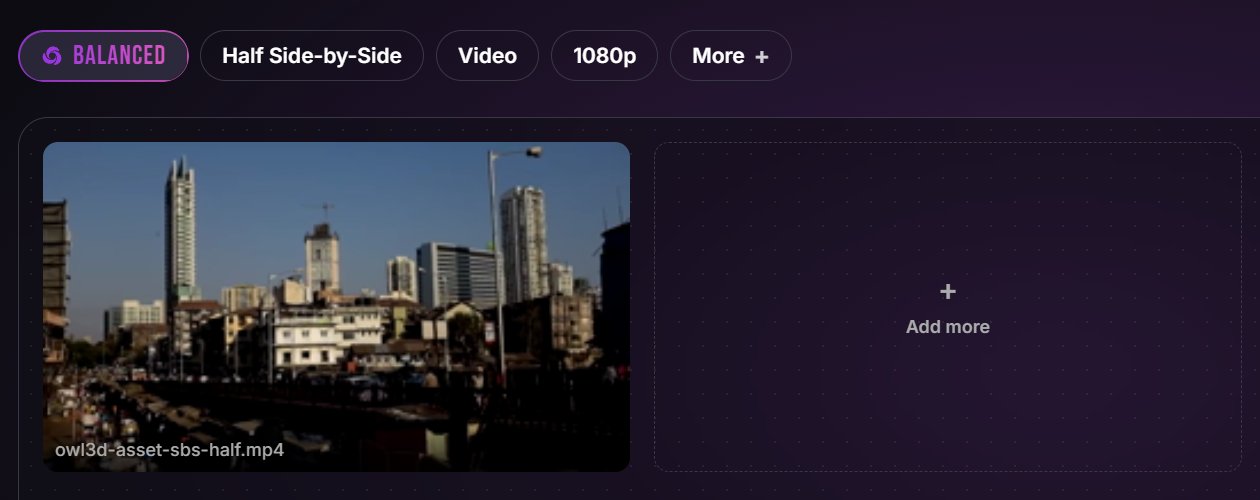
Both kinds of VR glasses can play 3D video, but there is not much of it. Studio 3D films are few, and most of what you film or own is flat 2D. Owl3D converts an ordinary 2D video into side-by-side 3D, in your browser with Owl3D Cloud or on your PC with the Owl3D desktop app. In Owl3D Cloud you pick the headset or the glasses as the target, and the depth is set for it. In the desktop app you pick the 3D format, such as Half Side-by-Side. Then you play the file in the headset's video player or in the glasses' 3D mode. It is an AI conversion, not a studio 3D release.
Questions
Are the cheap XR glasses on Amazon the same as a VR headset?
No. Display glasses show the screen of the device they plug into [13][15][16]. A headset such as the Quest 3 is an all-in-one VR device that runs games and apps [1]. Some display glasses play 3D video from a side-by-side file [14][15][17].
Do VR glasses work with an iPhone?
Some do. Display glasses need a source that sends DisplayPort over USB-C [13][15][16]. RayNeo lists iPhone 15 and 16 models as compatible, but not the iPhone 16e [16]. For PICO 4 Ultra, PICO says phone Screen Mirroring in its mobile app "will be available in a future OTA update" [12].
Sources (18)
- Meta for Developers, "Compare devices". https://developers.meta.com/vr/resources/compare-devices/ Opened 2026-11-14.
- Road to VR, "Quest 3S vs Quest 3 vs Quest 2 Compared with Detailed Specs" (25 September 2024), row "Optical Adjustments". https://roadtovr.com/quest-3s-quest-3-quest-2-specs-compared/ Opened 2026-11-14.
- Sony, PlayStation VR2 (UK). https://www.playstation.com/en-gb/ps-vr2/ Opened 2026-11-14.
- Sony, PS VR2 tech specs (UK). https://www.playstation.com/en-gb/ps-vr2/ps-vr2-tech-specs/ Opened 2026-11-14.
- PlayStation Support (UK), "How to prepare for using PS VR2 with PC". https://www.playstation.com/en-gb/support/hardware/pc-prepare-ps-vr2/ Opened 2026-11-14.
- PlayStation Support (UK), "How to put on and adjust your PS VR2 headset". https://www.playstation.com/en-gb/support/hardware/adjust-ps-vr2-headset/ Opened 2026-11-14.
- Valve, Steam Frame hardware page and specifications page, US store view. https://store.steampowered.com/hardware/steamframe and https://store.steampowered.com/hardware/steamframe/specs Opened 2026-11-14, from outside the US, for our Steam Frame vs Quest 3 guide.
- Engadget, Devindra Hardawar, "Valve Steam Frame review: Solid standalone VR that's too little, too late" (14 September 2026). https://www.engadget.com/2257659/valve-steam-frame-review/ Opened 2026-11-14.
- Apple (UK), Apple Vision Pro. https://www.apple.com/uk/apple-vision-pro/ Opened 2026-11-14.
- Apple Support (UK), "Watch Apple Immersive Video and 3D movies in the Apple TV app on Apple Vision Pro". https://support.apple.com/en-gb/guide/apple-vision-pro/tanc09caabb3/visionos Opened 2026-10-11.
- PICO, PICO 4 Ultra specs (UK). https://www.picoxr.com/uk/products/pico4-ultra/specs Opened 2026-11-14.
- PICO, PICO 4 Ultra (UK). https://www.picoxr.com/uk/products/pico4-ultra Opened 2026-11-14.
- XREAL, XREAL One Pro. https://www.xreal.com/one-pro Opened 2026-11-14.
- XREAL, One series tutorial, "3D Mode". https://tutorials.xreal.com/docs/glasses/one-series/osd/3d-mode/ Opened 2026-11-14.
- VITURE, "The Beast XR Glasses" (manual). https://www.viture.com/academy/xr-glasses/the-beast Opened 2026-11-14.
- RayNeo, "Product compatibilities". https://www.rayneo.com/pages/product-compatibilities Opened 2026-11-14.
- RayNeo, "Watching Full SBS 3D Content on RayNeo Air 2s". https://www.rayneo.com/pages/watch-3d-video Opened 2026-11-14.
- UploadVR, David Heaney, "Meta VR Glasses Officially Announced, Shipping Spring 2027" (23 September 2026). https://www.uploadvr.com/meta-vr-glasses-officially-announced-connect-2026/ Opened 2026-11-08, for our Meta Quest 3 guide.