2D to 3D video API for XR glasses, headsets and players
Owl3D Cloud converts 2D video into Full side-by-side 3D, up to 4K, which plays on Meta Quest and other VR headsets, Apple Vision Pro, and XREAL and other AR glasses. XR glasses makers, headset makers and XR player apps can add it to their own app through the Owl3D API, or bundle Cloud credits. The API and MCP are available. Sign in to Owl3D Cloud to create an API key.

2D video in
Side-by-side 3D out
What fits what you make
| You make | What fits |
|---|---|
| AR or XR glasses | The API in your companion app, or Cloud credits in the box, so buyers have their own videos in 3D. |
| A VR headset | The API in your media app, or Cloud credits with the headset. |
| An XR player app | The API behind a "convert to 3D" option in your app. |
Start now
You can try the API before you contact us.
- Sign in to Owl3D Cloud and create an API key.Create an API key
- Convert one of your videos with a script from the API docs. The API gives the price before it charges credits.API docs
- Or connect your AI agent to the Owl3D MCP server. It signs in with your Owl3D account, with no API key.MCP setup
Use of the API and the MCP server follows the Owl3D Cloud API Terms. API terms
Why StereoGen looks different
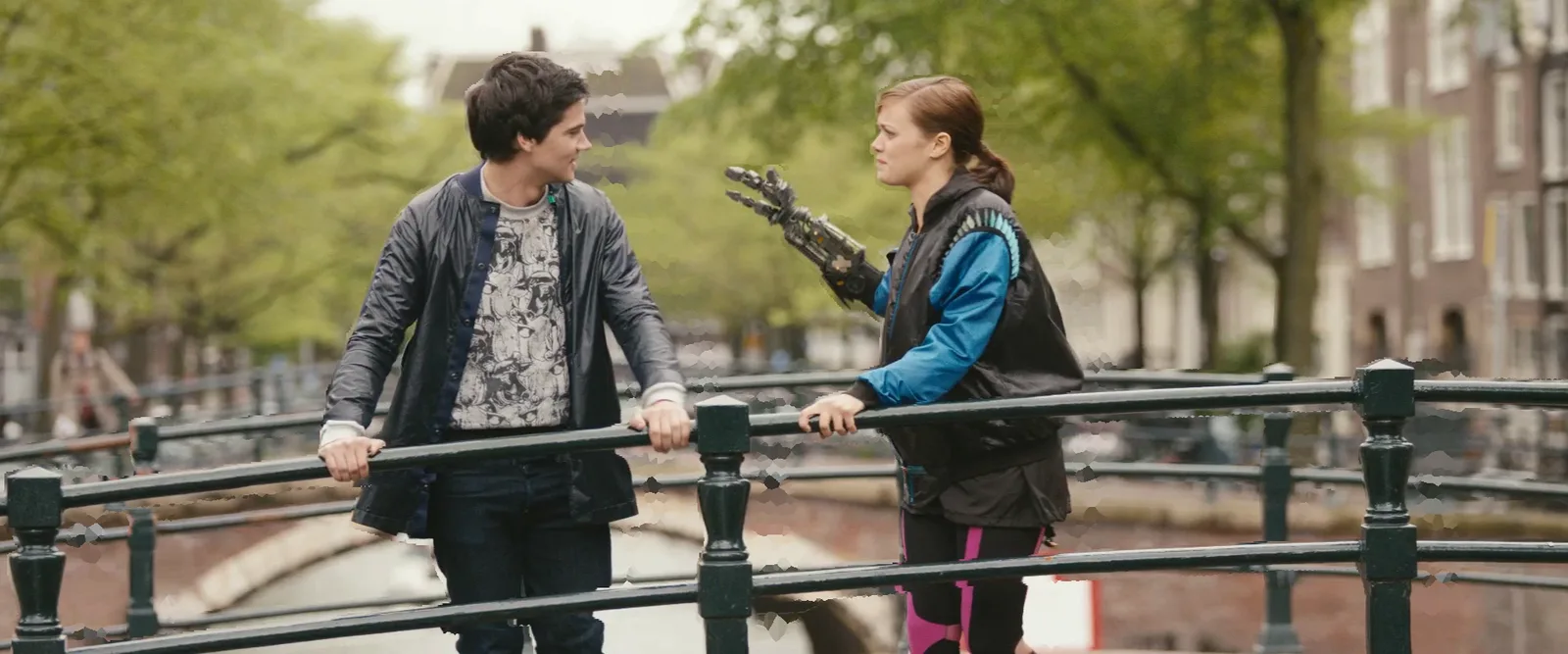
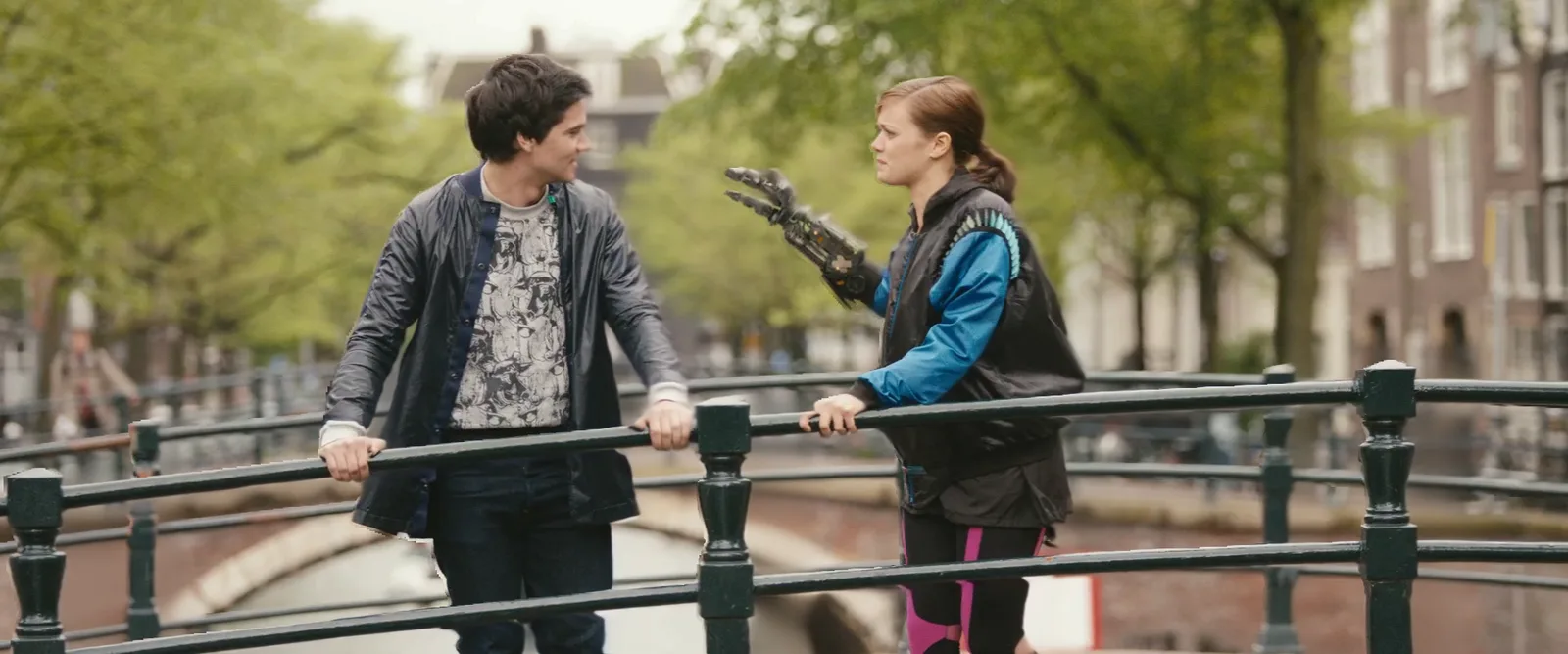
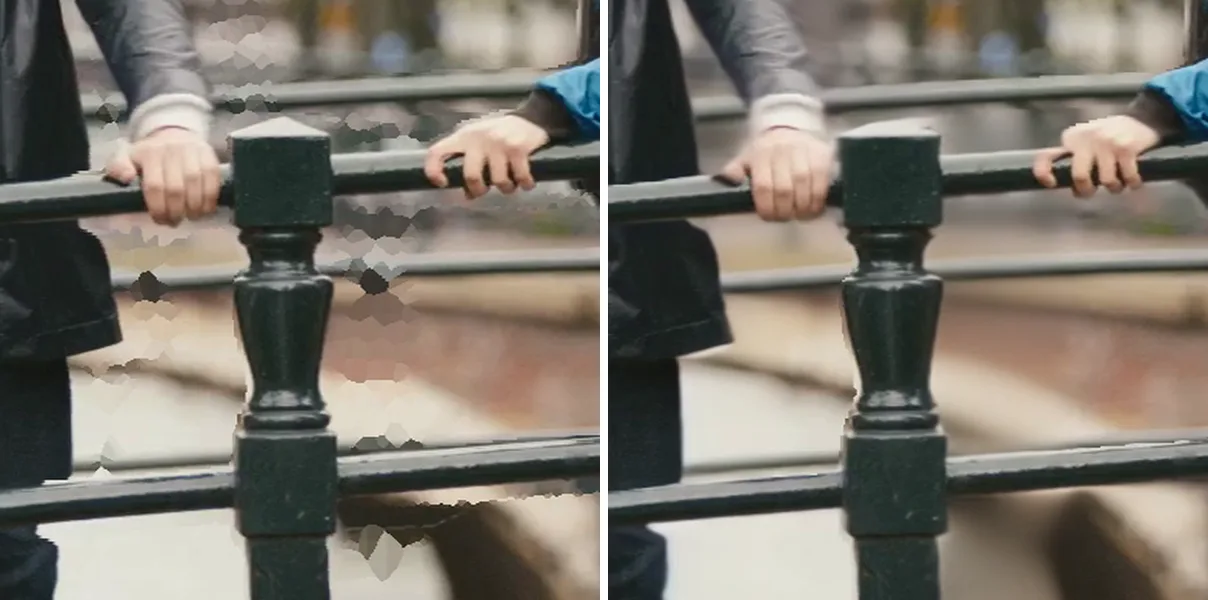
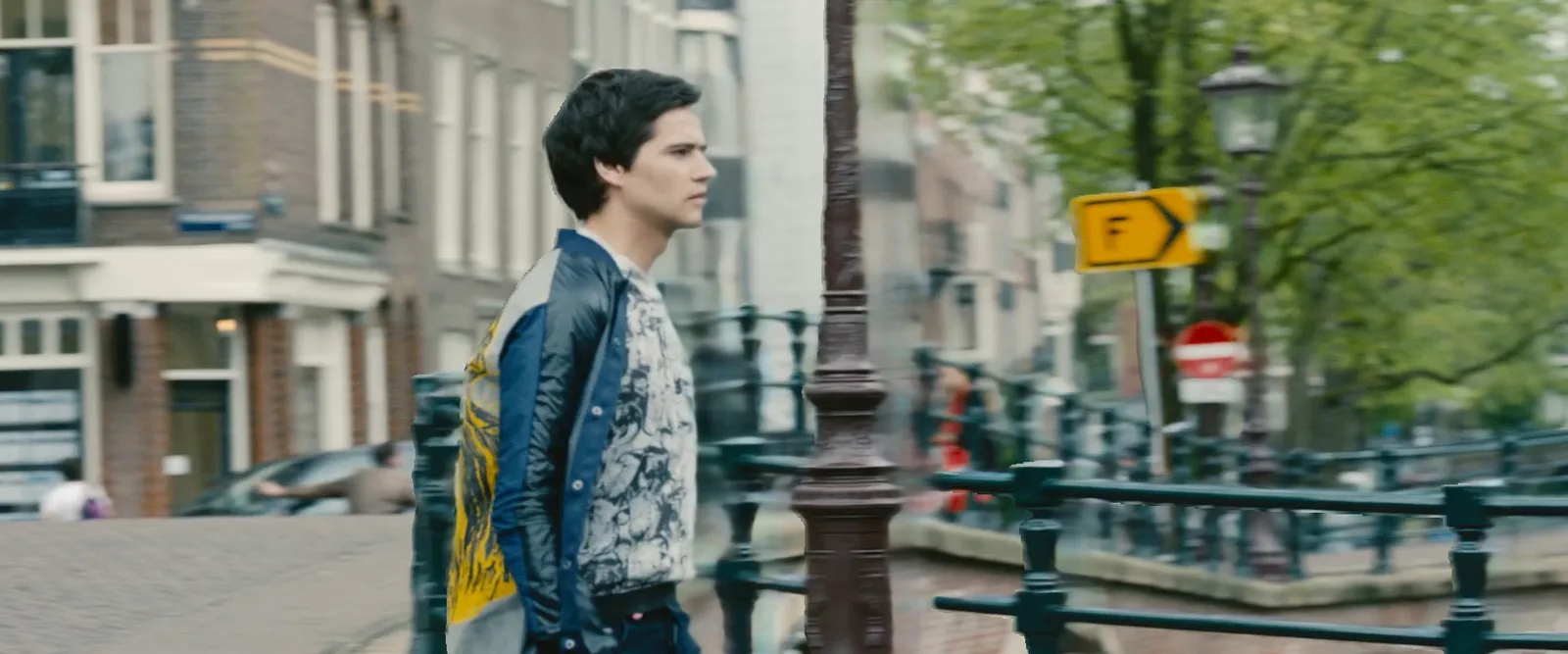
To make the second eye's view, a converter moves each part of the picture by its depth. Near objects move more than the background behind them. This uncovers thin strips of background that the 2D video never showed.
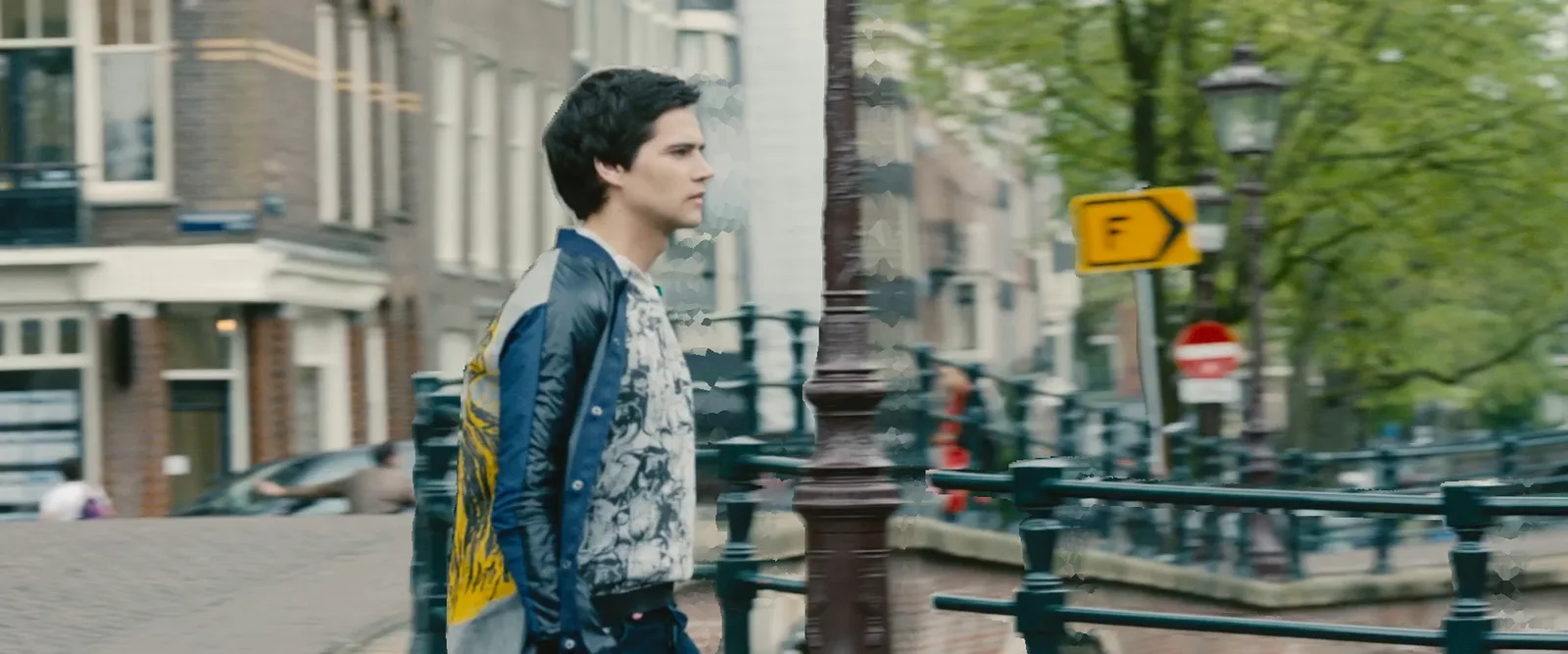
StereoGen fills the uncovered areas with new image content. The classic method leaves color blotches there. Both pictures below use the same depth map. Only the fill is different.
Classic depth shift
StereoGen
Zoom on the uncovered area: Classic depth shift · StereoGen
Classic depth shift
StereoGen
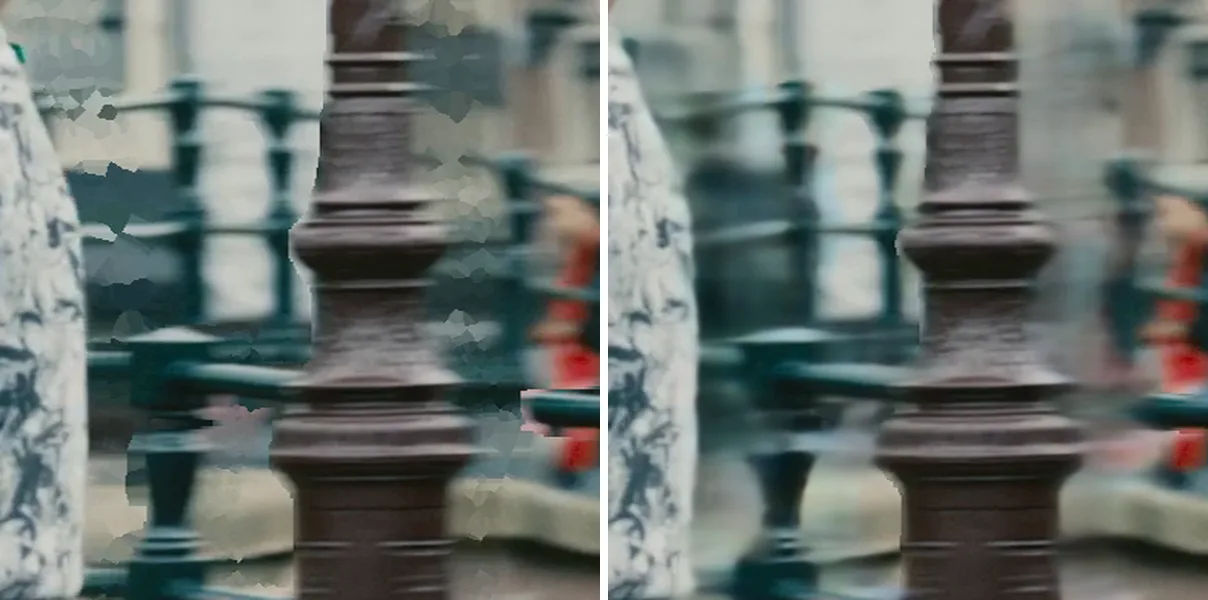
Zoom on the uncovered area: Classic depth shift · StereoGen
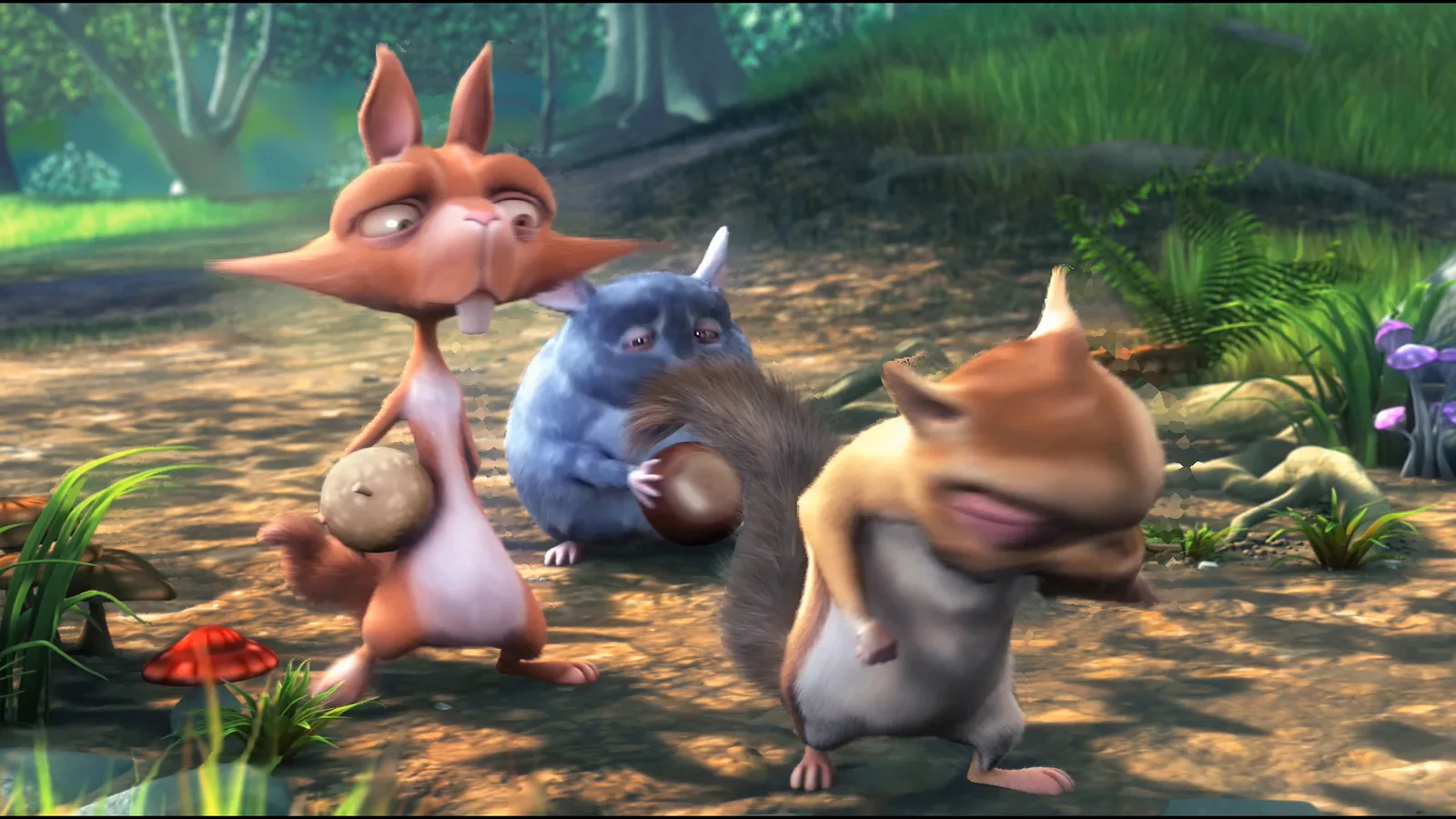
Classic depth shift
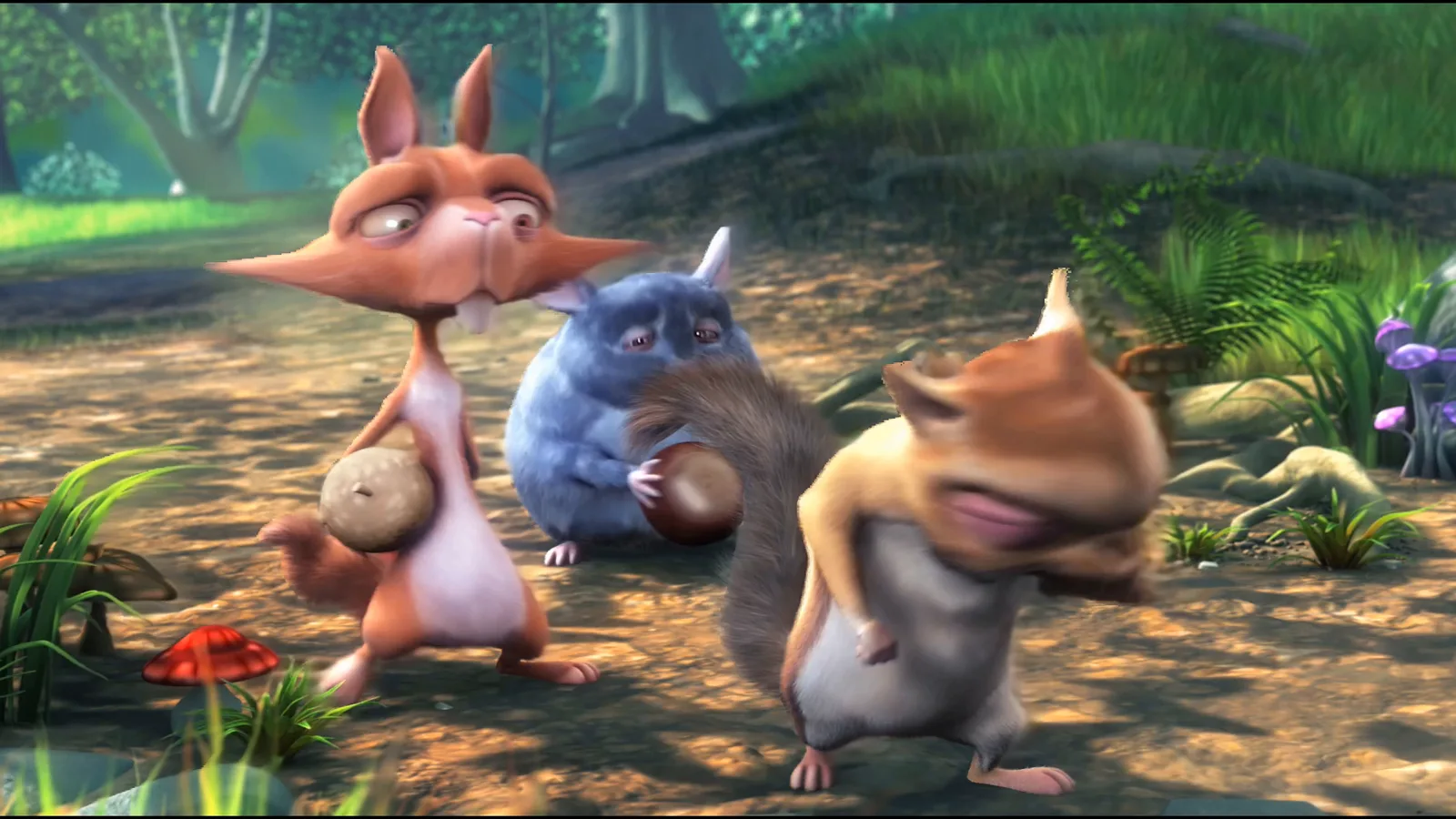
StereoGen
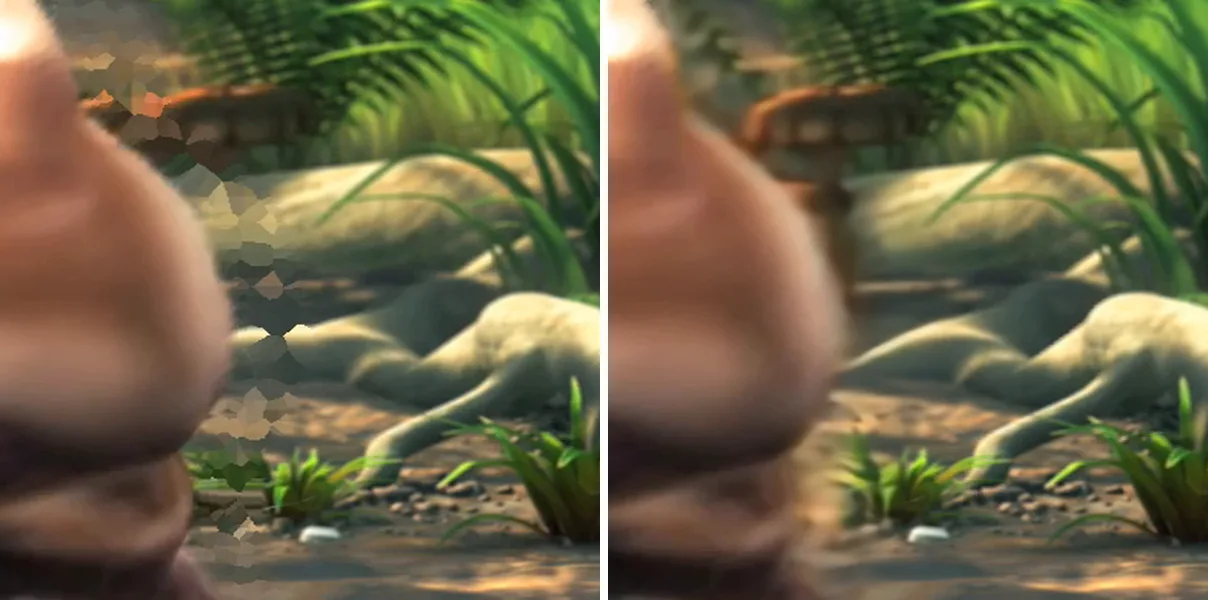
Zoom on the uncovered area: Classic depth shift · StereoGen
Next to real-time 2D to 3D
Many XR glasses and headsets already convert 2D to 3D in real time, on the device, while the video plays.
Owl3D Cloud does a different job. It converts the whole video ahead of time, up to 3 hours, with StereoGen V2 Large, the model behind the highest quality setting of our desktop app. The result is a 3D file your users download and play again.
Playback
Cloud makes Full SBS 3D. It plays on Meta Quest and other VR headsets in players such as Skybox and DeoVR, on Apple Vision Pro, and on XREAL and other AR glasses in their side-by-side 3D mode.
Pricing
Business terms start from our public prices.
Conversion is paid by the minute of video, with Cloud credits. One credit costs US$0.01. One minute of video at 24 fps uses 30 credits. A 30 fps video uses 1.25 times the credits, a 60 fps video 2.5 times.
A new Owl3D Cloud account gets the first 3 minutes of video free, with no card.
Volume and bundle terms are agreed by email and follow our public prices.
How a partnership starts
Every partnership starts with a pilot.
- Tell us what you make and what you want to offer, with the form below.
- We agree the pilot by email. It includes 3,600 free credits, enough for one full-length film. You convert your own test clips and check the result on your own hardware or in your own app.
- After the pilot, we agree the terms for the offer you chose.
Questions
- Is there a 2D to 3D video API for XR glasses and VR headsets?
- The Owl3D Cloud API is available. It converts 2D video into Full side-by-side 3D, up to 4K, on Owl3D's servers, for XR glasses, VR headsets and XR player apps. Sign in to Owl3D Cloud to create an API key.
- Which headsets and glasses play Owl3D Cloud's 3D video?
- Meta Quest and other VR headsets (in players such as Skybox and DeoVR), Apple Vision Pro, XREAL and other AR glasses, and Owl3D Shift. The file is Full side-by-side 3D.
- Can an XR player app offer 2D to 3D conversion?
- Yes. A player app can put the Owl3D API behind a "convert to 3D" option. Conversion runs on Owl3D's servers, so the headset or phone does no conversion work.
- How long can a video be?
- Up to 3 hours, 60 fps and 100 GB per file, in MP4, MOV, M4V or MKV. The Cloud app also takes YouTube, bilibili, Google Drive, Dropbox and direct video-file links. The API takes files only. Streaming services cannot be converted.
Contact
Tell us what you make and what you want to offer. We reply by email.
Or email leon@owl3d.ai