Looking Glass Factory Displays: Go, Portrait, HLD, Prices
How we researched this: written by Owl3D from published sources, all 24 listed at the end.
Short answer
Looking Glass, long called Looking Glass Factory (the name its help center still signs with [17]), makes glasses-free 3D displays that several people can watch at once, with no eye tracking. On October 17, 2026 its store listed the 6-inch Looking Glass Go at $199, the 16-inch and 27-inch Light Field Displays at $3,000 and $10,000, Hololuminescent Displays (HLD) from $2,000 to $20,000, and the $149 musubi photo frame [9]; the 27-inch and musubi pages said sold out [5][8]. The Looking Glass Portrait is discontinued, its help center says [17]. Owl3D, the publisher of this guide, makes the Shift, a different kind of glasses-free 3D screen described at the end. Everything here about Looking Glass comes from its own pages; we give no opinion on how any of these screens looks.
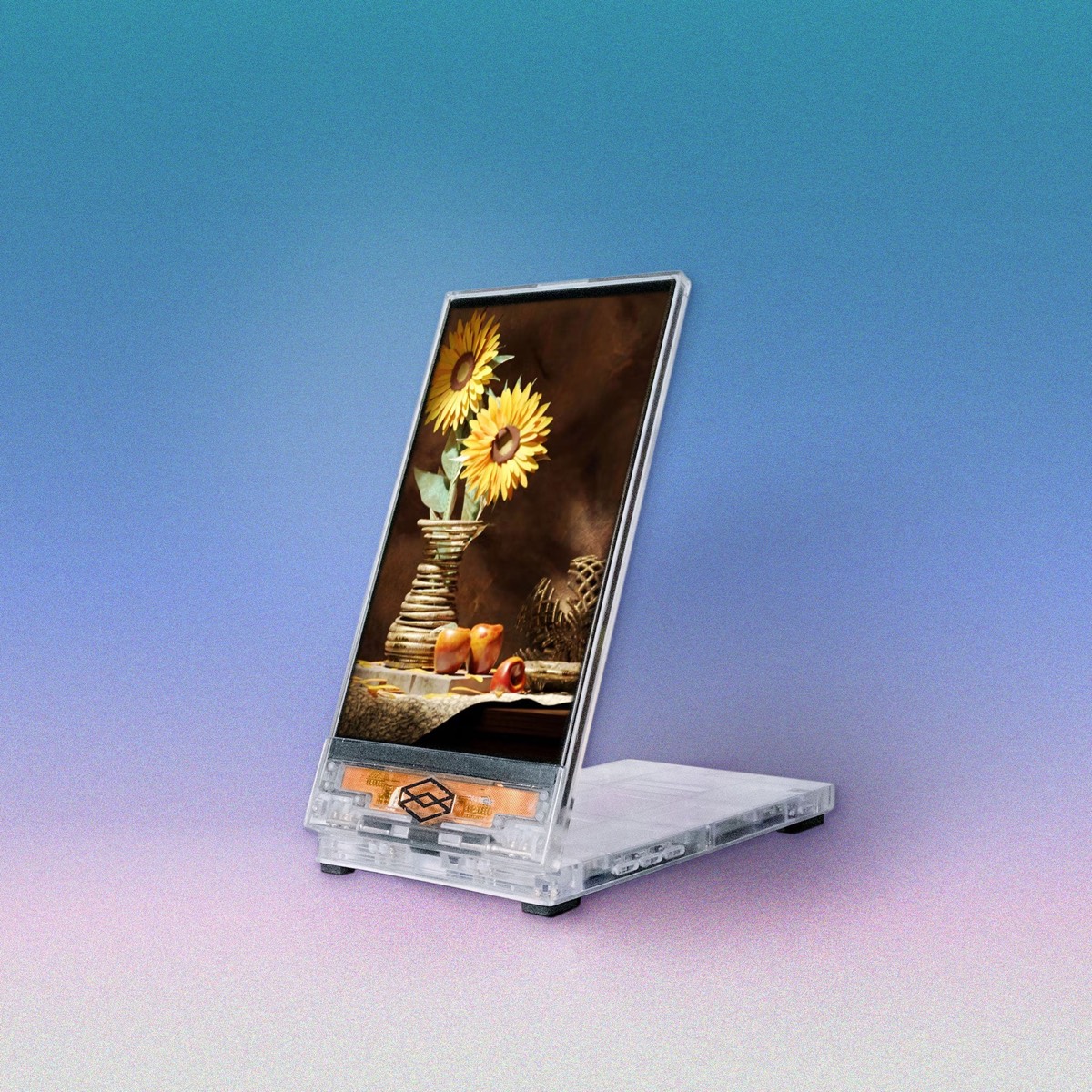
The Looking Glass Go, the company's smallest light field display. Image: Looking Glass. Looking Glass has no part in this guide.
Key takeaways
- Two kinds: Light Field (Go, 16", 27") shows many views of a 3D scene; HLD (16", 27", 86", musubi) plays standard video inside a fixed 3D box built into the screen; see the two kinds.
- Looking Glass's software converts your own 2D photos and videos to 3D; side-by-side 3D films are not among the formats it lists; see what you can show.
- The Portrait is discontinued; the small ones now are the Go and the sold-out musubi; see the Portrait.
- No subscription is required, and only the 16-inch and larger Light Field Displays need a computer; see what you need.
Which Looking Glass displays are on sale, and what they cost
The store on October 17, 2026, as seen from outside the US [9]:
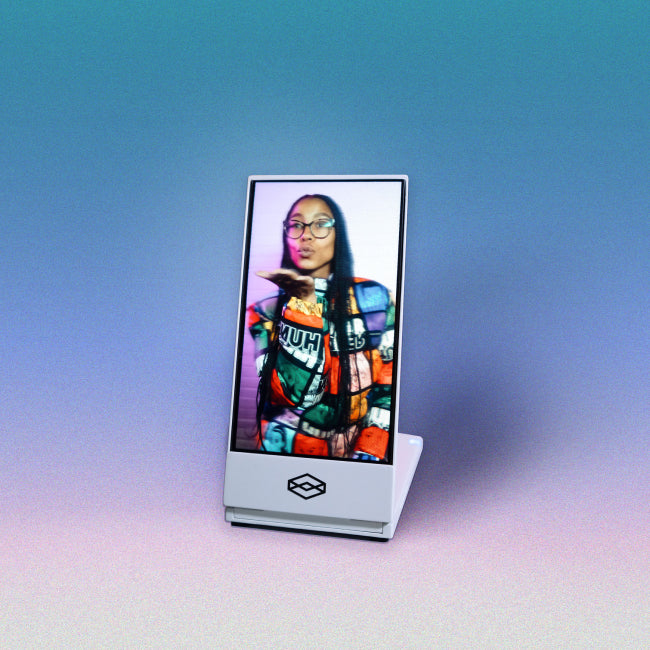
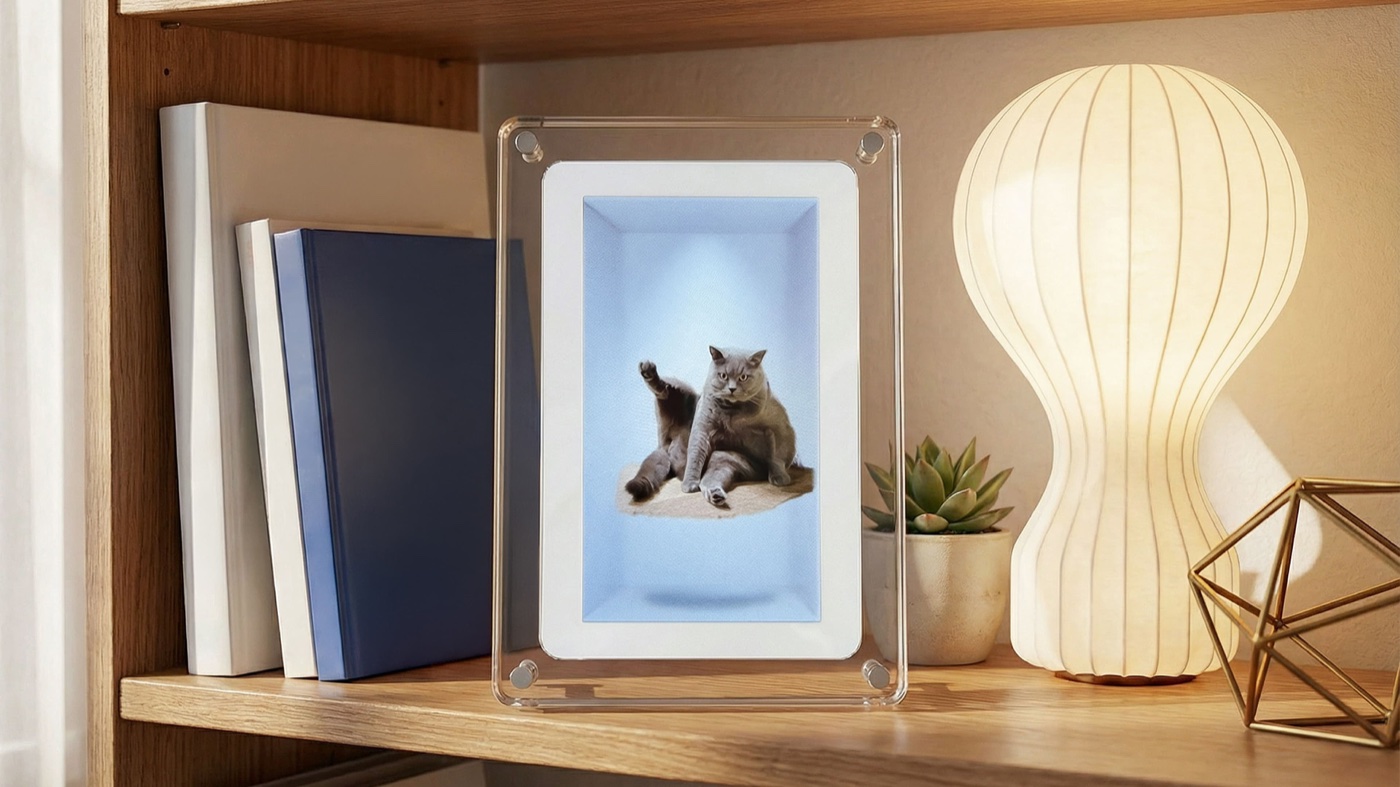
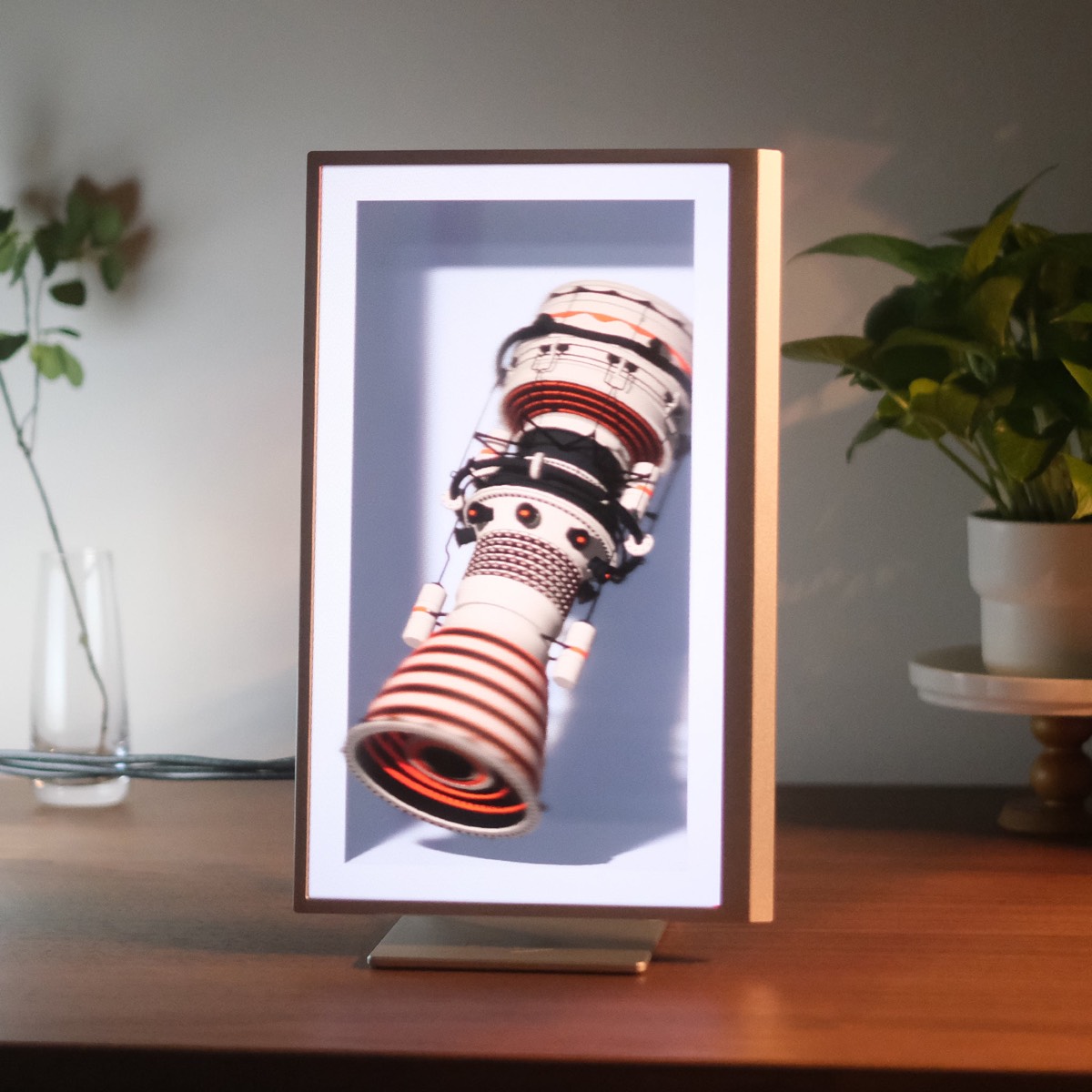
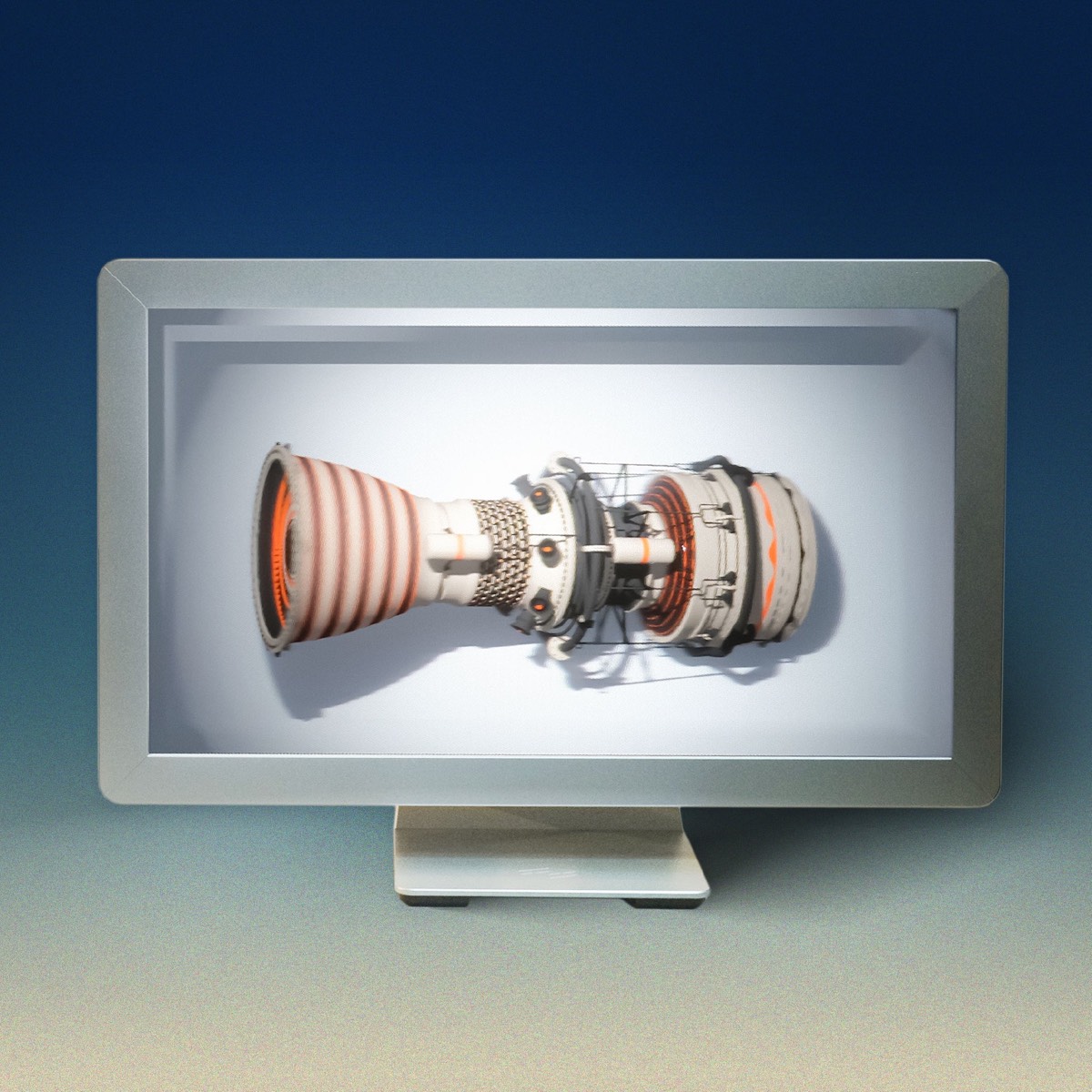
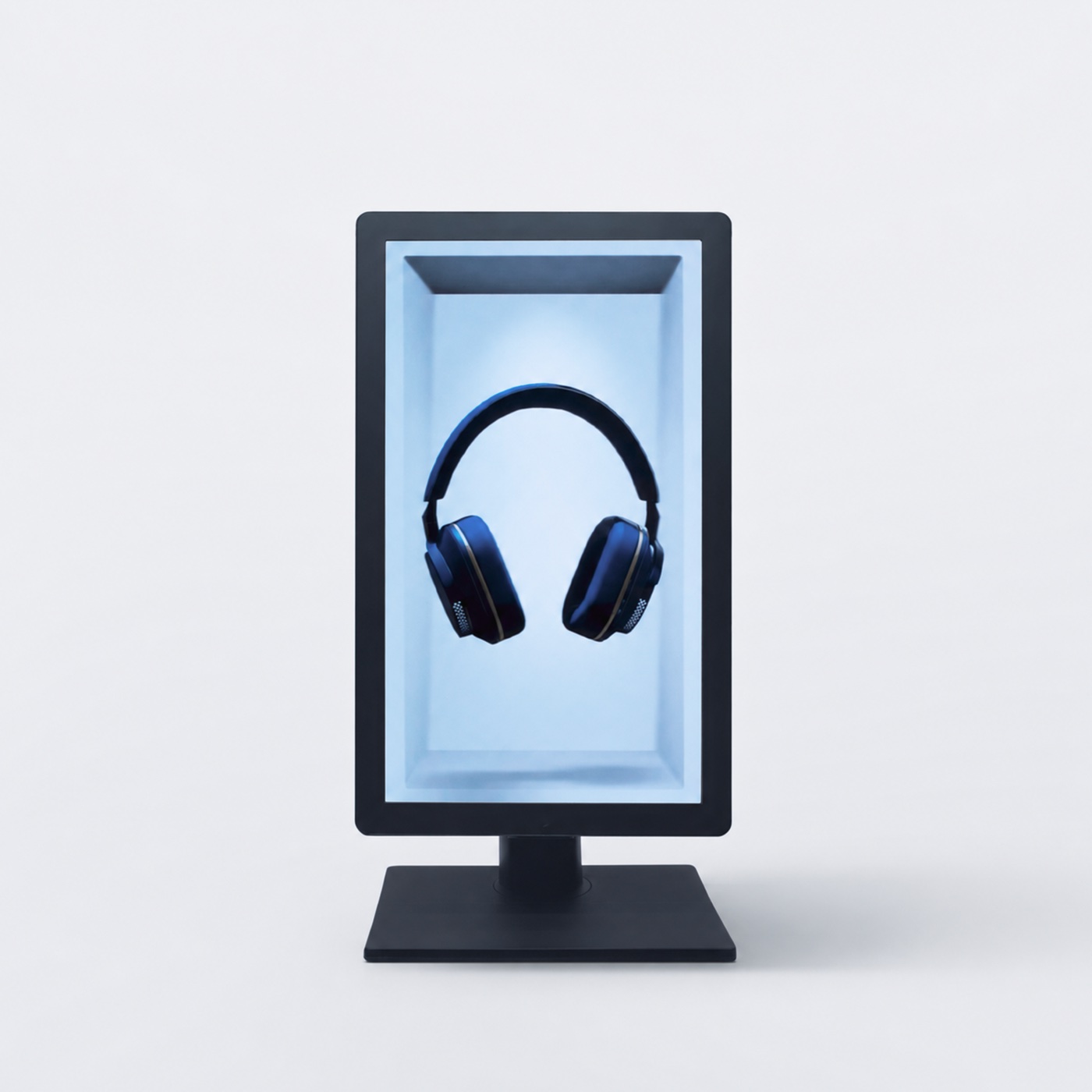
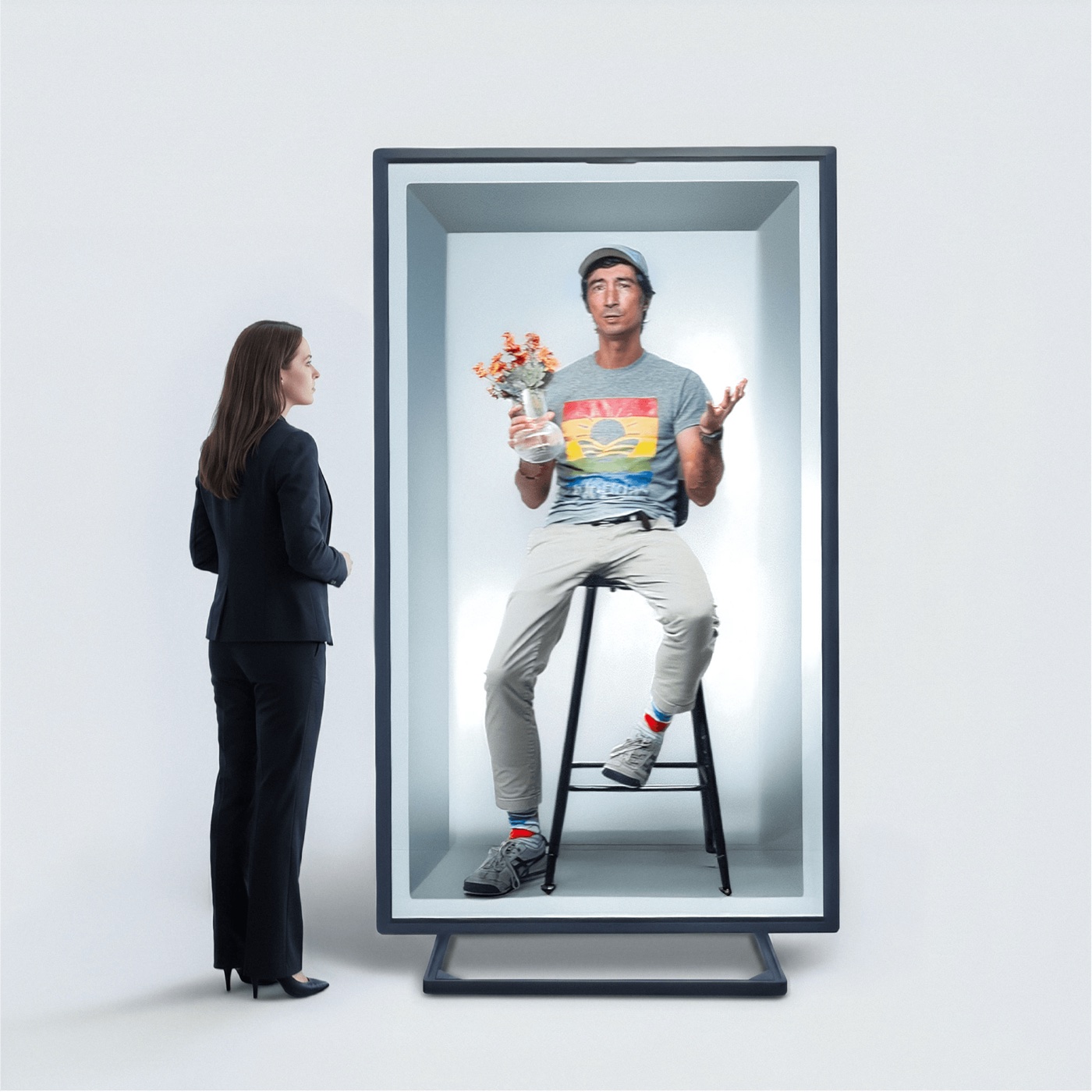
Images: Looking Glass, from each product's page in its store.
Last checked : Looking Glass store prices, read from outside the US.
The home page gave "Ships in October 2026" for the 86" HLD and 2 to 3 days for the others it lists [1]. Outside the US and Hong Kong, customs, duties and taxes are "the buyer's responsibility" [20].
Portrait or landscape: the 16" and 27" Light Field Displays come in either orientation [4][5]. The Go is a 9:16 screen [3], the HLD uses "standard 9:16 portrait video" [18], and "musubi is a portrait-oriented device" [8].
Light Field or HLD: the two kinds
Looking Glass's own advice: "For standard video, choose HLD. For interactive 3D content and applications, choose Light Field." [1]
Light Field Displays send many pictures of a scene at once, each in a slightly different direction: "up to 100 discrete views of a 3D scene" over a cone "roughly 58° wide", by Looking Glass's documentation [10] (53° on the 16- and 27-inch store pages [4][5]). Each eye gets a different view, and "As viewers move from side to side, they see different perspectives of the scene" [19]. Things look sharpest at one depth, the "Zero-Parallax Plane"; things in front of or behind it look blurrier [10].
Hololuminescent Displays (HLD), unveiled in September 2025 by the press items on its home page [1], work differently. The maker calls the design one that "embeds a fixed 3D holographic volume within a high-resolution 2D display" [1]. The box you see inside the screen "is a fixed volume that lives within the display's hardware" and cannot be changed [18], and "The holographic effect comes from framing the subject inside the display's fixed alcove" [18]: your picture plays as ordinary 2D video, placed inside that box. The HLD "does not require eye-tracking cameras" and is "intended to work as well for one person as it does for dozens of people at the same time" [6]. musubi uses the same technology in a 7-inch frame [8].
Looking Glass calls the pictures on both kinds "holograms". They are not holograms in the laser-recorded sense; see is "hologram" just a marketing term?
What you can show on one
| You want to show | Light Field (Go, 16", 27") | HLD (16", 27", 86", musubi) |
|---|---|---|
| Your own 2D photos | Yes: the Go's page says "Built-in AI turns any 2D image into 3D automatically" [3]; Looking Glass Studio 2.0, still an alpha, converts JPG and PNG photos [13] | Yes on musubi: its desktop app converts them on your Mac or PC [8] |
| Your own 2D videos | Yes: Studio converts MP4 and MOV to color plus depth (RGBD) [13] | Ordinary video is what HLD plays [18]; musubi takes "short videos (up to 30 seconds)" [8] |
| iPhone Cinematic Mode videos | Yes, through Looking Glass's Hologram Video app on the Go, and on the 16" and 27" with an iPad Pro (M4) [21] | Not stated |
| 3D models, scenes and apps | Yes: Unity, Unreal, Blender, WebXR and model files such as glTF, FBX, OBJ and STL [4][5] | Blender renders video for it; Unity and Unreal can send it a live signal [18] |
| A 3D film in side-by-side or top-bottom format | Not among the formats listed: Studio plays quilts (a grid of views) and RGBD [13][19] | Not stated |
A converted 2D picture is an AI estimate of depth, not footage shot in 3D. Both Studio and musubi's app convert on your own computer; musubi's page adds that "your photos and videos are not uploaded to Looking Glass or third-party AI services" [8][13].
What you need, and what it costs after you buy
The help center: "only the 16" and larger (27", 32", and 65") Light Field Displays require a computer to run. All other displays (Go, Portrait, HLD, musubi) do not" [22].
- Go: runs on power alone [11]; the iPhone or Android app loads photos [22]. With a computer, the minimum is "a PC with a GPU of 2060 or higher or a Mac with Apple Silicon Chip", sending 4K over USB-C [3][11].
- 16" Light Field: "a compatible PC (with GPU 2070 or higher) or a Mac Pro (Apple Silicon Chip)", or an iPad [2][4].
- musubi: the Mac or Windows app converts and copies files over USB-C; the frame then plays them for up to three hours on its battery [8].
- HLD: each comes with "a demo hologram media player (a customized Raspberry Pi 4)" [22].
On a subscription, the help center answers: "No. There is no subscription required." [23]
How Looking Glass differs from an eye-tracked 3D screen such as the Shift
Glasses-free 3D screens come in two designs. Looking Glass sends many views in fixed directions, so several people see depth at once and nothing has to find your eyes [2][10]. Eye-tracked screens, the Shift among them, find one viewer's eyes with a camera and aim one picture at each eye. Move the viewer below to see both:
Two ways a glasses-free screen aims its views
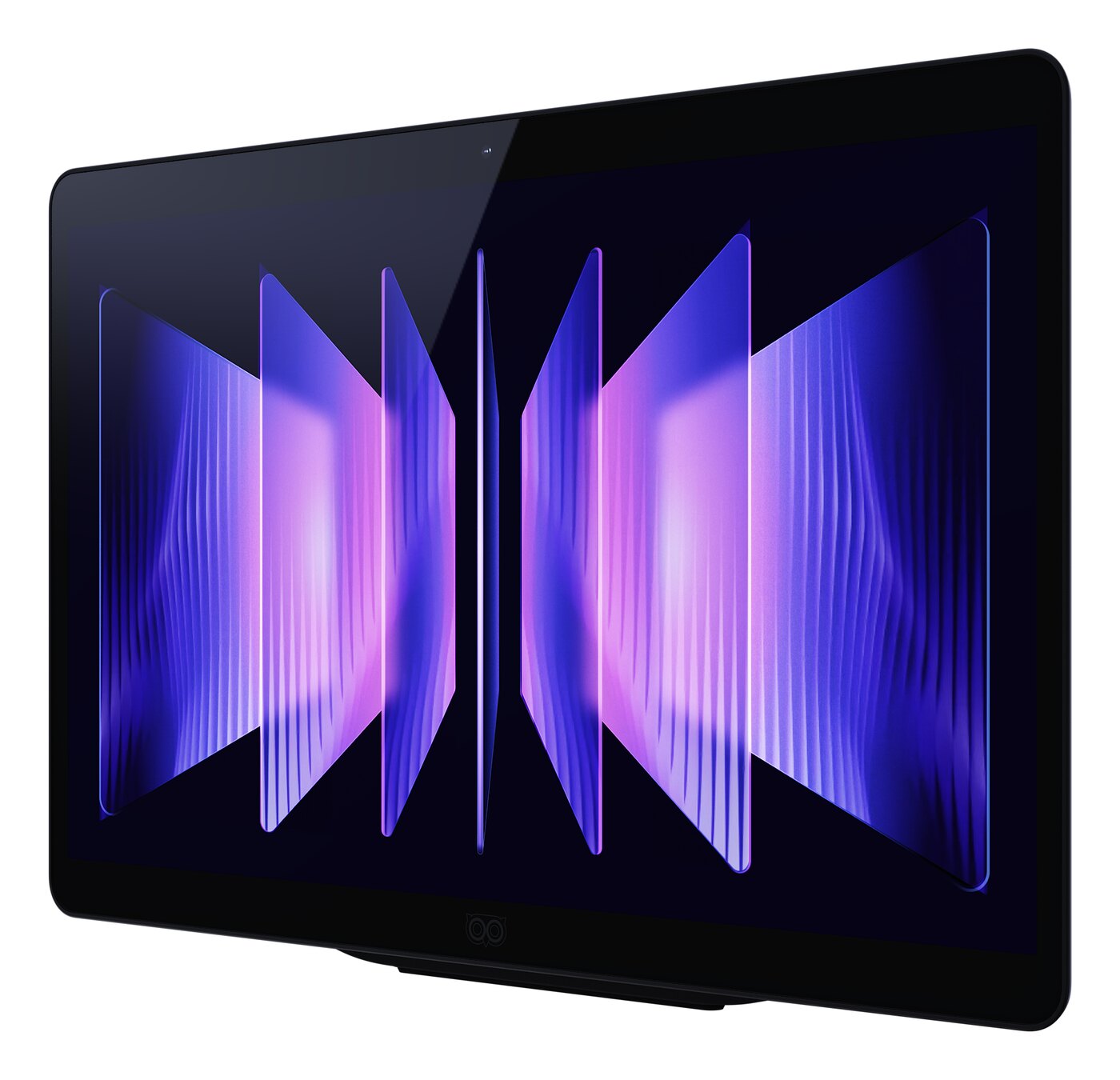
The Owl3D Shift, our own product, is the second kind: a 14-inch 4K lenticular display used as a second monitor, for one viewer at a time. It needs no content made for it: the Owl3D app converts any window you drag onto it (a video, a game, a browser) from 2D to 3D instantly, as it plays. That is an AI conversion, not a film's own 3D version, and it needs a Windows PC with an NVIDIA RTX 30 series card or newer, or a Mac with Apple Silicon.
| Looking Glass Light Field and HLD | Owl3D Shift | |
|---|---|---|
| Viewers who see 3D at once | Several, inside the viewing cone [2][6] | One at a time, switching automatically |
| What it shows in 3D | Content made or converted for it; ordinary video inside the HLD's fixed box [18][19] | Any window, converted live from 2D; side-by-side or top-bottom 3D already on screen |
| Needs a computer | Only the 16" and larger Light Field models [22] | Yes |
Other glasses-free monitors, with their prices: glasses-free 3D monitors compared.
Frequently asked questions
What happened to the Looking Glass Portrait?
The Portrait came out at the end of 2020 at $399, "a holographic digital photo frame" launched on Kickstarter, by TechCrunch's account [14]. Looking Glass's help center now says: "The Looking Glass Portrait has since been discontinued and we are no longer producing or selling it at this time." [17] Its old store page returns "Page not found" and its old page on the main site a 404 [15][16].
If you already own one, its setup guide is still in the documentation, and Looking Glass Studio still syncs to "a connected Go or Portrait" [12][13]. The small ones today are the 6-inch Go and the 7-inch musubi; the help center calls musubi "a single-purpose consumer product", and the Portrait and Go "developer kits" [24].
Sources (24)
- Looking Glass, home page: HLD and Light Field product paths, prices and shipping lines, news list. https://lookingglassfactory.com/ (opened 2026-10-17, from outside the US)
- Looking Glass, "Light Field Displays" overview and FAQ. https://lookingglassfactory.com/displays-overview (opened 2026-10-17)
- Looking Glass store, "Looking Glass Go", including the folded tech specs and FAQ. https://checkout.lookingglassfactory.com/products/looking-glass-go (opened 2026-10-17, from outside the US)
- Looking Glass store, "16" Light Field Display", including the folded tech specs and FAQ. https://checkout.lookingglassfactory.com/products/16-lightfield-display (opened 2026-10-17, from outside the US)
- Looking Glass store, "27" Light Field Display", including the FAQ. https://checkout.lookingglassfactory.com/products/27-lightfield-display (opened 2026-10-17, from outside the US)
- Looking Glass store, "Hololuminescent™ Displays (HLD)". https://checkout.lookingglassfactory.com/products/hld-displays-early-access (opened 2026-10-17, from outside the US)
- Looking Glass store, "86" Hololuminescent™ Display (86" HLD)". https://checkout.lookingglassfactory.com/products/86-hld-preorder (opened 2026-10-17, from outside the US)
- Looking Glass store, "musubi™", including the tech specs and FAQ. https://checkout.lookingglassfactory.com/products/musubi (opened 2026-10-17, from outside the US)
- Looking Glass store, "Products" (all products, eight items). https://checkout.lookingglassfactory.com/collections/all (opened 2026-10-17, from outside the US)
- Looking Glass documentation, "How does Looking Glass Work?". https://lfdocs.lookingglassfactory.com/keyconcepts/how-it-works (opened 2026-10-17)
- Looking Glass documentation, "Standalone and Desktop Modes" (Looking Glass Go). https://lfdocs.lookingglassfactory.com/getting-started/looking-glass-go/standalone-and-desktop-modes (opened 2026-10-17)
- Looking Glass documentation, "Looking Glass Portrait" and the documentation's display list. https://lfdocs.lookingglassfactory.com/getting-started/portrait (opened 2026-10-17)
- Looking Glass documentation, "Studio 2.0 Alpha". https://lfdocs.lookingglassfactory.com/software/looking-glass-studio/studio-2 (opened 2026-10-17)
- TechCrunch, "Looking Glass' new lineup includes a $300 phone-sized holographic display", August 8, 2024. https://techcrunch.com/2024/08/08/looking-glass-new-lineup-includes-a-300-phone-sized-holographic-display/ (opened 2026-10-17)
- Looking Glass, former Portrait page (redirected to lookingglassfactory.com/looking-glass-portrait, which returned a 404). https://lookingglassfactory.com/portrait (opened 2026-10-17)
- Looking Glass store, former "Looking Glass Portrait" product address (returned "Page not found"). https://checkout.lookingglassfactory.com/products/looking-glass-portrait (opened 2026-10-17)
- Looking Glass help center, "Do you still sell Looking Glass Portraits?". https://looking-glass.helpscoutdocs.com/article/295-do-you-still-sell-looking-glass-portraits (opened 2026-10-17)
- Looking Glass help center, "How do I make content for the HLD?" and "Can I change the background of the HLD?". https://looking-glass.helpscoutdocs.com/article/389-hld-content-creation and https://looking-glass.helpscoutdocs.com/article/420-can-i-change-the-background-of-the-hld (opened 2026-10-17)
- Looking Glass help center, "What are quilt and RGBD content for Light Field Displays?" (updated September 24, 2026). https://looking-glass.helpscoutdocs.com/article/422-quilt-vs-rgbd-content (opened 2026-10-17)
- Looking Glass help center, "Will I be charged customs fees or taxes?". https://looking-glass.helpscoutdocs.com/article/302-will-i-be-charged-customs-fees-or-taxes (opened 2026-10-17)
- Looking Glass help center, "How do I make my videos 3D?" (updated May 26, 2025). https://looking-glass.helpscoutdocs.com/article/381-how-to-make-videos-3d (opened 2026-10-17)
- Looking Glass help center, "Does the Looking Glass need a computer to run?". https://looking-glass.helpscoutdocs.com/article/98-does-the-looking-glass-need-computer-to-run (opened 2026-10-17)
- Looking Glass help center, "Is a subscription required to use musubi or your software?". https://looking-glass.helpscoutdocs.com/article/417-musubi-subscription (opened 2026-10-17)
- Looking Glass help center, "How is this different from your other developer products (like Looking Glass Portrait or Looking Glass Go)?". https://looking-glass.helpscoutdocs.com/article/418-musubi-vs-go (opened 2026-10-17)