3D Glasses for a Samsung, LG or Sony 3D TV: Which Ones Fit
How we researched this: written by Owl3D from published sources, all 23 listed at the end.
Short answer
Your TV takes one kind of glasses, and its manual names it. A passive set takes battery-free polarized glasses [4][13]. An active set takes battery-powered glasses that speak its signal, infrared or radio: Samsung used infrared in 2010 and Bluetooth from 2011 [1]. LG's US page for 3D glasses now lists no products [4]. Where the maker has stopped, a replacement is a second-hand original or a third-party pair made for your set's signal.
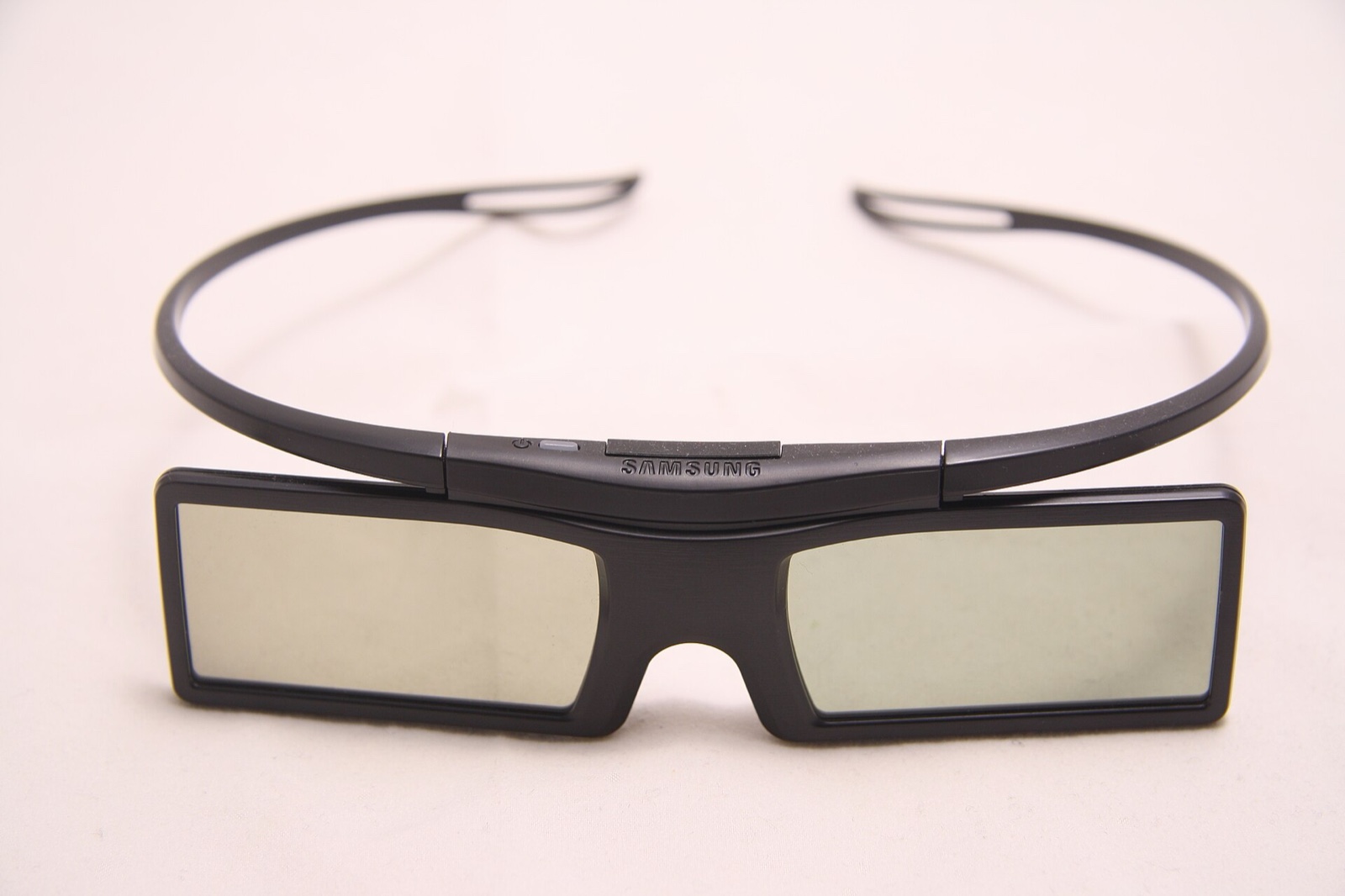
An active pair from Samsung, with its power button above the bridge. Photo: Jiří Sedláček, CC BY-SA 4.0, via Wikimedia Commons.
Key takeaways
- No glasses and no idea which kind: three steps to find out.
- Another brand's pair, or an older one: what the makers say about mixing.
- Buying a replacement: what third-party makers claim and what owners report.
- A pair that will not connect, flickers or dies: the fixes in the manuals.
How to find out which glasses your TV takes
- Open the 3D chapter of the TV's manual. It names the type and usually a model. Sony's guide: "There are two types of 3D Glasses: Passive and Active. Refer to the specifications in the Reference Guide to see which type of 3D Glasses the TV supports." It then names a pair for each: TDG-500P for passive sets, TDG-BT500A for active ones [2].
- If it is active, find the signal. Samsung lists its 2010 pair, the SSG-2100AB, as "Infrared", and every pair from 2011 to 2013 as "Bluetooth" [1]. Sony's 2012 manual has a "3D Sync Transmitter" that an infrared device near the TV can interrupt [3]; its 2014 manual has glasses you register to the TV [9]. Panasonic's VT60 manual says: "Use Panasonic 3D Eyewear supporting Bluetooth wireless technology." [5]
- No manual? Look the model up. Each brand's years, 3D type and glasses models are in which TVs have 3D, by brand. Panasonic still has a chart online that pairs every 3D model with its eyewear model [6].
A pair that came with the set also tells you. Samsung's SSG-5150GB has a power button and a battery cover [7]; LG calls its passive ones "battery-free" [4].
Are the makers' own glasses still sold?
For LG, the page says no. LG's US 3D glasses page shows a filter named "DISCONTINUED PRODUCTS" and "0 Total Results" [4]. Its page for the AG-S350, the Bluetooth shutter pair for LG plasma 3D sets, is marked "DISCONTINUED" [8].
Last checked : LG's US pages.
Where a maker has stopped, an original pair is a used one or old stock, and age matters. One Panasonic owner on Blu-ray Forum, June 2019, about buying original pairs second-hand: "they are all so old that if the batteries have not been kept charged, it is very likely that they will not take a charge at all" [16]. That is one person's experience; we have not tested it.
Will another brand's glasses, or an older pair, work?
For active sets, the makers' own documents tie each pair to one signal and to named TV series.
- Infrared pairs on a Bluetooth set. Samsung's page for its 2015 JS9000 says: "IR-type Samsung 3D Active Glasses and third-party 3D glasses are not supported." [10]
- Older and newer pairs of one brand. Samsung's guide for the SSG-5150GB says the pair is "only compatible with Samsung D, E, ES, F, FH, H, HU, J, JU and JS series 3D TV's that were released in 2011, 2012, 2013, 2014 and 2015" [7]. Samsung lists its infrared 2010 pair, the SSG-2100AB, for C-series 3D TVs [1].
- A cross-brand logo: Full HD 3D Glasses. A trade report of August 8, 2011 said Panasonic, Sony, Samsung and XpanD had announced their intent to develop a joint standard for active 3D glasses, and added: "Universal glasses with the new IR/RF protocols will be available in 2012, and are targeted to be backward-compatible with 2011 active 3DTVs." [11] Samsung's guide for the SSG-5100GB says the pair works with Samsung D, E and F series sets "or with 3D TVs that have any of the logos below", and that the logo "signifies compatibility between display products and 3D Glasses" made to that format [12]. Neither names the TVs that carry the logo.
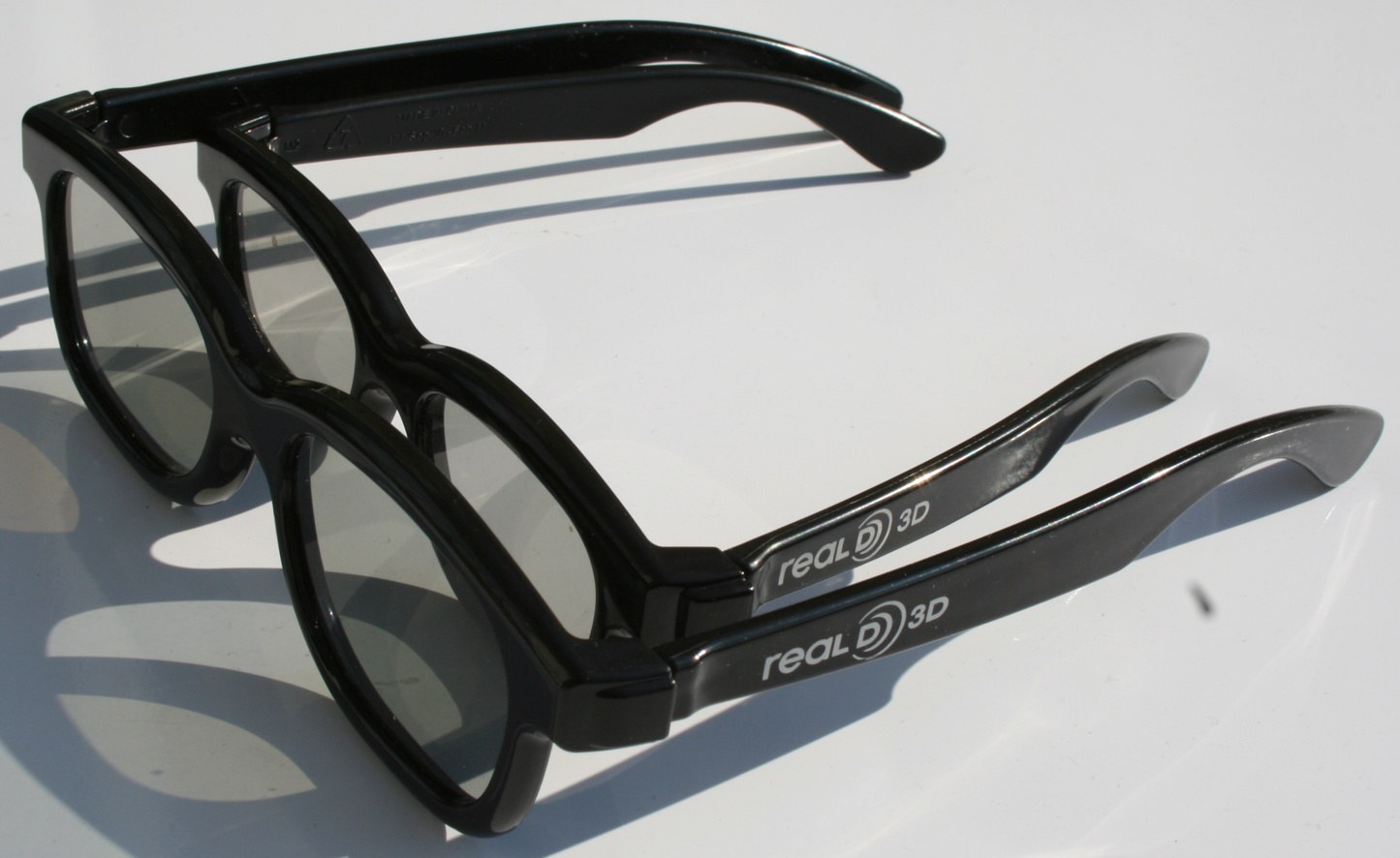
For passive sets, the makers below describe no pairing step. Sony says of its passive pair, "You can watch in 3D by just putting the Passive 3D Glasses on" [2]. LG describes its glasses as "Just like the ones you get at the movie theater" [4], and Vizio said in 2011 that its Theater 3D eyewear "can even be used for 3D viewing in most local movie theaters" [13]. One maker of polarized glasses sells a pair titled for "RealD Theatres & LG, Vizio & Toshiba Passive 3D TV's" [14]. Those are the makers' statements; we have not tested them. Why the two kinds cannot swap is in types of 3D glasses.
Third-party glasses: what makers claim, what owners report
What a maker claims. XPAND, one of the four companies in that 2011 report, lists ten active models on its site, in groups named DLP, IR and RF [15]. Read on October 11, 2026, its page says the X105 RF pair is "compatible with any 3D device bearing the logo of Full HD 3D and equipped with internal or external Radio Frequency (for example Bluetooth®) emitter", and the X105 IR pair "with 3D devices that use IR 3D synchronization protocol" [23]. The RF pair's guide adds: "They do not work with IR (InfraRed) 3D TV's or IR emitters." [17] These are XPAND's claims, not our findings.
What owners report. Five people, each in their own words, on Blu-ray Forum and YouTube. We have not tested any of this. Three of the five own Panasonic sets; we found few accounts for Samsung, Sony or LG.
| Who and when | Their set | What they wrote |
|---|---|---|
| Owner, December 2020 [18] | 2010 Panasonic, with an XPAND infrared pair | "The sync to my Panasonic was fast, as in instantaneous." |
| Owner, August 2025 [19] | 2011 Panasonic plasma, infrared | Of an aftermarket pair: "they work, although the handshake process is a little clunky" |
| Owner, May 2017 [20] | Sony KDL50W800B | A pair from eBay "actually worked better than the Sony glasses provided with the set" |
| YouTube commenter, about 2022 [21] | A Samsung TV | Of a no-name active pair: "Got these, they wont link to my samsung tv" |
| Owner, January 2021 [16] | Panasonic TC-P65VT25 | Knock-off rechargeable pairs: "less than satisfactory because of the color tint being off and have quit working anyhow after about 6 months" |
The owner from August 2025 also wrote: "you need to choose the correct synch tech - IR or RF. The TV manual will tell you which tech is used." [19]
When the glasses will not work
Samsung's lines: its SSG-5150GB guide [7] and UK operating guide [22]. Sony's: its 2012 and 2014 TV manuals [3][9]. XPAND's: the X105 RF guide [17].
| What you see | What the manual says | What to do |
|---|---|---|
| The pair will not connect | Samsung: pair within 19.5 inches of the TV [7]. Sony: within 50 cm, holding the power button for 2 seconds [9] | Samsung: "If the first attempt to pair fails, power the TV off and on again" [7]. Sony: repeat the registration [9] |
| The pair switches itself off | Samsung: with the TV not set to 3D, "the glasses go into power-saving mode" [22] | Put the TV in 3D mode first, then switch the glasses on |
| The picture flickers | Samsung: "the screen may flicker under florescent lighting (50Hz ~ 60Hz) or three-wave lighting" [7] | Turn the lights off or down |
| 3D drops in and out | Samsung: devices on 2.4GHz or 5GHz, such as a microwave, nearby [7]. Sony, 2012: an infrared device near the TV, or something in front of the transmitter [3] | Move the device away; clear the path to the TV |
| A red light blinks, no 3D | Samsung: "If the red LED blinks every two seconds continually, replace the battery" [7] | Samsung's SSG-5100GB takes a CR2025 [12]; Sony's 2014 manual: "Use a CR2025 battery only" [9] |
| A rechargeable pair is dead | XPAND: "The 3D Glasses Battery is not user replaceable." [17] | Charge it by USB; the battery cannot be swapped [17] |
The same pair on a second TV has to be paired again. Sony: "If you use the Active 3D Glasses with another TV, you will need to re-register." [9]
If no pair can be had for your set, see what replaces a 3D TV.
Frequently asked questions
Does a 3D Blu-ray player need its own glasses?
Not by Samsung's account of its own players: the player "simply plays the 3D content but it is the TV that displays the 3D image and sends the 3D signal to its compatible 3D active shutter glasses" [1].
Do 3D TV glasses fit over prescription glasses?
Some are made to. Samsung says its 3D glasses "have a 'fit-over' design" for people who already wear glasses [1]. Sony's 2014 manual says to "remove the nose pad from the Active 3D Glasses by pulling it down, then wear them over your glasses" [9].
Sources (23)
Opened on 2026-10-11 unless a date is given.
- Samsung Malaysia support, "3D glasses compatibility with Samsung 3D Blu-ray Player" (updated July 11, 2022): https://www.samsung.com/my/support/tv-audio-video/which-3d-glasses-will-work-with-my-samsung-3d-blu-ray-player/
- Sony, TV Help Guide, "Preparing your 3D glasses (3D models only)" (copyright 2019): https://helpguide.sony.net/tv/dusltn1/v1/en-003/02-02_02.html
- Sony, i-Manual, "Watching in 3D" (copyright 2012; the address names the HX850): https://helpguide.sony.net/apmig/bravia_i-manuals/FY12/HX850/NZ/3dcont.html
- LG USA, "LG 3D TV Glasses for Passive 3D Televisions": https://www.lg.com/us/3d-glasses/view-all
- Panasonic, TC-P55VT60, TC-P60VT60 and TC-P65VT60 owner's manual (PDF, 2013): https://help.na.panasonic.com/wp-content/uploads/2023/02/TCP55VT60_P60VT60_P65VT60_TQB2AA0707_ENG_ESP.pdf
- Panasonic North America support, "Specifications - 3D eyewear to television compatibility chart": https://help.na.panasonic.com/answers/specifications-3d-eyewear-to-television-compatibility-chart/
- Samsung, "3D Active Glasses SSG-5150GB User's Guide" (PDF, file dated March 2016), Samsung download center: https://downloadcenter.samsung.com/content/UM/201611/20161123110738756/SSG-5150GB_XC_InBox_BN68-05527C-00_L04_160329.0.pdf
- LG USA, "3D Shutter Glasses For LG Plasma 3D Ready TVs" (AG-S350) product page: https://www.lg.com/us/tv-audio-video-accessories/lg-AG-S350-3d-shutter-glasses
- Sony, i-Manual, "Watching in 3D", active 3D glasses (copyright 2014): https://helpguide.sony.net/gbmig/14HE0161/v1/eng/3dcont_active_2k_nosv.html
- Samsung India support, "How to enable 3D in Samsung SUHD 4K Curved Smart TV JS9000?" (updated October 14, 2020): https://www.samsung.com/in/support/tv-audio-video/how-to-enable-3d-in-samsung-suhd-4k-curved-smart-tv-js9000/
- TV Technology, "Sony, Panasonic, Samsung and XpanD Create 3D Glasses Initiative" (August 8, 2011), a trade report of the companies' announcement: https://www.tvtechnology.com/news/sony-panasonic-samsung-and-xpand-create-3d-glasses-initiative-209866
- Samsung, "3D Active Glasses SSG-5100GB User's Guide" (PDF, file dated January 2, 2013), hosted by the retailer Conrad: https://asset.conrad.com/media10/add/160267/c1/-/en/000408183ML01/manual-408183-samsung-ssg-5100gb-black.pdf
- Vizio, press release "VIZIO's Theater 3D Movement Gains Credibility at Retail and with Industry Experts" (May 9, 2011): https://www.vizio.com/en/press/2011/may/VIZIOsTheater3DMovementGainsCredibilityatRetailandithIndustryExperts
- Rainbow Symphony, "Circular Polarized 3D Glasses - RealD 3D & Disney Digital 3D Theatres" product page: https://www.rainbowsymphony.com/products/plastic-circular-polarized-3d-glasses
- XPAND, product list "3D Glasses: Active": https://xpandvision.com/product-category/3d-glasses/active/
- Users' reports: Blu-ray Forum, thread "Panasonic 3D glasses discussion - troubleshooting replacement etc", page 2, posts of June 3, 2019 and January 26, 2021: https://forum.blu-ray.com/showthread.php?t=164094&page=2
- XPAND, "XPAND 3D Glasses Lite (RF), Model No. X105-RF-X1, User Guide" (PDF), hosted by the retailer Heimkinoraum: https://www.heimkinoraum.de/upload/files/product/Xpandvision-X105-RF-X1_Bedienungsanleitung_EN.pdf
- Users' reports: Blu-ray Forum, thread "Universal Active 3D Glasses IR and RF", post of December 21, 2020: https://forum.blu-ray.com/showthread.php?t=335125
- Users' reports: Blu-ray Forum, thread "Panasonic 3D glasses discussion - troubleshooting replacement etc", page 3, posts of December 26, 2023 and August 10, 2025: https://forum.blu-ray.com/showthread.php?t=164094&page=3
- Users' reports: Blu-ray Forum, thread "Glasses compatible for Sony HW30ES", post of May 2, 2017 (opened 2026-10-09): https://forum.blu-ray.com/showthread.php?t=291531
- Users' reports: comments under the YouTube video "Generic / replacement (no-name) 3D active glasses for TV - review + unboxing" (channel mmuzdeka); comment shown as "4 years ago" on 2026-10-09: https://www.youtube.com/watch?v=VXy9xtkd3dk
- Samsung UK support, "3D Glasses - Operating Guide" (updated November 16, 2020): https://www.samsung.com/uk/support/home-appliances/3d-glasses-operating-guide/
- XPAND, product page "X105 RF (X105-RF-X1)": https://xpandvision.com/product/x105-rf-x105-rf-x1/