Magic Eye Pictures
Twenty-two hidden 3D pictures, easy to hard, drawn for your screen. Each has its answer one tap away.
Magic Eye pictures to try
Look through a picture until the two dots under it become exactly three. If you see four, or the picture looks doubled or smeared, relax and try again. Stuck? Press “Answer”. New to these? Learn to see them step by step.
No. 1
Animals · Easy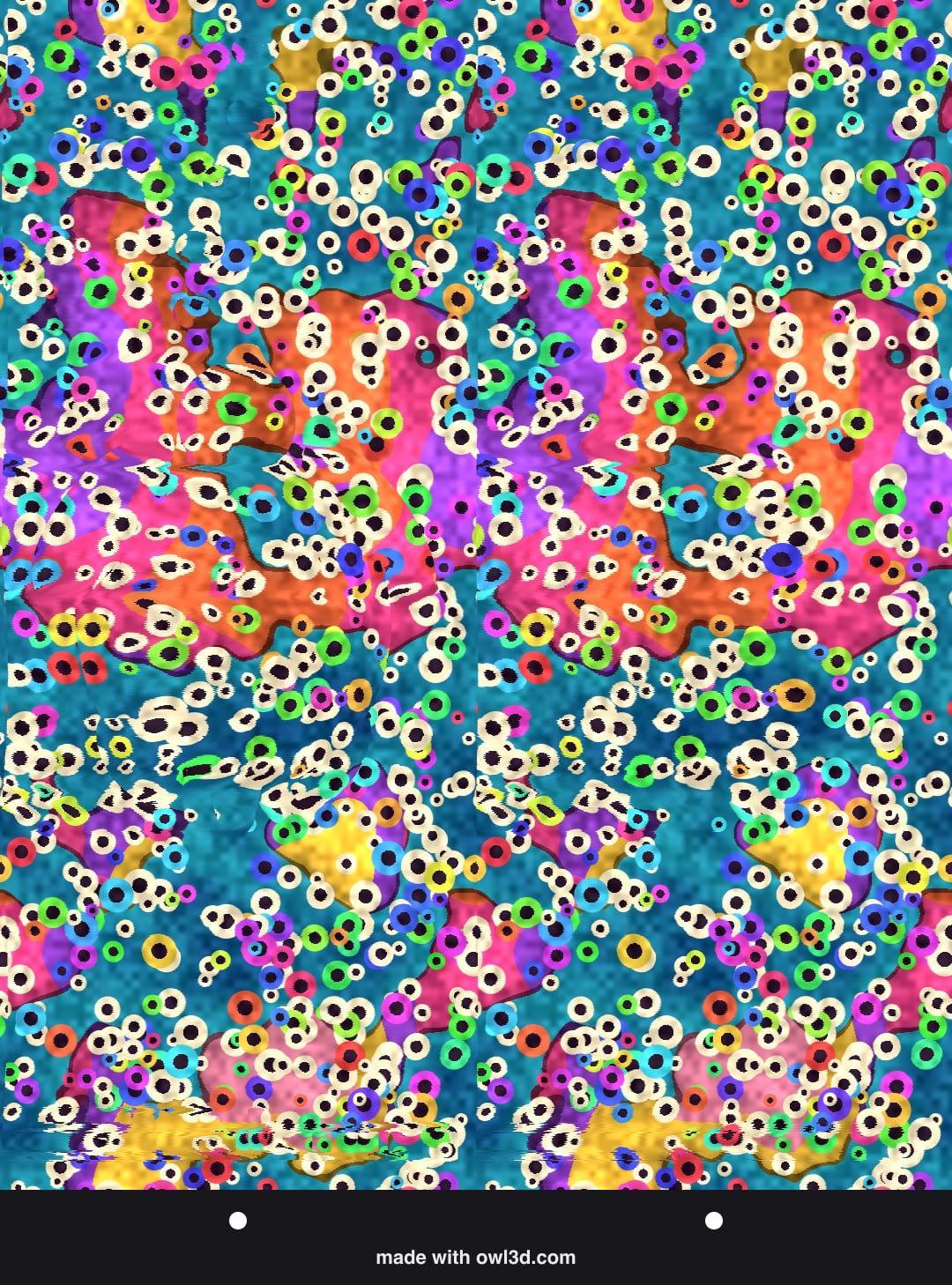
No. 2
Animals · Easy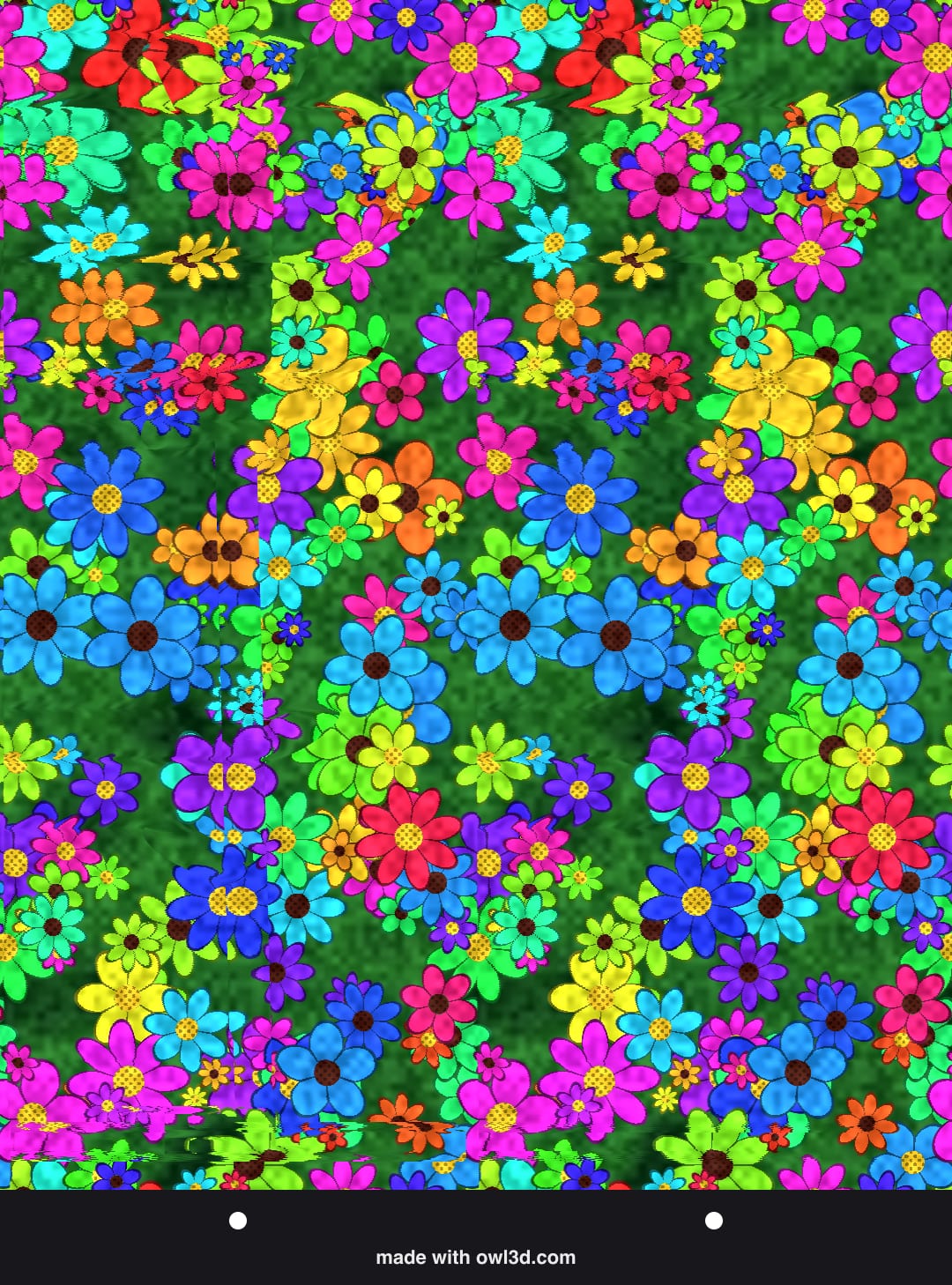
No. 3
Space · Easy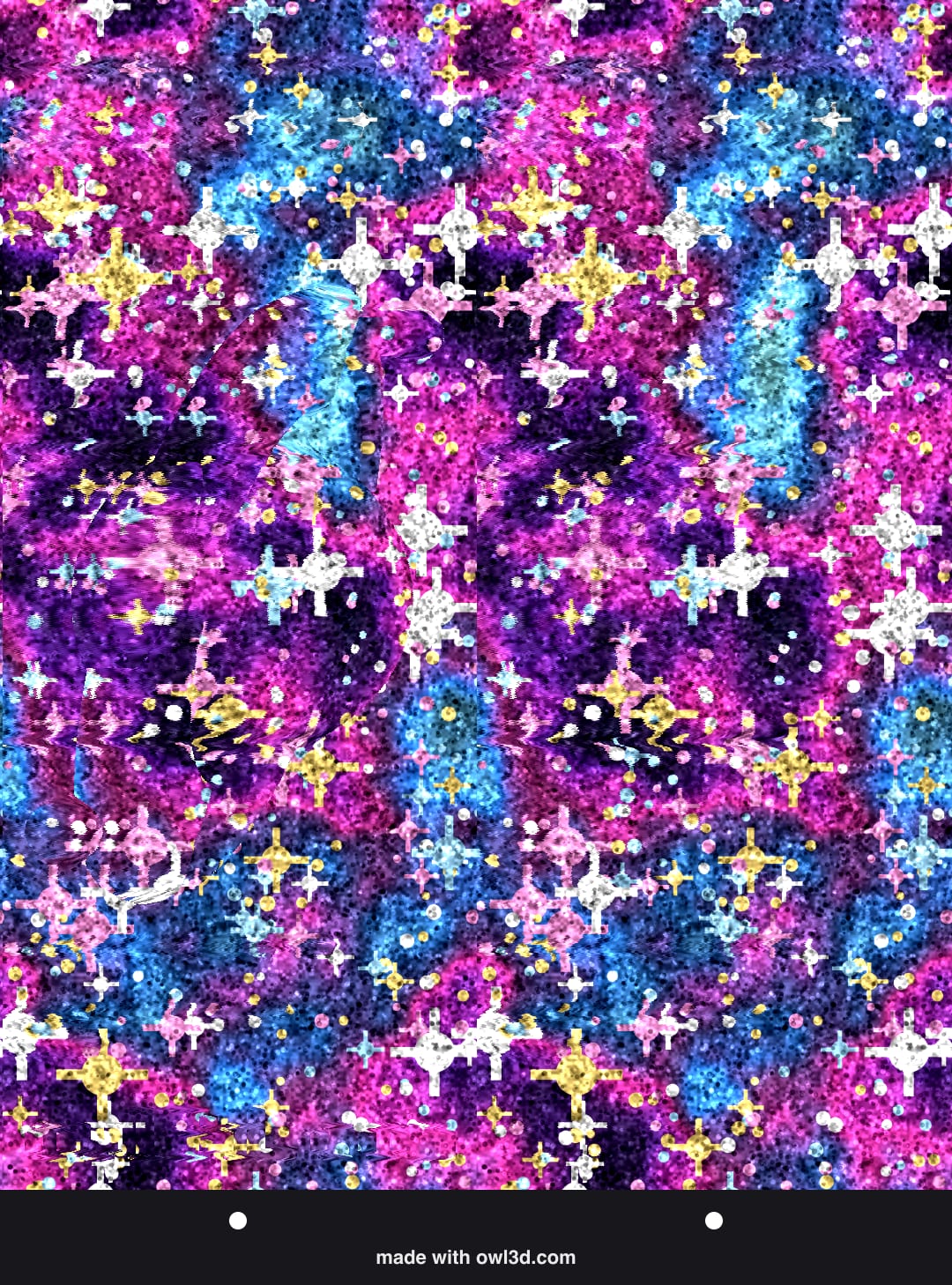
No. 4
Messages · Easy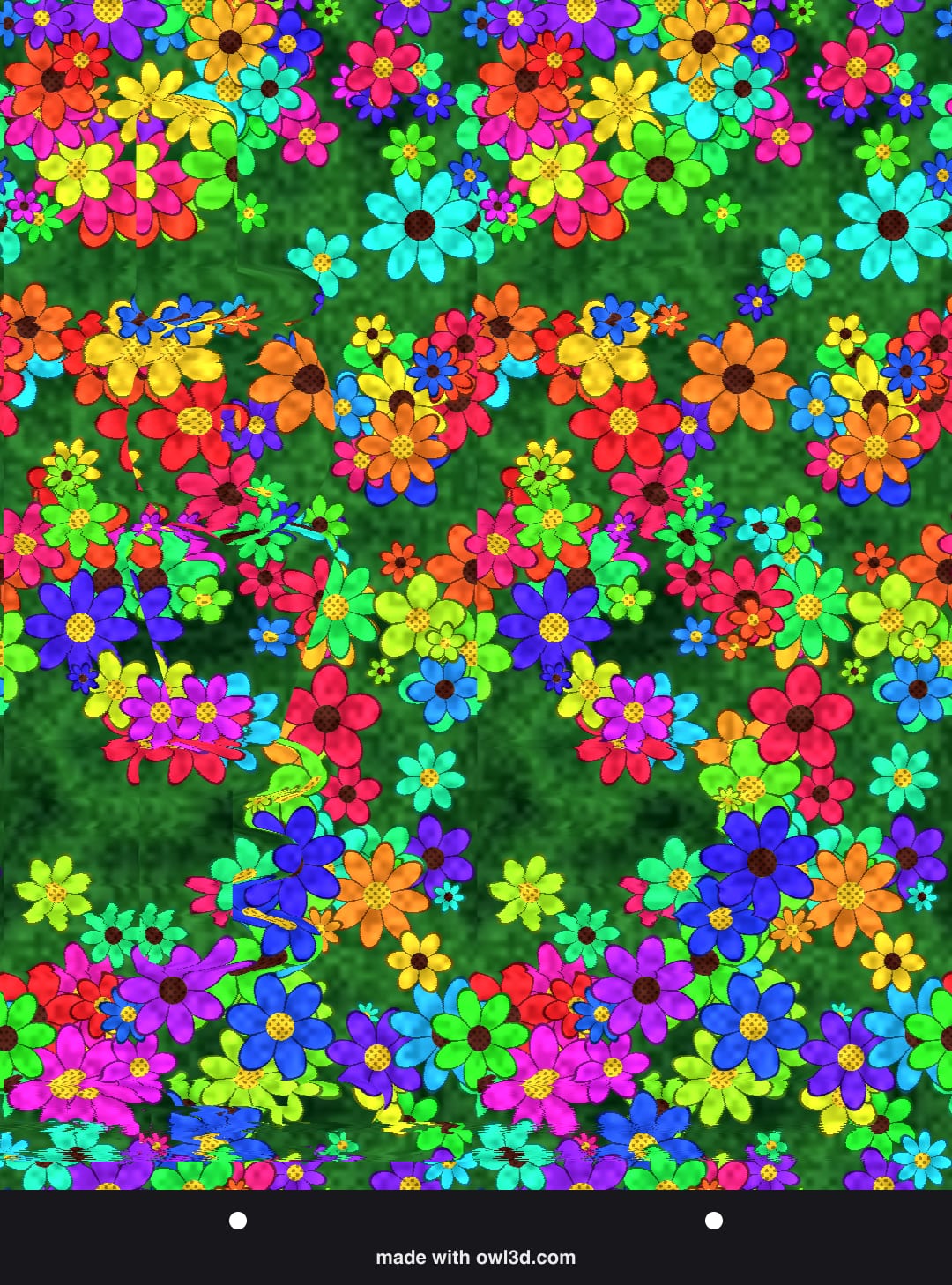
No. 5
Messages · Easy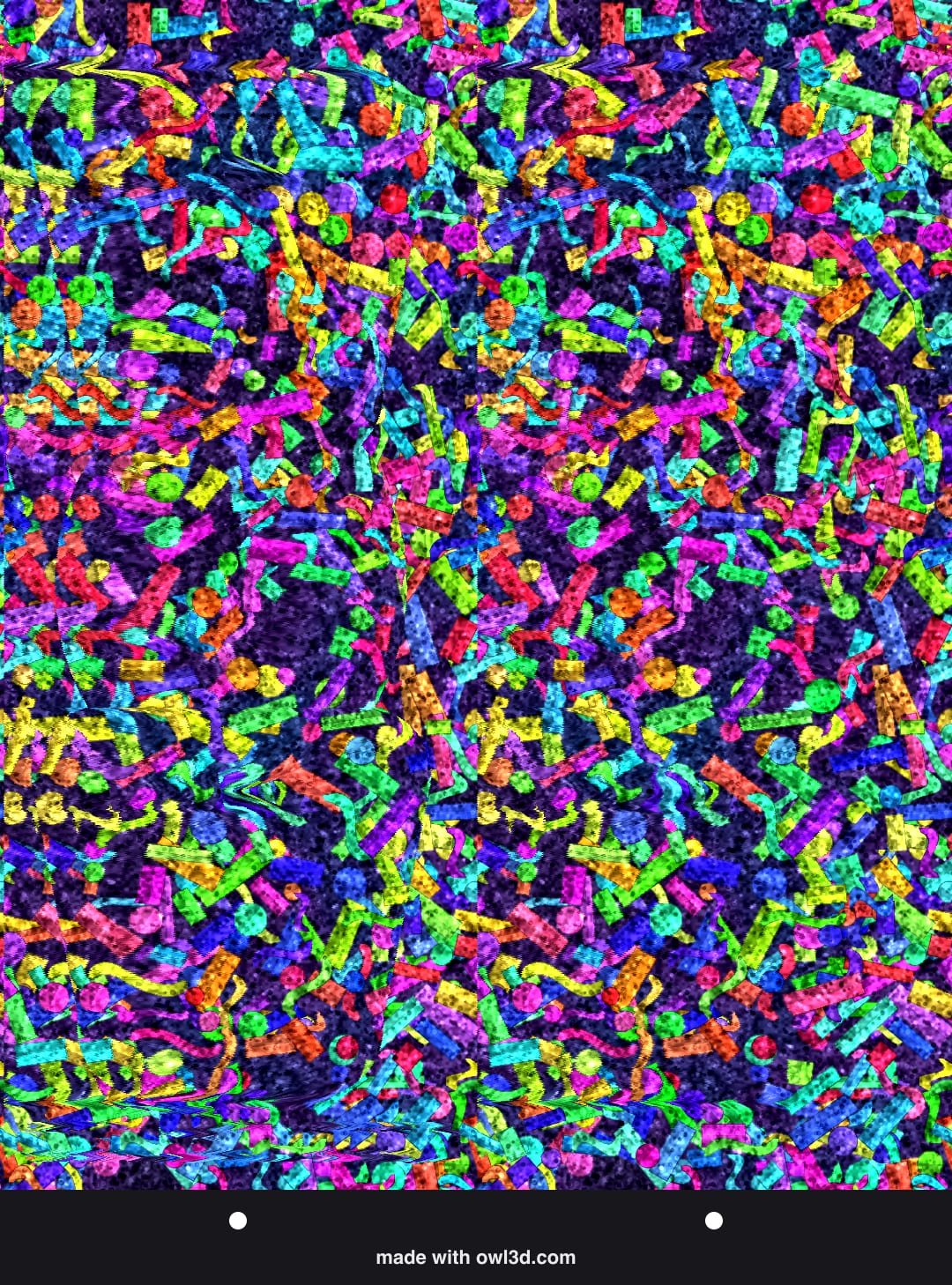
No. 6
Animals · Medium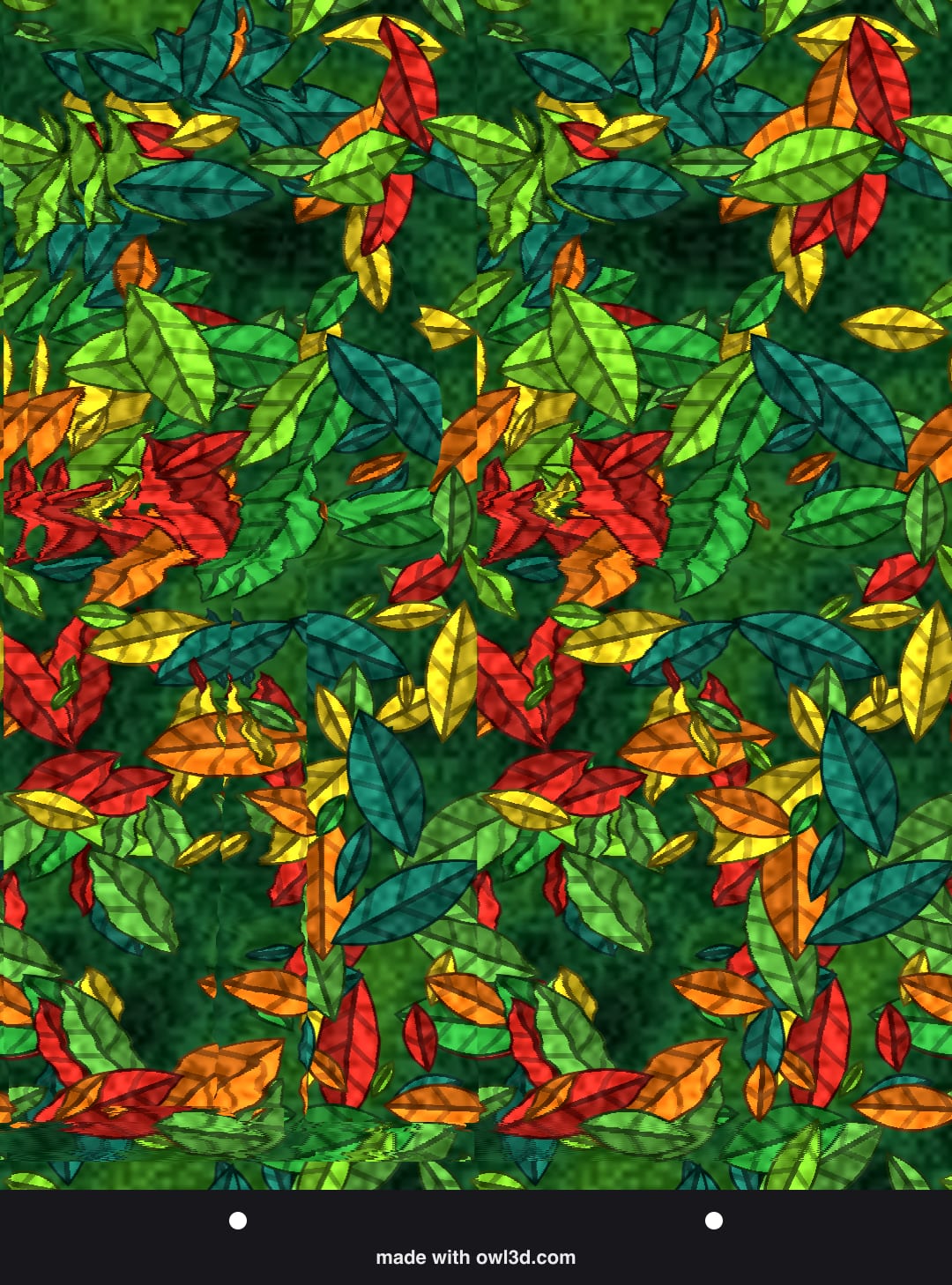
No. 7
Animals · Medium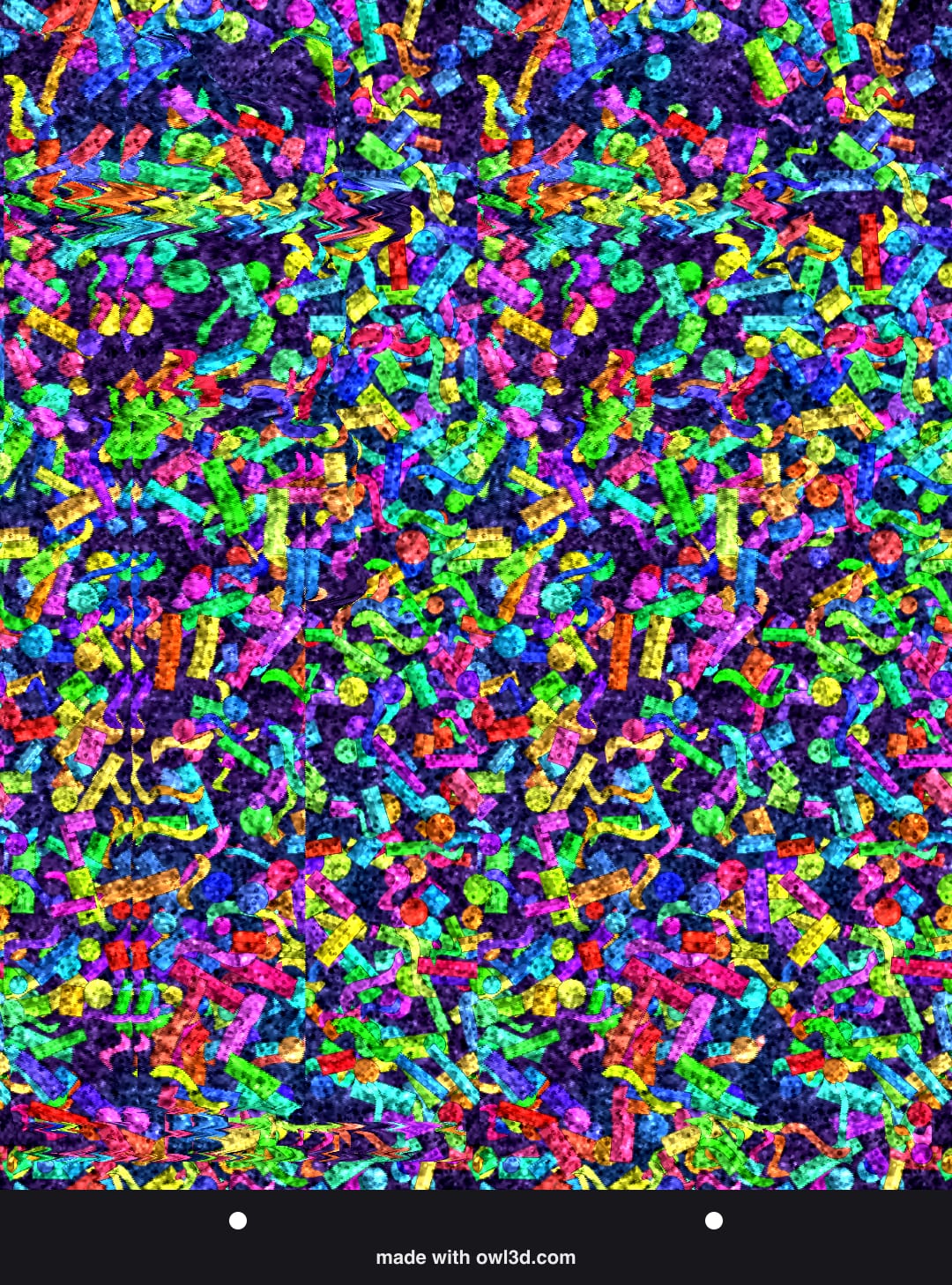
No. 8
Animals · Medium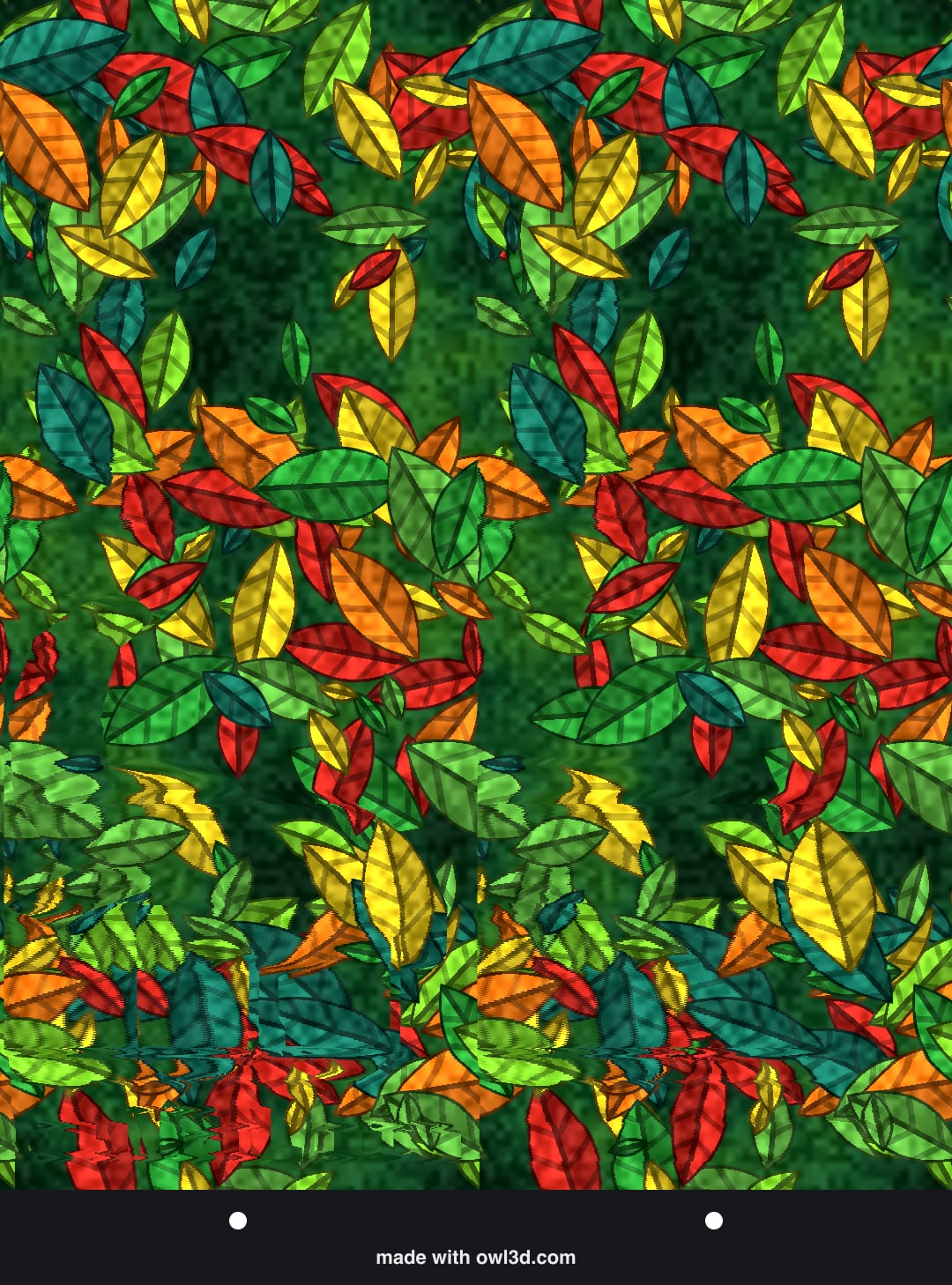
No. 9
Sea · Medium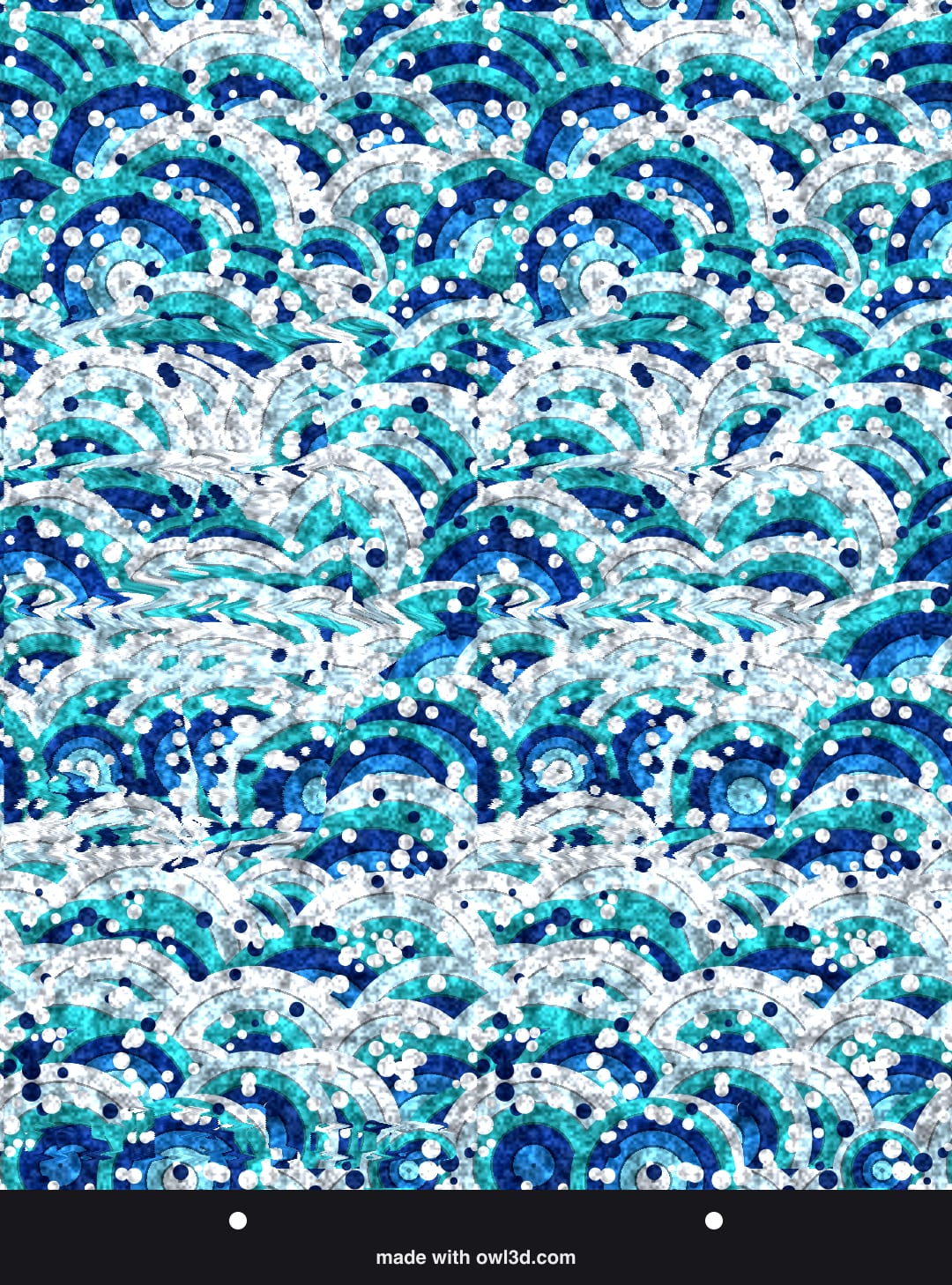
No. 10
Sea · Medium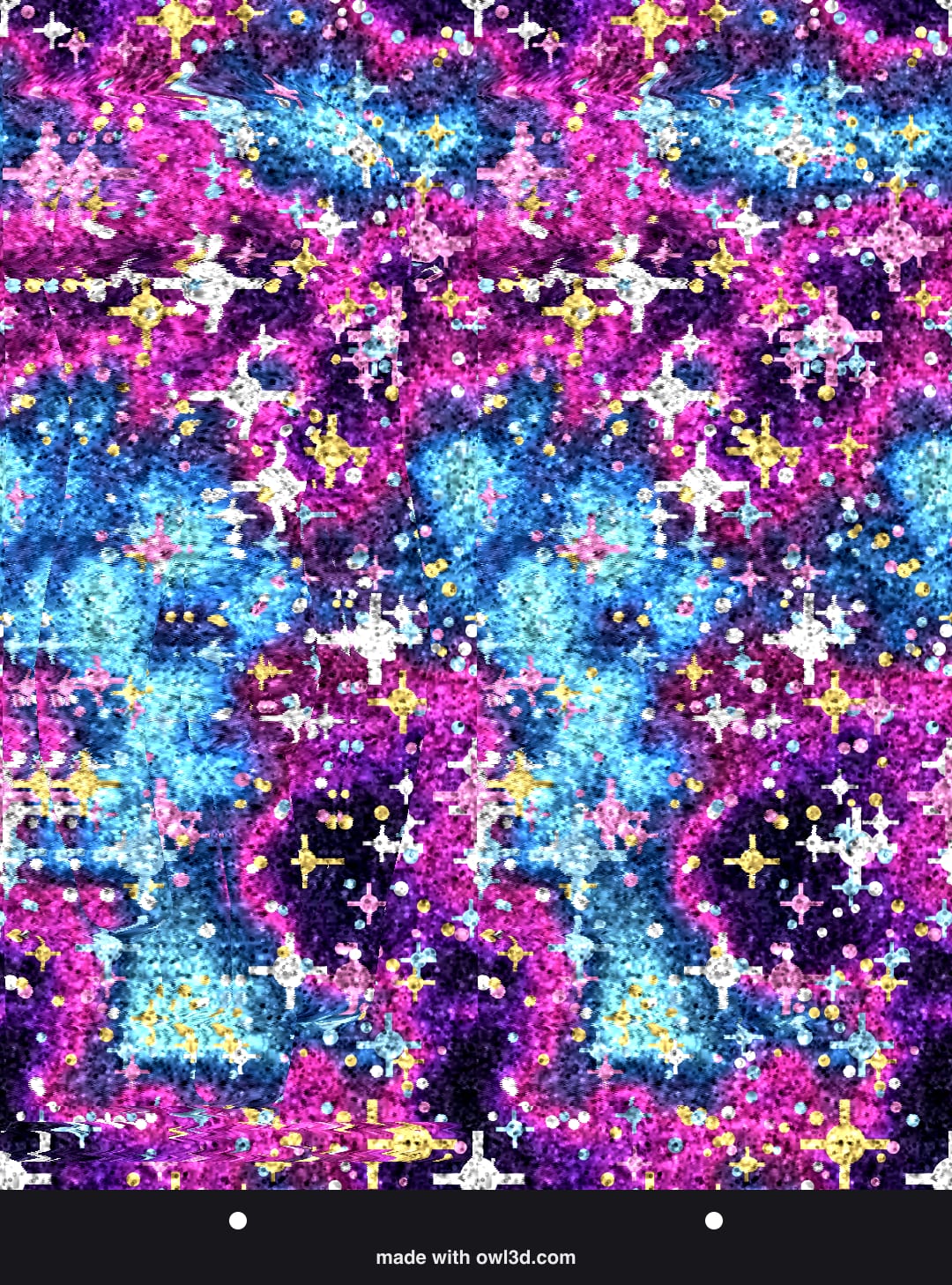
No. 11
Dinosaurs · Medium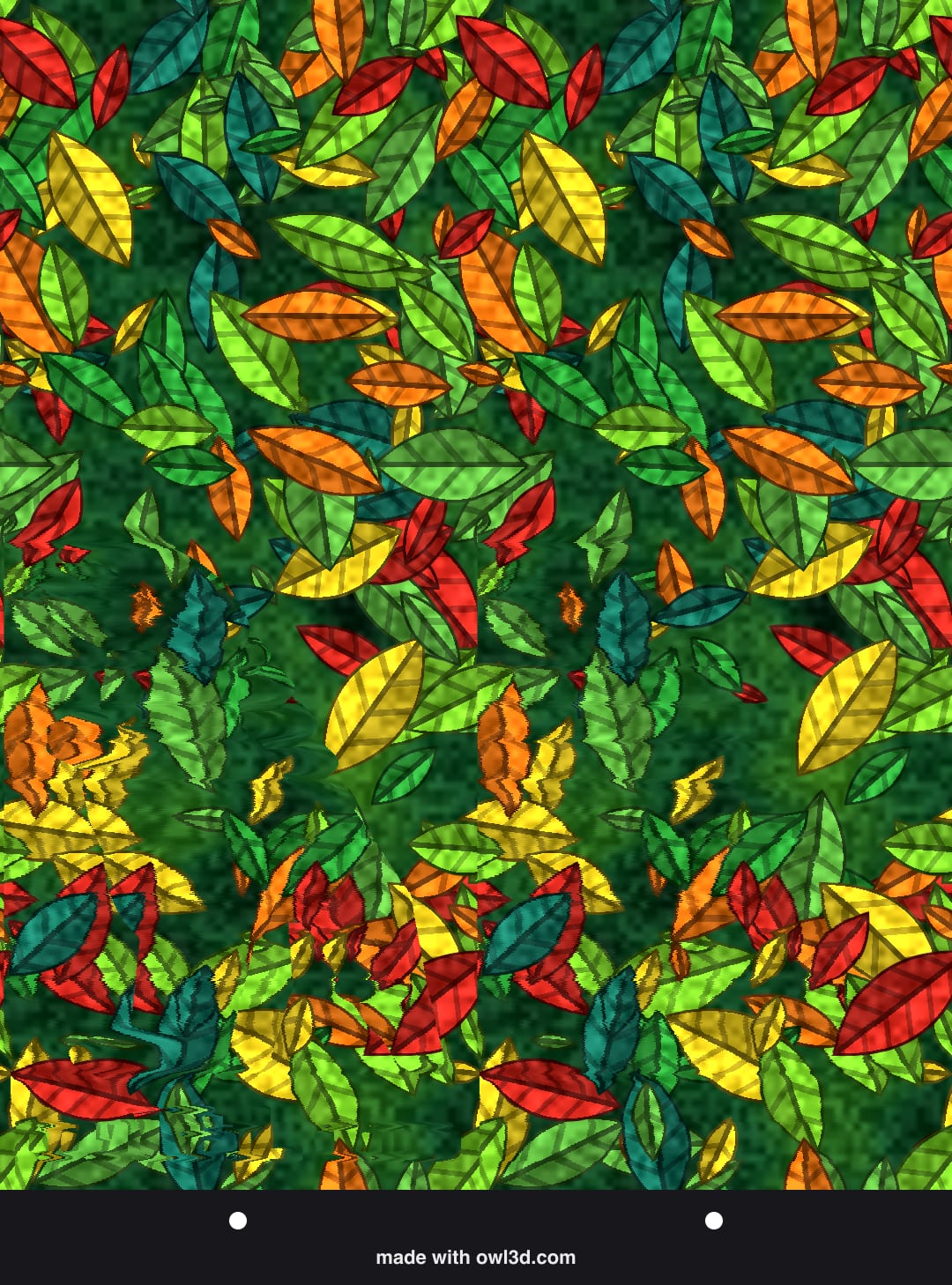
No. 12
Space · Medium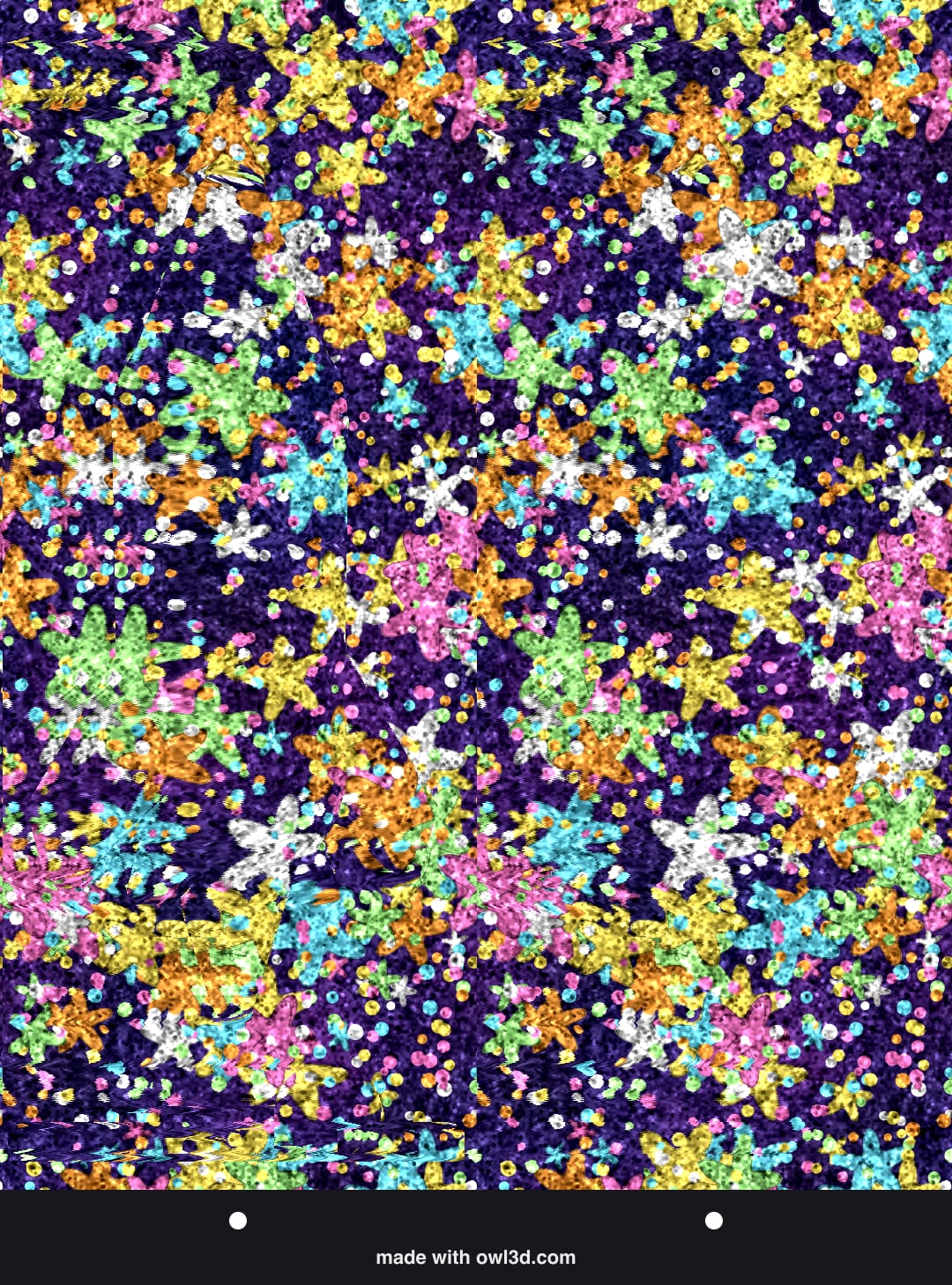
No. 13
Space · Medium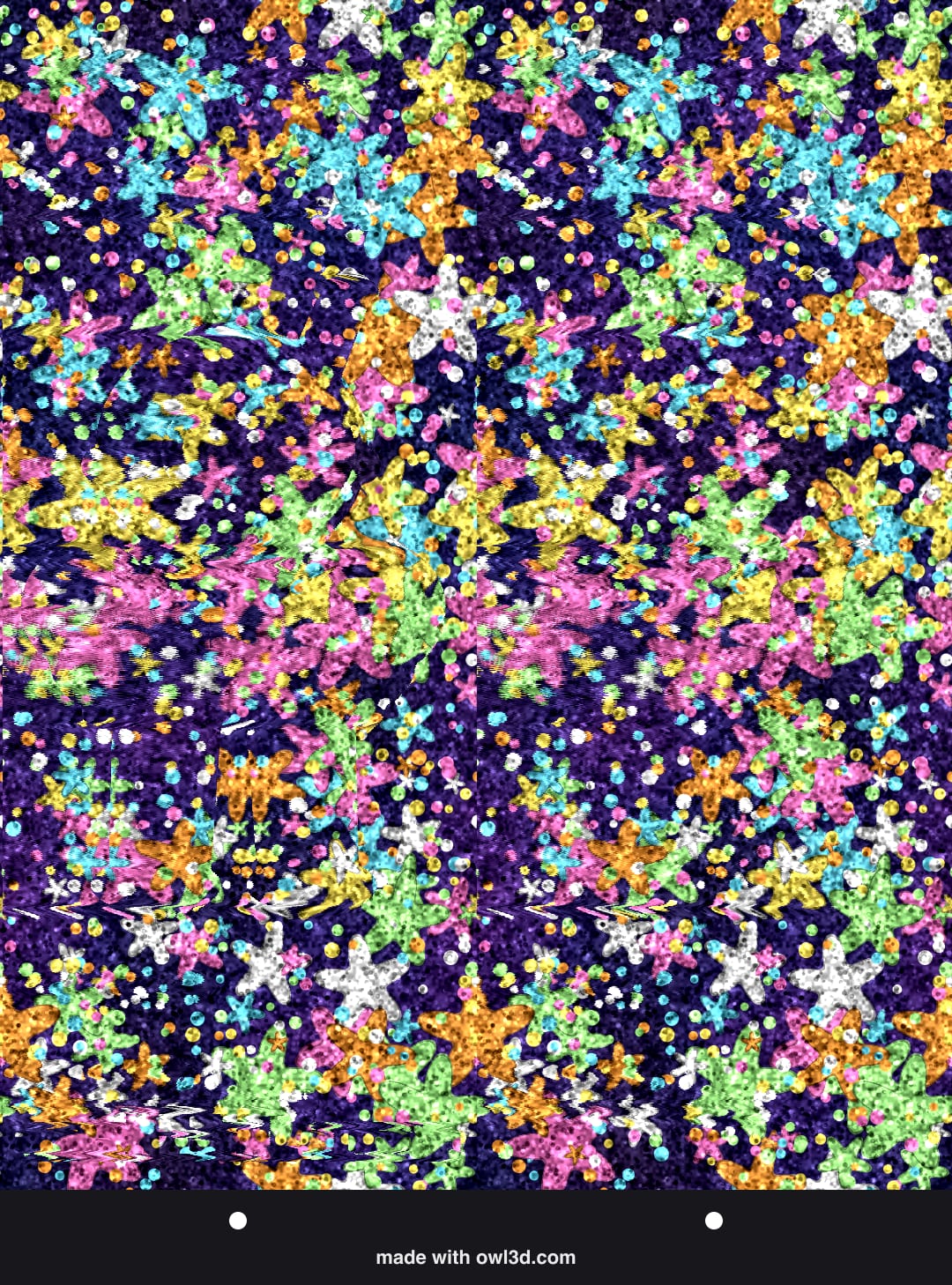
No. 14
Messages · Medium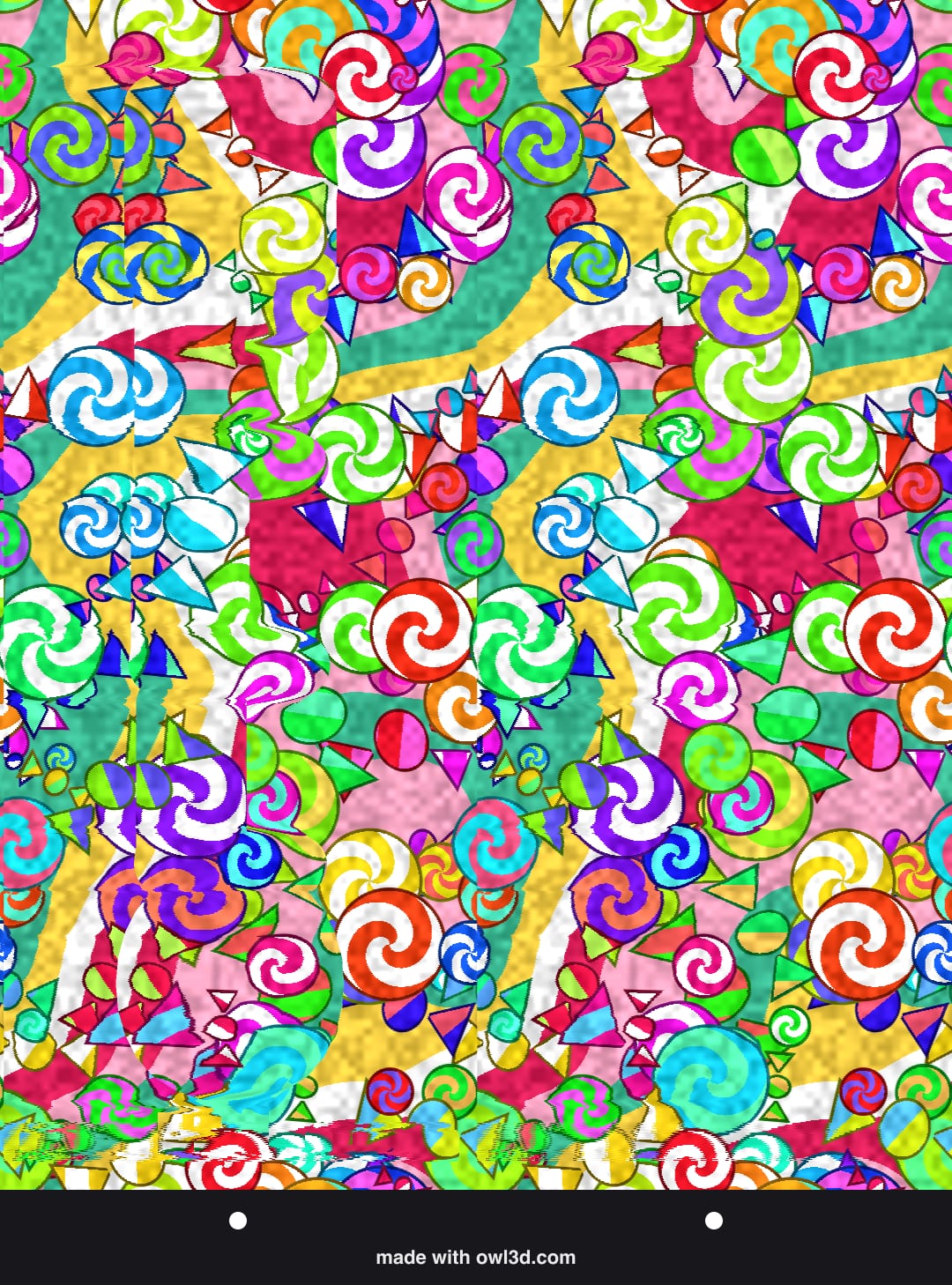
No. 15
Things · Medium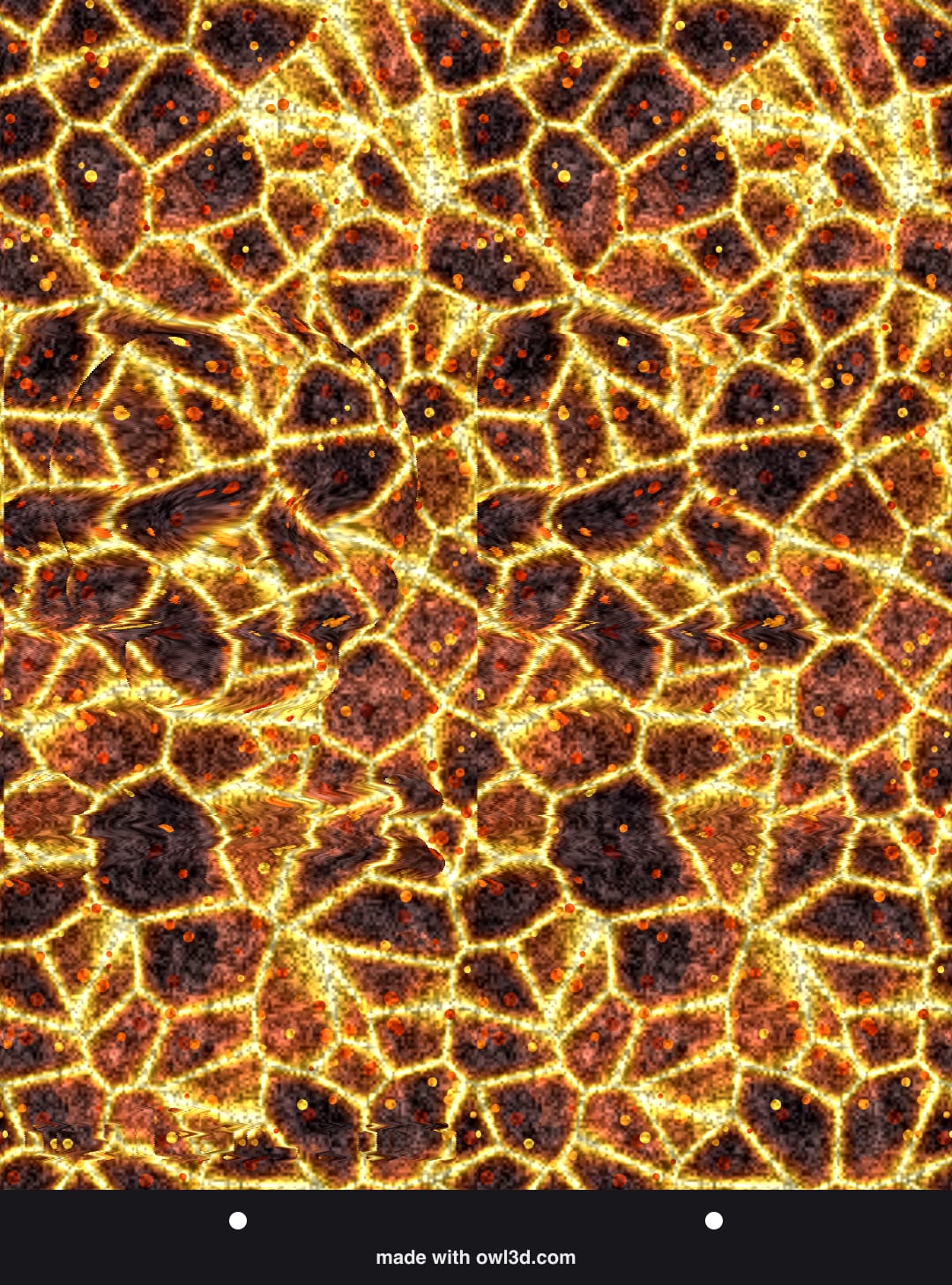
No. 16
Things · Medium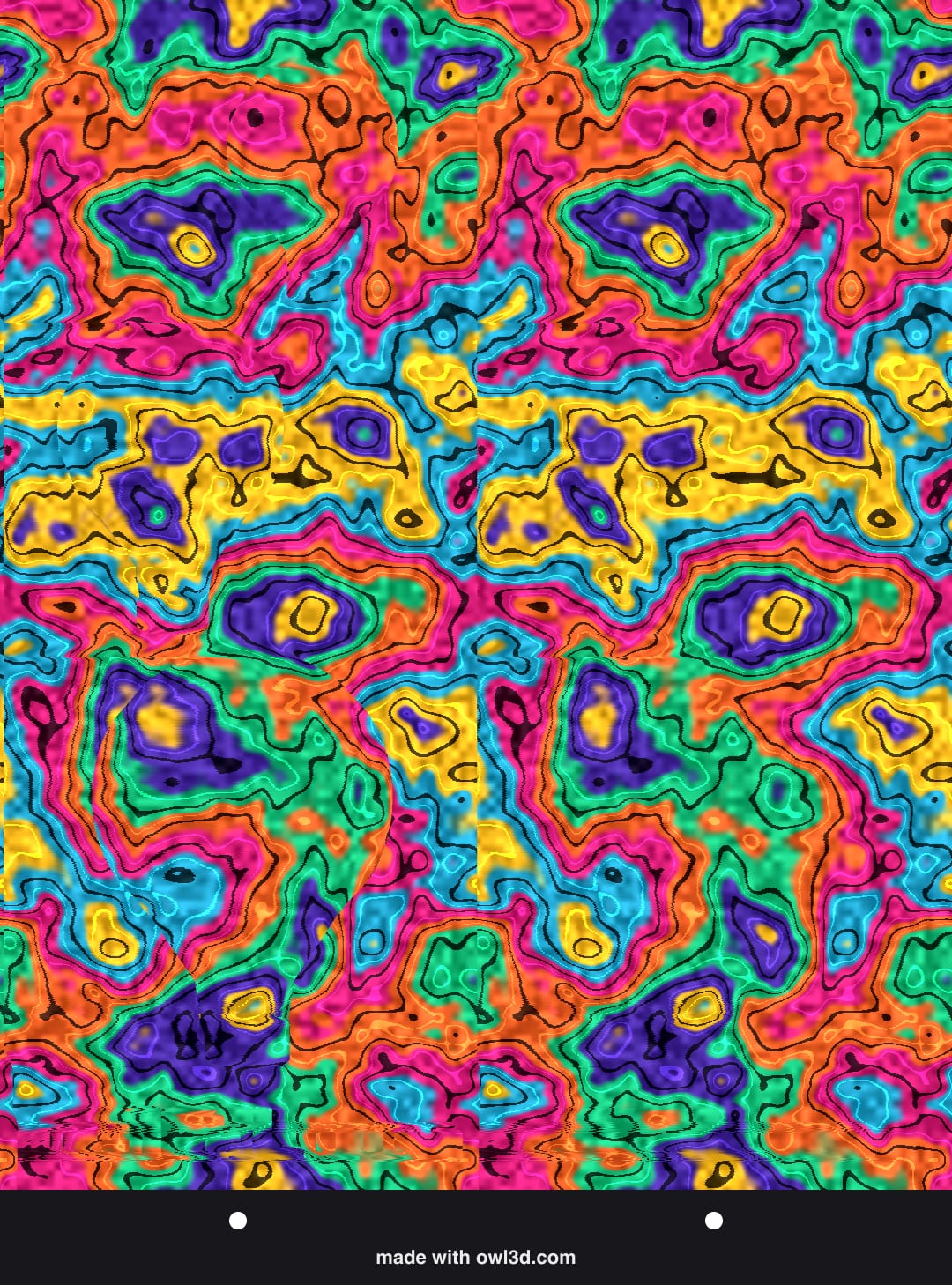
No. 17
Sea · Hard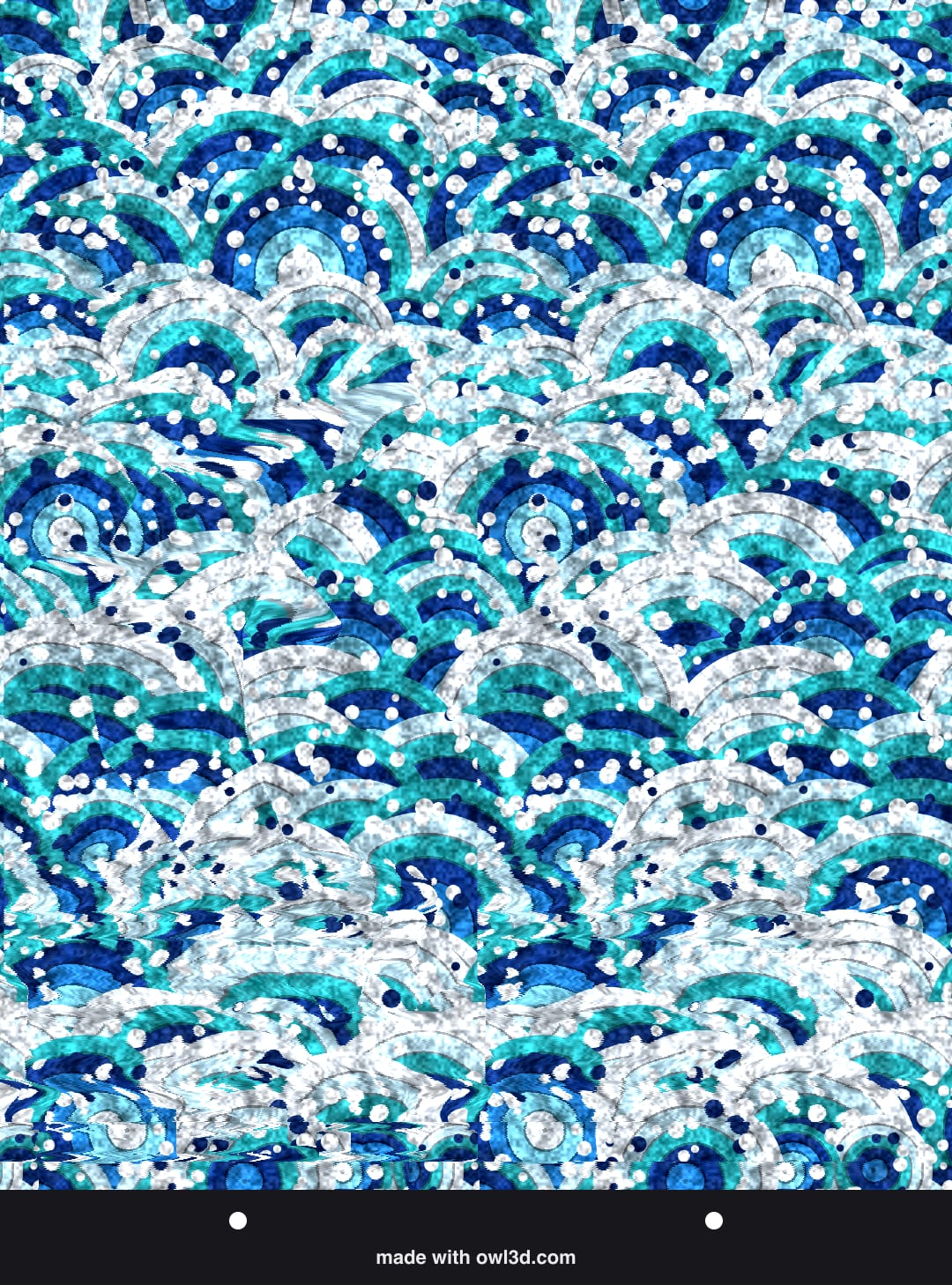
No. 18
Sea · Hard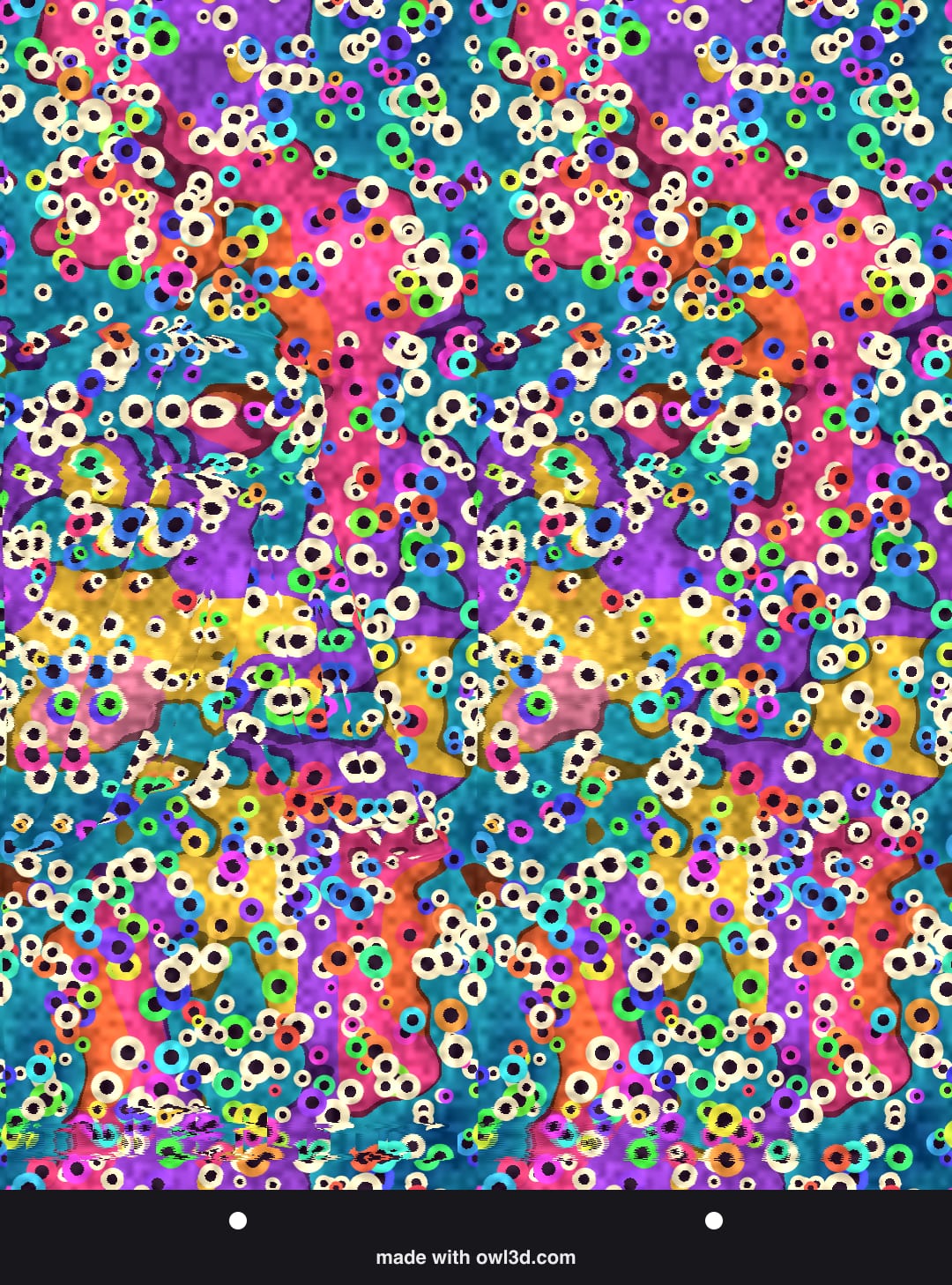
No. 19
Sea · Hard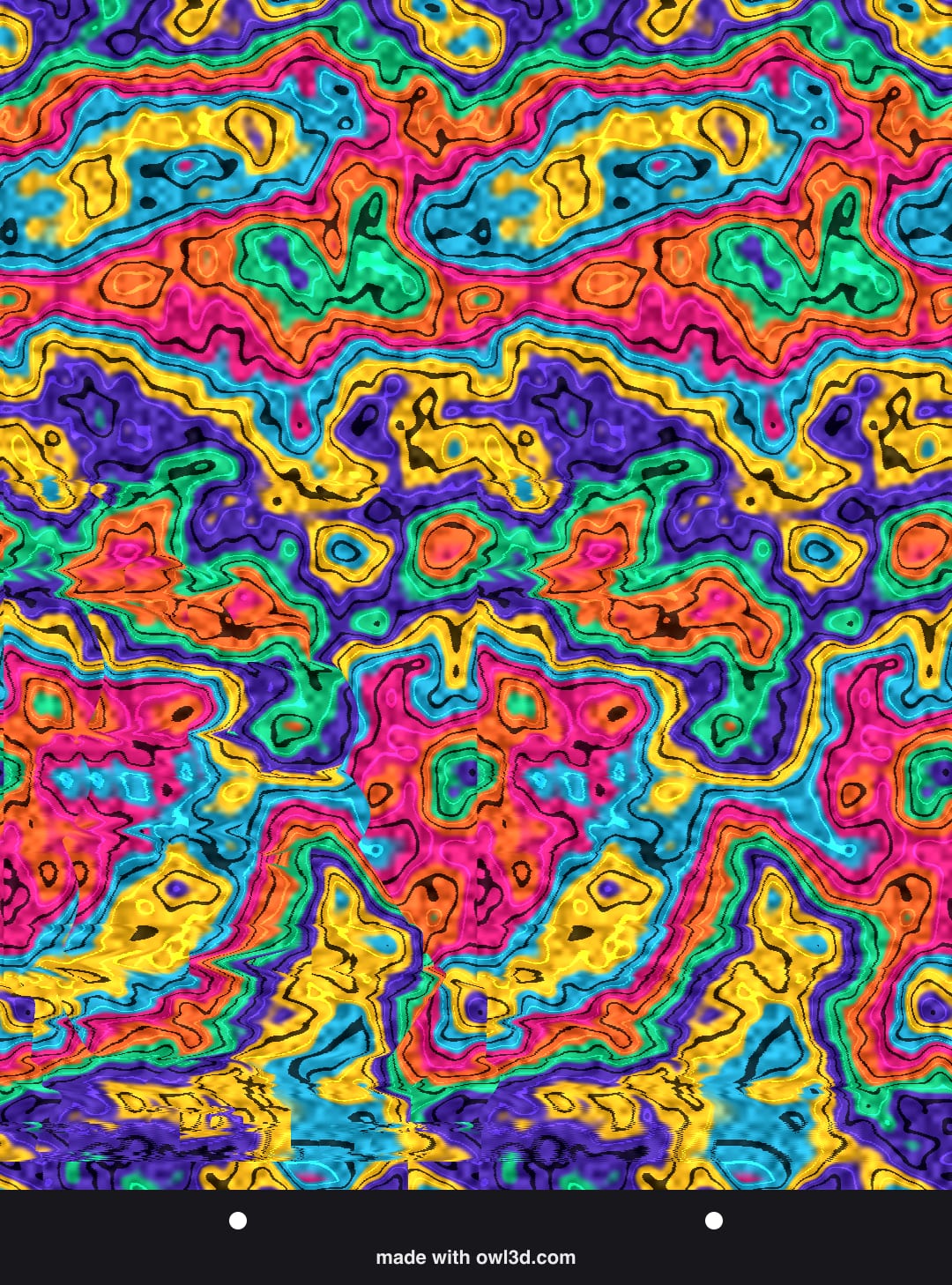
No. 20
Dinosaurs · Hard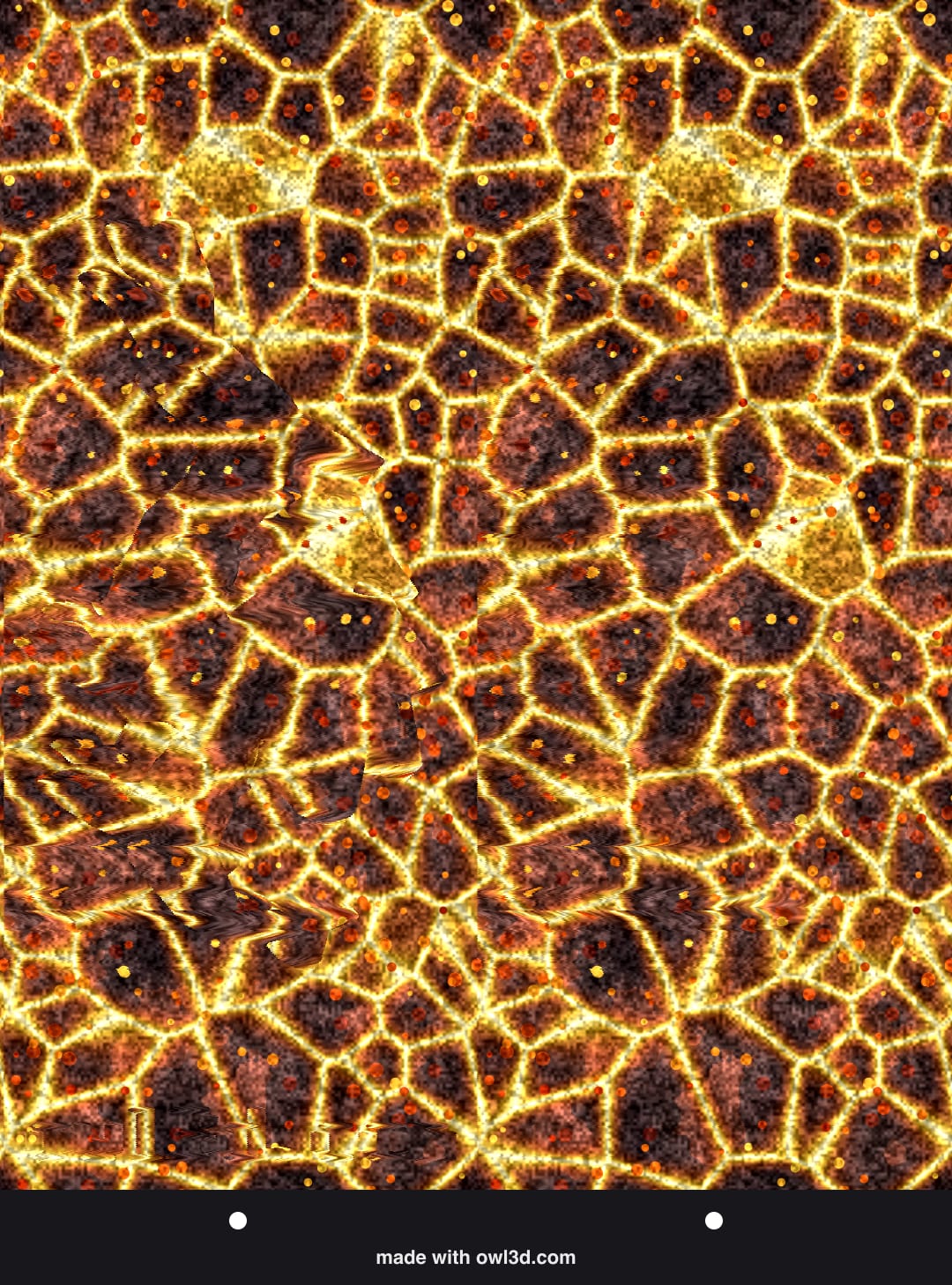
No. 21
Messages · Hard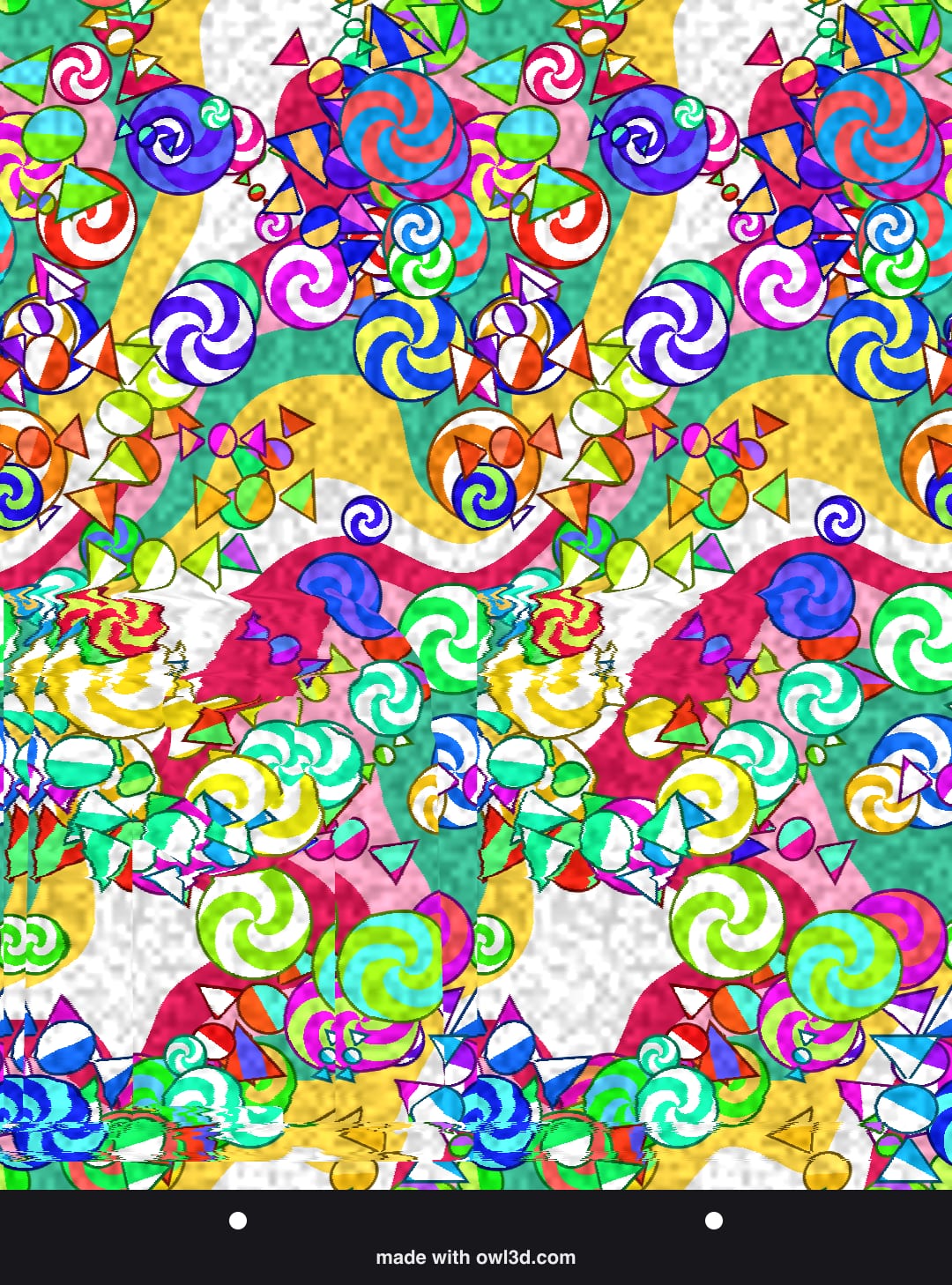
No. 22
Things · Hard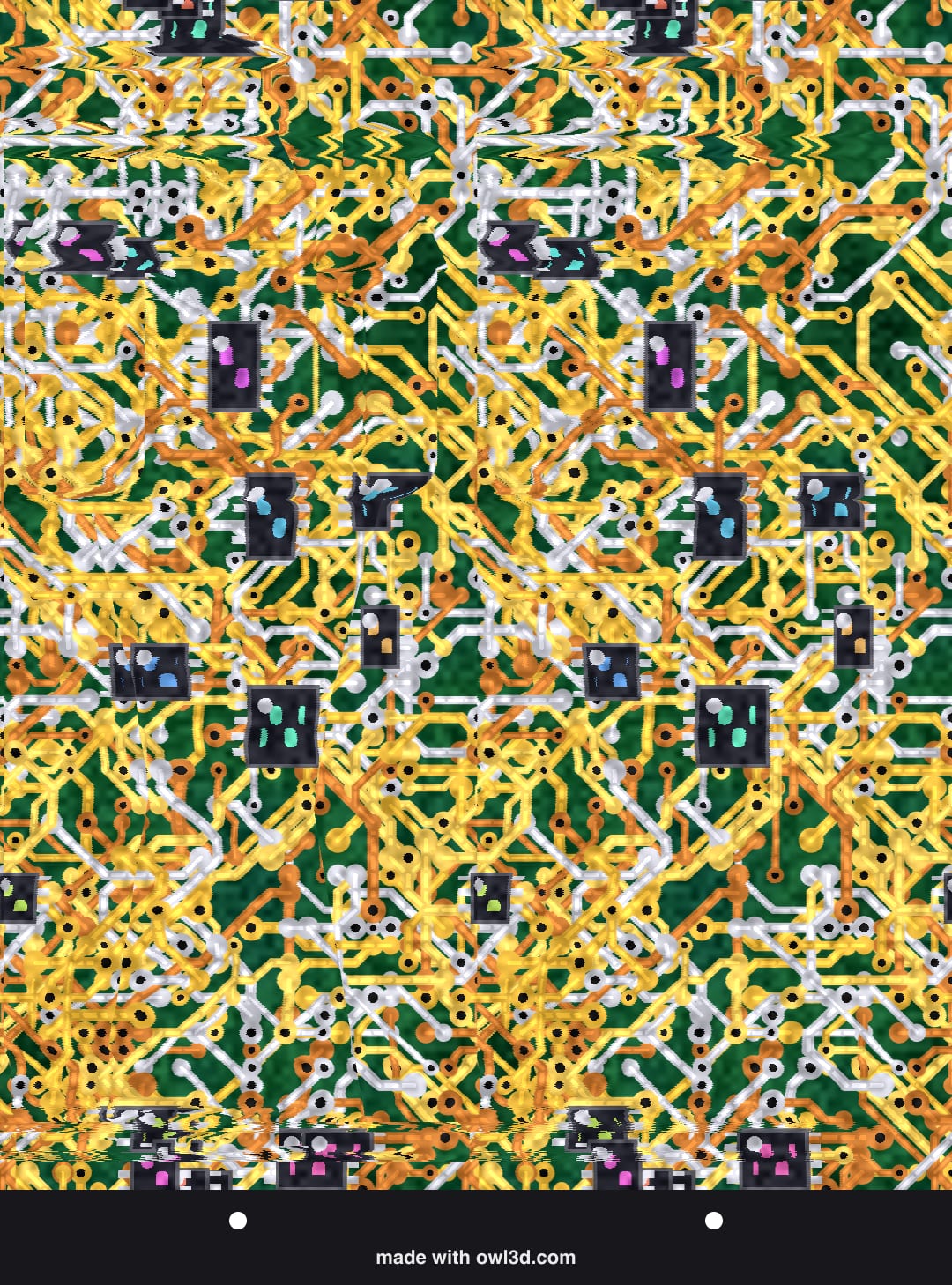
How to see them
Hold the picture close, look "through" it as if at something far away, and move back slowly until the two dots under the picture become exactly three. If you see four, or the picture looks doubled or smeared, relax and try again. Then hold your eyes there: the hidden shape stands out. Start with number 1; the easy ones have a big shape and gentle depth. For a step-by-step lesson that checks what you saw, see how to see Magic Eye pictures.
If you are better at crossing your eyes, choose "Cross your eyes" at the top: every picture is redrawn so the shape still stands out toward you.
About these pictures
Every picture here is made by our own program from our own sculpted scenes, words and patterns, in your browser, sized for your screen. That is why they look sharp on a phone and on a big monitor alike: the repeat of the pattern is set in millimetres for the screen you are on, not in pixels.
Saved pictures are 1080 × 1350 pixels, a size that works in chats and on social media. Each has a strip under it with the two guide dots and our address, and a small "owl3d.com" hidden in the 3D in the bottom corner: a second thing to find once you can see the picture.
Frequently asked questions
Can I see these on my phone?
Yes. They are drawn for your phone's screen, held upright: open a picture large and it fills the screen from edge to edge.
Why can't I see the hidden picture?
Most people need a few tries the first time. Start at the top or bottom edge, use good light, and go slowly. A few people can't see them at all: estimates are about 2 to 7 in 100 adults with no stereo (3D) vision. Every picture here has its answer.
Can I print them?
Yes: press Save and print the file. For a larger print made for paper, use the Magic Eye maker and choose the print size.
Can I make one with my own words or photo?
Yes, with the Magic Eye maker: type a word, pick a shape, or use a photo, choose a pattern, and save or send it.
I have a picture I can't solve. What is in it?
Try the Magic Eye solver: add the picture and it shows the hidden shape.
Magic Eye is a registered trademark of Magic Eye Inc. Owl3D is not affiliated with Magic Eye Inc.