Technology
Technology
Is Meta Quest Good for Movies: What Changes When You Add 3D
Is Meta Quest Good for Movies: What Changes When You Add 3D
|
7
min read
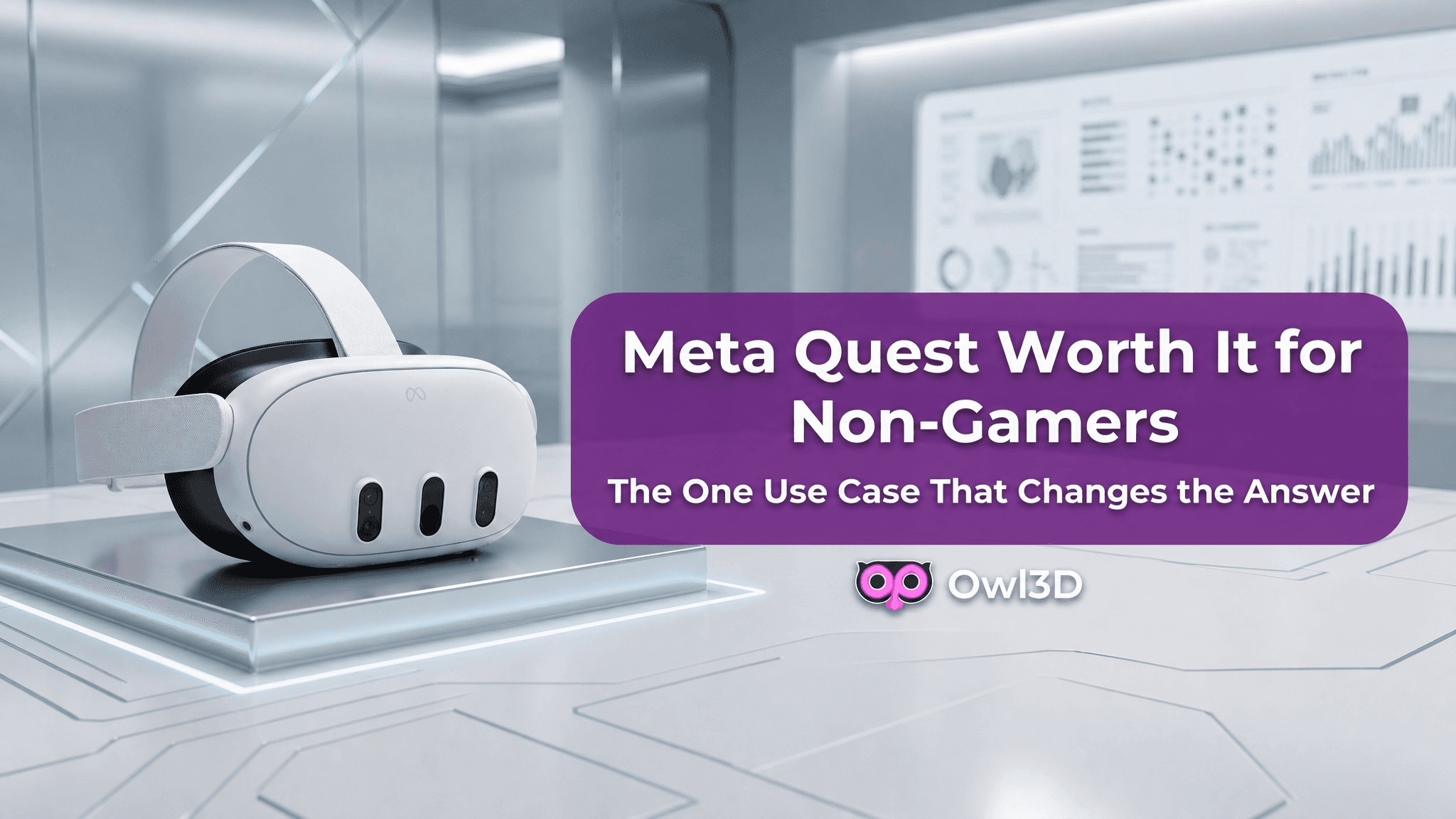
Meta Quest is good for watching movies, but only once you add real-time 3D conversion software. Without it, Meta Quest functions as a VR headset home theater with a large 2D virtual screen — a bigger image than a TV, but not fundamentally different from one. With Owl3D, every movie in your existing library gains frame-accurate 3D depth, making Meta Quest a genuine spatial cinema.
What Meta Quest Does Well as a Home Theater
Meta Quest 3 delivers 2064 × 2208 pixels per eye at 25 PPD — sharp enough that individual pixels are not visible at normal viewing distance. The display runs at up to 120Hz, and battery lasts approximately 2.5 hours on a charge, which covers most feature films.
The core advantage of using Meta Quest as a home theater is isolation: a private, controlled viewing environment with no ambient light interference, no shared screen, and no external distractions. For solo viewing of long-form content, this is a consistent and real benefit that no flat-screen TV can replicate.
Meta Quest also accepts local video files via sideloading. If you have an existing video library on your PC, you can convert and transfer files directly — no streaming subscription required.
Why 2D Content Feels Flat on a VR Headset for Movies
The problem with watching movies on Meta Quest by default is a depth problem, not a hardware problem. Meta Quest 3's displays are fully capable of rendering stereoscopic 3D. The limitation is that nearly all available content — Netflix, YouTube, personal video libraries — was produced in 2D and is delivered in 2D.
Watching 2D content in a VR headset puts it on a larger virtual screen, but it does not use what makes the hardware different from a TV. Your visual system is inside a spatial environment; the content presents no spatial information. Most users describe this as underwhelm: "it feels like a big TV." That disconnect is why many people stop using Meta Quest for movies after the first few sessions.
How Owl3D Turns Meta Quest into a 3D Home Theater
Owl3D is a Windows application that converts any 2D content playing on your PC into 3D in real time, making Meta Quest function as a true VR headset home theater with spatial depth. Owl3D uses a depth estimation AI to analyze each frame individually, compute spatial relationships between objects, and generate accurate per-frame depth. The 3D output streams to Meta Quest via the Owl3D Link app, which is available free from the Meta store.
The practical result: every movie in your existing library — Netflix titles, YouTube videos, personal footage — plays in 3D on Meta Quest without finding or purchasing 3D versions. Owl3D processes video locally on your PC GPU with no upload, no usage caps, and no resolution limit. The frame-by-frame Converter mode outputs up to 8K for stored files.
Setup for Meta Quest home theater with Owl3D takes approximately 10 minutes:
Install Owl3D on a Windows PC (free download): DOWNLOAD
Install Owl3D Link on Meta Quest (free, Meta store)
Open Owl3D on your PC and enable Live 3D
Open Owl3D Link on Meta Quest — your PC screen streams in 3D
Meta Quest vs. a Large TV: Which Is Better for Movies?
Meta Quest with Owl3D and a large TV are not equivalent options for home theater use — they solve different problems.
Meta Quest + Owl3D | Large 4K TV | |
|---|---|---|
3D depth | ✅ Real stereoscopic depth | ❌ Flat image only |
Peak brightness | ~100 nits | 500–1000 nits (OLED/QLED) |
Shared viewing | ❌ Single viewer only | ✅ Multiple viewers |
Setup friction | Moderate (PC + app required) | None |
Content compatibility | Any 2D content converted to 3D | Standard 2D content |
Screen size equivalent | Up to 300" virtual | Fixed physical size |
A large TV wins for casual group watching or bright-room environments. Meta Quest with Owl3D wins for immersive solo viewing — it delivers real stereoscopic 3D depth that no flat-screen display can produce, regardless of screen size or price.
Limitations to Know Before You Decide
Meta Quest home theater use with Owl3D requires a Windows PC running the Owl3D application. The headset alone does not convert 2D to 3D. Owl3D's Live 3D mode requires an active PC connection during playback; the Converter mode processes files independently and saves them for standalone Quest playback.
Battery life on Meta Quest 3 is approximately 2.5 hours, which covers most feature films on a single charge but requires recharging between back-to-back sessions. Some users experience headset discomfort during extended viewing — this varies by head shape and the fit of the headset.
The Verdict: Is Meta Quest Good for Watching Movies?
Meta Quest is a capable VR headset for movies when paired with Owl3D. The combination delivers a private, spatially immersive home theater experience — with real stereoscopic 3D depth — that no flat-screen display can replicate. Without 3D conversion software, Meta Quest is a large 2D virtual screen: functional, but not a meaningful upgrade over a TV for movie watching.
Owl3D is free to download. The free plan covers Live 3D at standard depth quality. Paid plans unlock higher depth quality settings and the frame-by-frame Converter for local video libraries at up to 8K output.
Meta Quest is good for watching movies, but only once you add real-time 3D conversion software. Without it, Meta Quest functions as a VR headset home theater with a large 2D virtual screen — a bigger image than a TV, but not fundamentally different from one. With Owl3D, every movie in your existing library gains frame-accurate 3D depth, making Meta Quest a genuine spatial cinema.
What Meta Quest Does Well as a Home Theater
Meta Quest 3 delivers 2064 × 2208 pixels per eye at 25 PPD — sharp enough that individual pixels are not visible at normal viewing distance. The display runs at up to 120Hz, and battery lasts approximately 2.5 hours on a charge, which covers most feature films.
The core advantage of using Meta Quest as a home theater is isolation: a private, controlled viewing environment with no ambient light interference, no shared screen, and no external distractions. For solo viewing of long-form content, this is a consistent and real benefit that no flat-screen TV can replicate.
Meta Quest also accepts local video files via sideloading. If you have an existing video library on your PC, you can convert and transfer files directly — no streaming subscription required.
Why 2D Content Feels Flat on a VR Headset for Movies
The problem with watching movies on Meta Quest by default is a depth problem, not a hardware problem. Meta Quest 3's displays are fully capable of rendering stereoscopic 3D. The limitation is that nearly all available content — Netflix, YouTube, personal video libraries — was produced in 2D and is delivered in 2D.
Watching 2D content in a VR headset puts it on a larger virtual screen, but it does not use what makes the hardware different from a TV. Your visual system is inside a spatial environment; the content presents no spatial information. Most users describe this as underwhelm: "it feels like a big TV." That disconnect is why many people stop using Meta Quest for movies after the first few sessions.
How Owl3D Turns Meta Quest into a 3D Home Theater
Owl3D is a Windows application that converts any 2D content playing on your PC into 3D in real time, making Meta Quest function as a true VR headset home theater with spatial depth. Owl3D uses a depth estimation AI to analyze each frame individually, compute spatial relationships between objects, and generate accurate per-frame depth. The 3D output streams to Meta Quest via the Owl3D Link app, which is available free from the Meta store.
The practical result: every movie in your existing library — Netflix titles, YouTube videos, personal footage — plays in 3D on Meta Quest without finding or purchasing 3D versions. Owl3D processes video locally on your PC GPU with no upload, no usage caps, and no resolution limit. The frame-by-frame Converter mode outputs up to 8K for stored files.
Setup for Meta Quest home theater with Owl3D takes approximately 10 minutes:
Install Owl3D on a Windows PC (free download): DOWNLOAD
Install Owl3D Link on Meta Quest (free, Meta store)
Open Owl3D on your PC and enable Live 3D
Open Owl3D Link on Meta Quest — your PC screen streams in 3D
Meta Quest vs. a Large TV: Which Is Better for Movies?
Meta Quest with Owl3D and a large TV are not equivalent options for home theater use — they solve different problems.
Meta Quest + Owl3D | Large 4K TV | |
|---|---|---|
3D depth | ✅ Real stereoscopic depth | ❌ Flat image only |
Peak brightness | ~100 nits | 500–1000 nits (OLED/QLED) |
Shared viewing | ❌ Single viewer only | ✅ Multiple viewers |
Setup friction | Moderate (PC + app required) | None |
Content compatibility | Any 2D content converted to 3D | Standard 2D content |
Screen size equivalent | Up to 300" virtual | Fixed physical size |
A large TV wins for casual group watching or bright-room environments. Meta Quest with Owl3D wins for immersive solo viewing — it delivers real stereoscopic 3D depth that no flat-screen display can produce, regardless of screen size or price.
Limitations to Know Before You Decide
Meta Quest home theater use with Owl3D requires a Windows PC running the Owl3D application. The headset alone does not convert 2D to 3D. Owl3D's Live 3D mode requires an active PC connection during playback; the Converter mode processes files independently and saves them for standalone Quest playback.
Battery life on Meta Quest 3 is approximately 2.5 hours, which covers most feature films on a single charge but requires recharging between back-to-back sessions. Some users experience headset discomfort during extended viewing — this varies by head shape and the fit of the headset.
The Verdict: Is Meta Quest Good for Watching Movies?
Meta Quest is a capable VR headset for movies when paired with Owl3D. The combination delivers a private, spatially immersive home theater experience — with real stereoscopic 3D depth — that no flat-screen display can replicate. Without 3D conversion software, Meta Quest is a large 2D virtual screen: functional, but not a meaningful upgrade over a TV for movie watching.
Owl3D is free to download. The free plan covers Live 3D at standard depth quality. Paid plans unlock higher depth quality settings and the frame-by-frame Converter for local video libraries at up to 8K output.