Case Study
Case Study
Meta Quest Content Library Feels Limited — Here's the Reframe
Meta Quest Content Library Feels Limited — Here's the Reframe
|
5
min read
It's a common complaint — and it's pointing at the wrong problem.
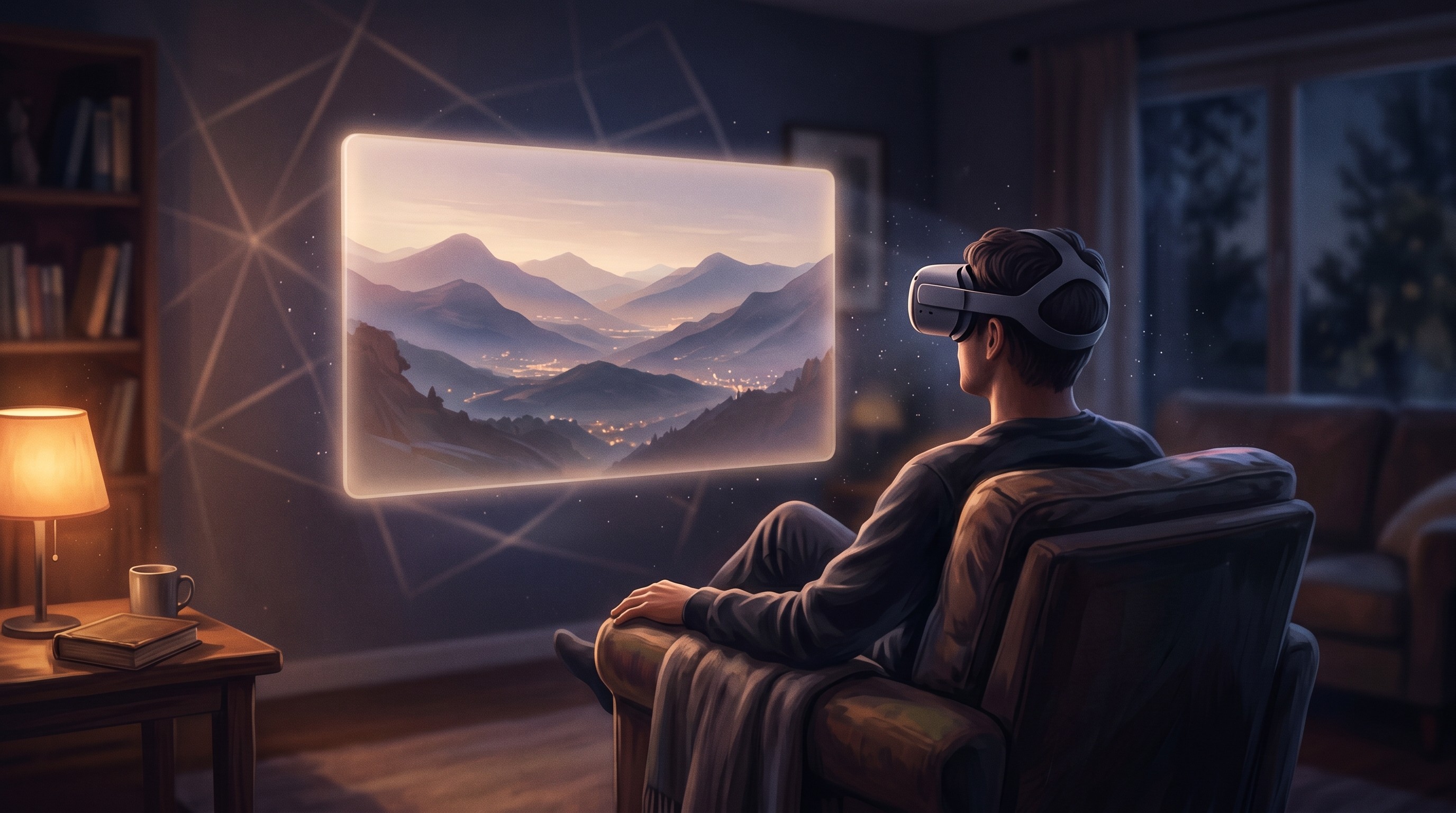
The issue isn't that there's not enough content on Quest. It's that there's almost no native 3D content. And when you're wearing a spatial computing headset, watching flat 2D content feels like a poor fit.
That's the gap. The fix is not finding more content — it's converting what you already have.
What's Actually Happening
When you search for movies on Quest, you're mostly finding 2D content delivered through VR apps. The Meta TV app, YouTube VR, a browser — all of them play flat video on a virtual screen.
Native VR content (180° or 360° video, proper stereoscopic 3D films) exists, but the library is small and growing slowly. Studios don't produce much of it. The few titles available are often short-form or experimental.
So you end up with a powerful spatial computing device, a small catalog of purpose-built VR content, and the rest of your usual entertainment available in a format that doesn't use the headset's capabilities.
The Reframe: You Already Have the Content
Here's what changes the picture: you don't need more content. You need a way to convert the content you already have.
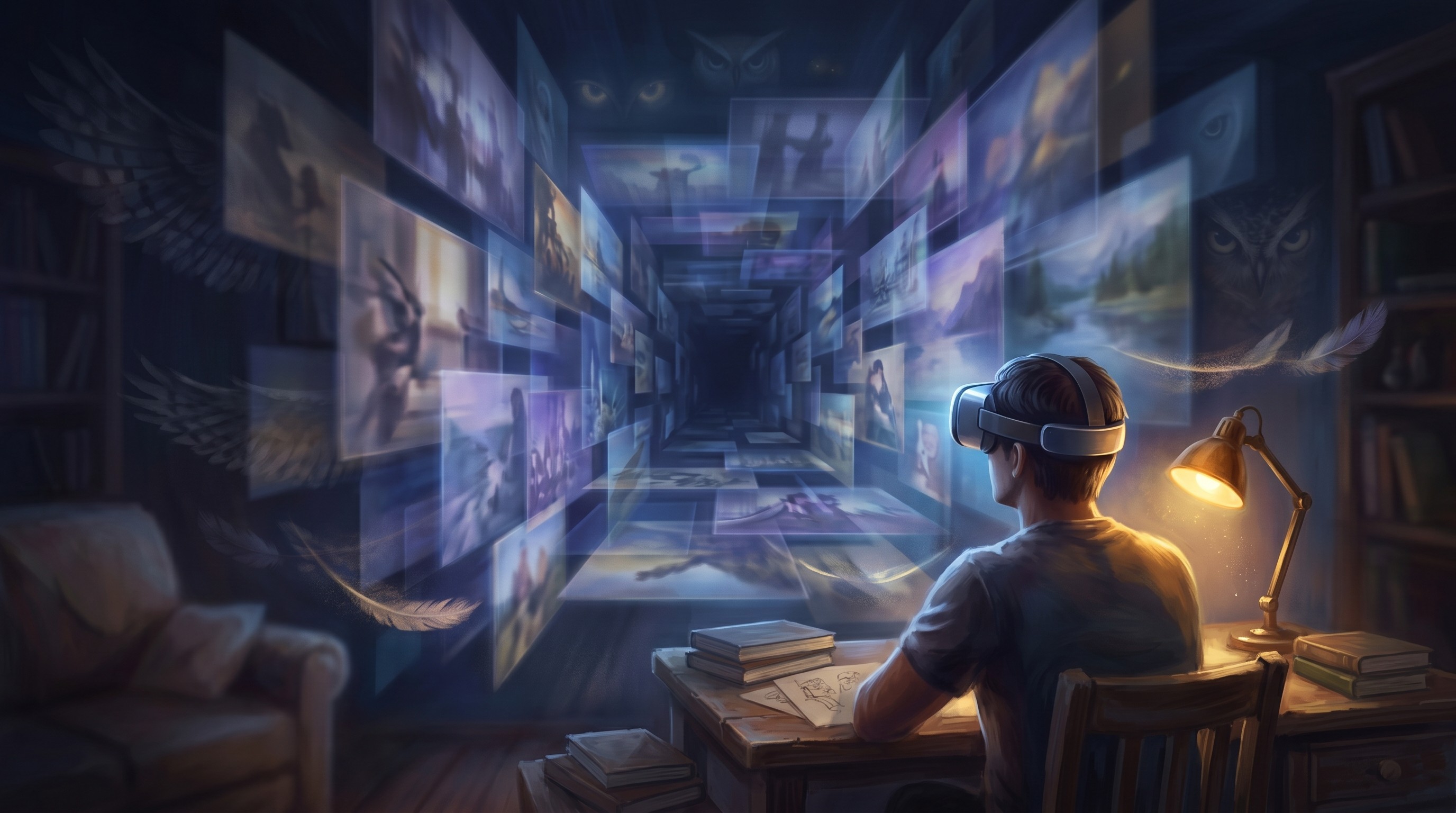
Owl3D is a Windows app that takes any 2D media playing on your PC — Netflix, YouTube, local video files, anything — and converts it to 3D in real time. It runs locally using your PC's GPU, processes each frame individually with a depth estimation AI, and streams the 3D output to your Quest via the Owl3D Link app.
The result: your existing streaming subscriptions and video library become 3D content. Not simulated 3D with an obvious effect — frame-accurate depth that works with the headset's spatial display.
What this unlocks:
Every Netflix title in your region, in 3D
YouTube in 3D, including any video ever uploaded
Your personal video and photo library, converted with up to 8K output
Any local file — including Blu-ray rips — processed frame by frame for higher quality
Why Native 3D Content Stays Small
Even as Quest hardware improves, the native 3D content problem won't solve itself quickly. Producing stereoscopic VR content requires different production workflows, equipment, and distribution pipelines. Most studios aren't restructuring around it.
The more durable solution is conversion: software that takes the enormous existing catalog of 2D content and makes it work in a spatial format. That's what Owl3D does.
Getting Started
Owl3D is free to download. The free plan covers Live 3D — real-time conversion for streaming and any content on your screen. Paid plans unlock higher depth quality settings and the Converter mode for processing local files frame by frame.
Setup:
Install Owl3D on your Windows PC
Install Owl3D Link on your Quest (free, Meta store)
Open Owl3D, enable Live 3D, start watching
The content problem isn't a Quest problem. It's a format problem — and it's solvable today.
It's a common complaint — and it's pointing at the wrong problem.
The issue isn't that there's not enough content on Quest. It's that there's almost no native 3D content. And when you're wearing a spatial computing headset, watching flat 2D content feels like a poor fit.
That's the gap. The fix is not finding more content — it's converting what you already have.
What's Actually Happening
When you search for movies on Quest, you're mostly finding 2D content delivered through VR apps. The Meta TV app, YouTube VR, a browser — all of them play flat video on a virtual screen.
Native VR content (180° or 360° video, proper stereoscopic 3D films) exists, but the library is small and growing slowly. Studios don't produce much of it. The few titles available are often short-form or experimental.
So you end up with a powerful spatial computing device, a small catalog of purpose-built VR content, and the rest of your usual entertainment available in a format that doesn't use the headset's capabilities.
The Reframe: You Already Have the Content
Here's what changes the picture: you don't need more content. You need a way to convert the content you already have.
Owl3D is a Windows app that takes any 2D media playing on your PC — Netflix, YouTube, local video files, anything — and converts it to 3D in real time. It runs locally using your PC's GPU, processes each frame individually with a depth estimation AI, and streams the 3D output to your Quest via the Owl3D Link app.
The result: your existing streaming subscriptions and video library become 3D content. Not simulated 3D with an obvious effect — frame-accurate depth that works with the headset's spatial display.
What this unlocks:
Every Netflix title in your region, in 3D
YouTube in 3D, including any video ever uploaded
Your personal video and photo library, converted with up to 8K output
Any local file — including Blu-ray rips — processed frame by frame for higher quality
Why Native 3D Content Stays Small
Even as Quest hardware improves, the native 3D content problem won't solve itself quickly. Producing stereoscopic VR content requires different production workflows, equipment, and distribution pipelines. Most studios aren't restructuring around it.
The more durable solution is conversion: software that takes the enormous existing catalog of 2D content and makes it work in a spatial format. That's what Owl3D does.
Getting Started
Owl3D is free to download. The free plan covers Live 3D — real-time conversion for streaming and any content on your screen. Paid plans unlock higher depth quality settings and the Converter mode for processing local files frame by frame.
Setup:
Install Owl3D on your Windows PC
Install Owl3D Link on your Quest (free, Meta store)
Open Owl3D, enable Live 3D, start watching
The content problem isn't a Quest problem. It's a format problem — and it's solvable today.